Auto Trading Bots
Why Sniper Bot V2 Keeps Losing: Fix Your Risk Settings
If your sniper bot v2 keeps losing, fix unchecked stop loss boxes, aggressive martingale multipliers, or missing virtual loss buffers with a four-step audit.
Step-by-step setup guides for every free Deriv bot on BinaryBot.live — Sniper V3, Solid, Tick Picker, DualShot, AutoPilot and the Accumulator bot.
Page 1 of 7
If your sniper bot v2 keeps losing, fix unchecked stop loss boxes, aggressive martingale multipliers, or missing virtual loss buffers with a four-step audit.
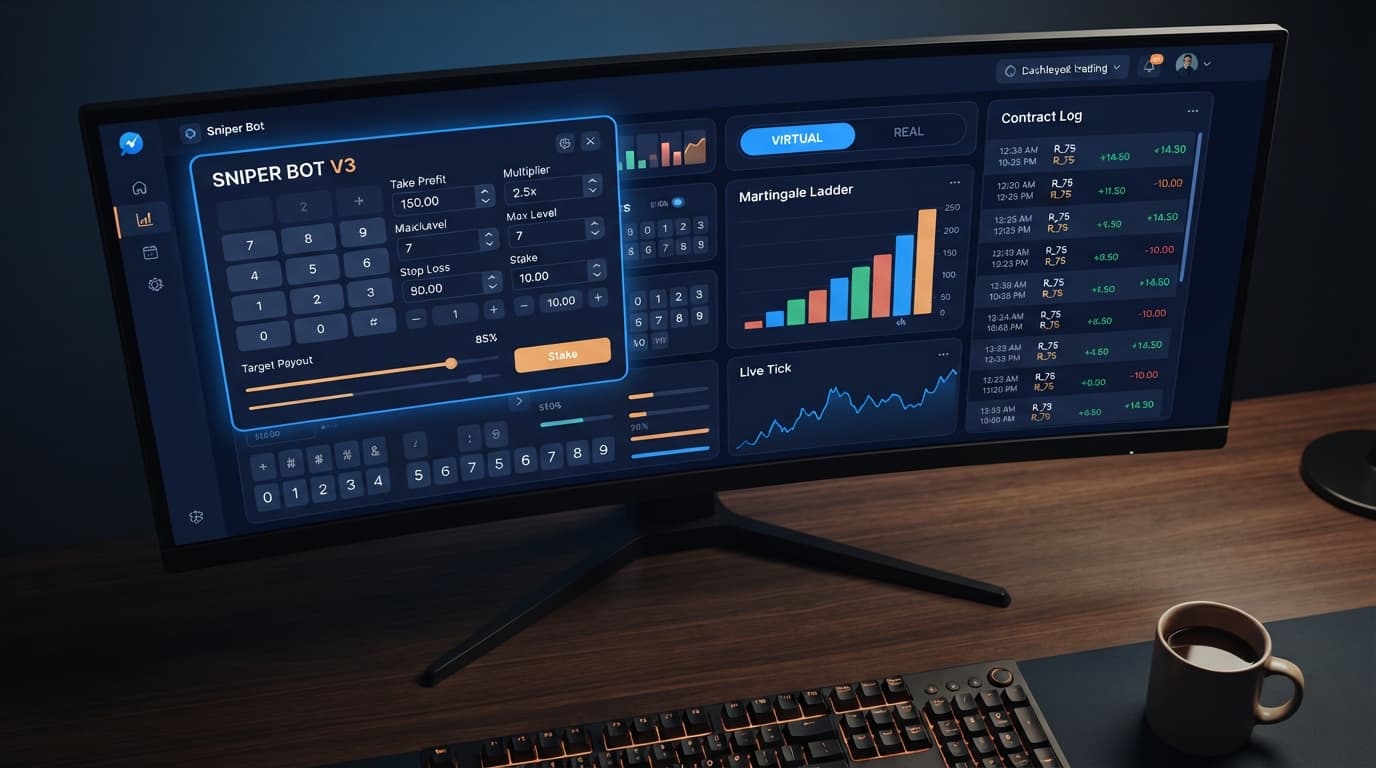
Enter your monetary target into the TARGET PROFIT field on the panel to configure your sniper bot v3 take profit settings and lock in gains.
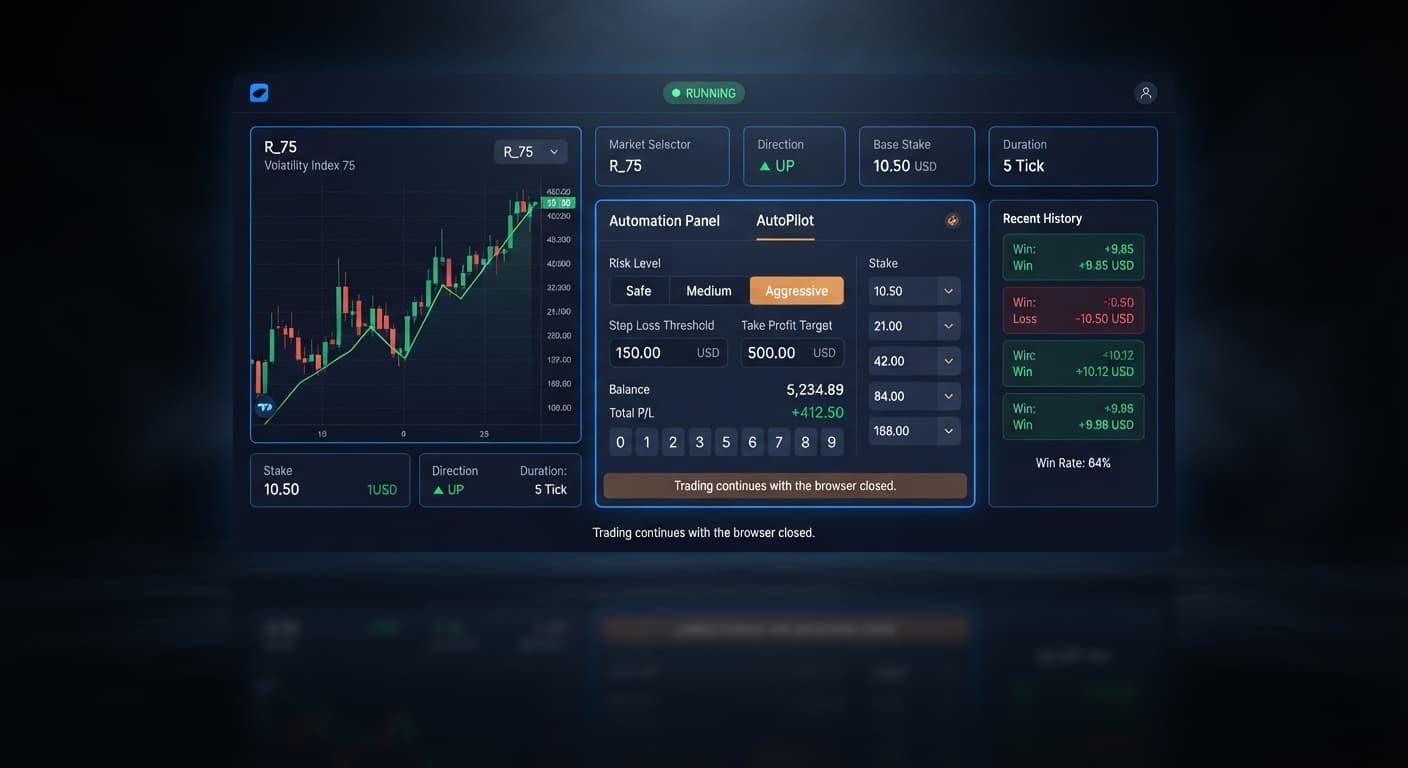
Set your autopilot stop loss setup to 15% to 20% of your account balance and take profit at 5% to 10% for Deriv Rise and Fall trading sessions.
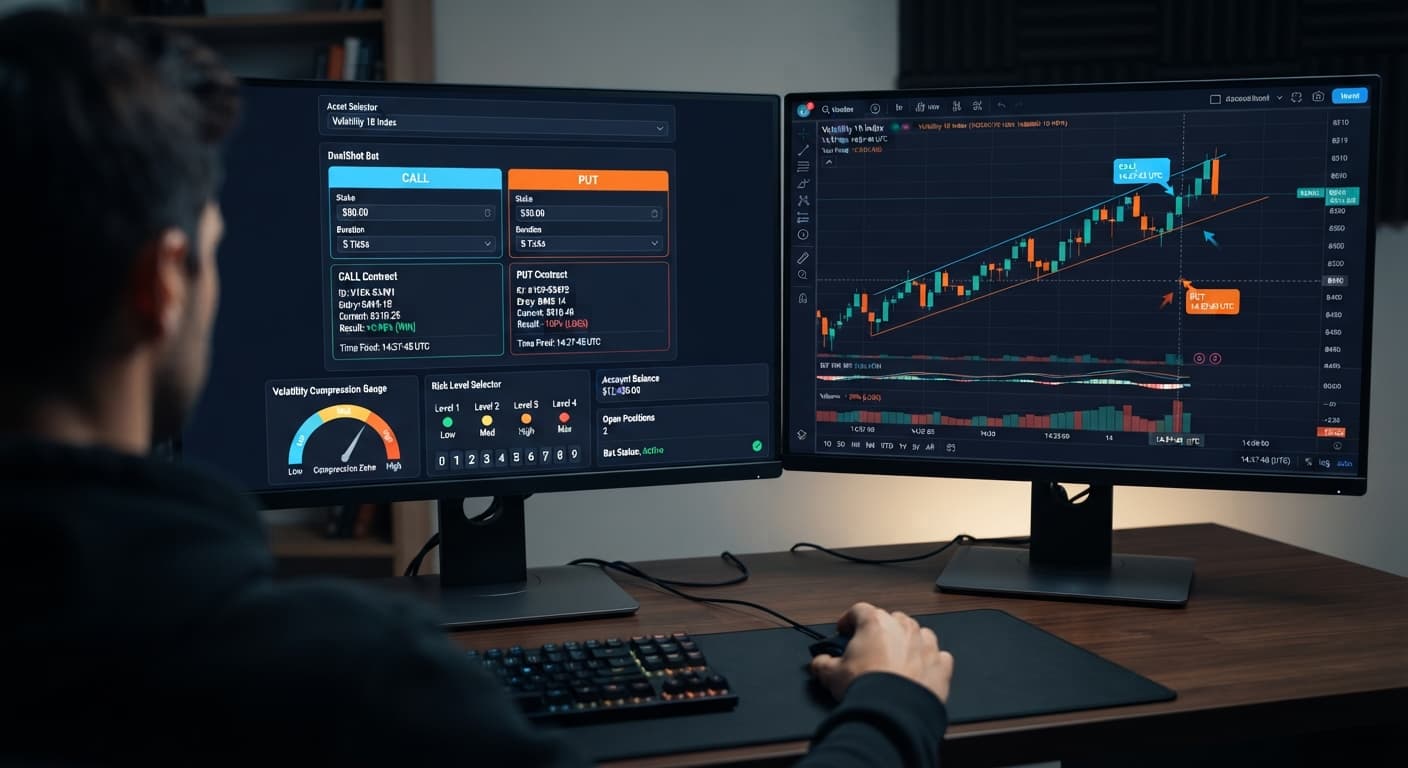
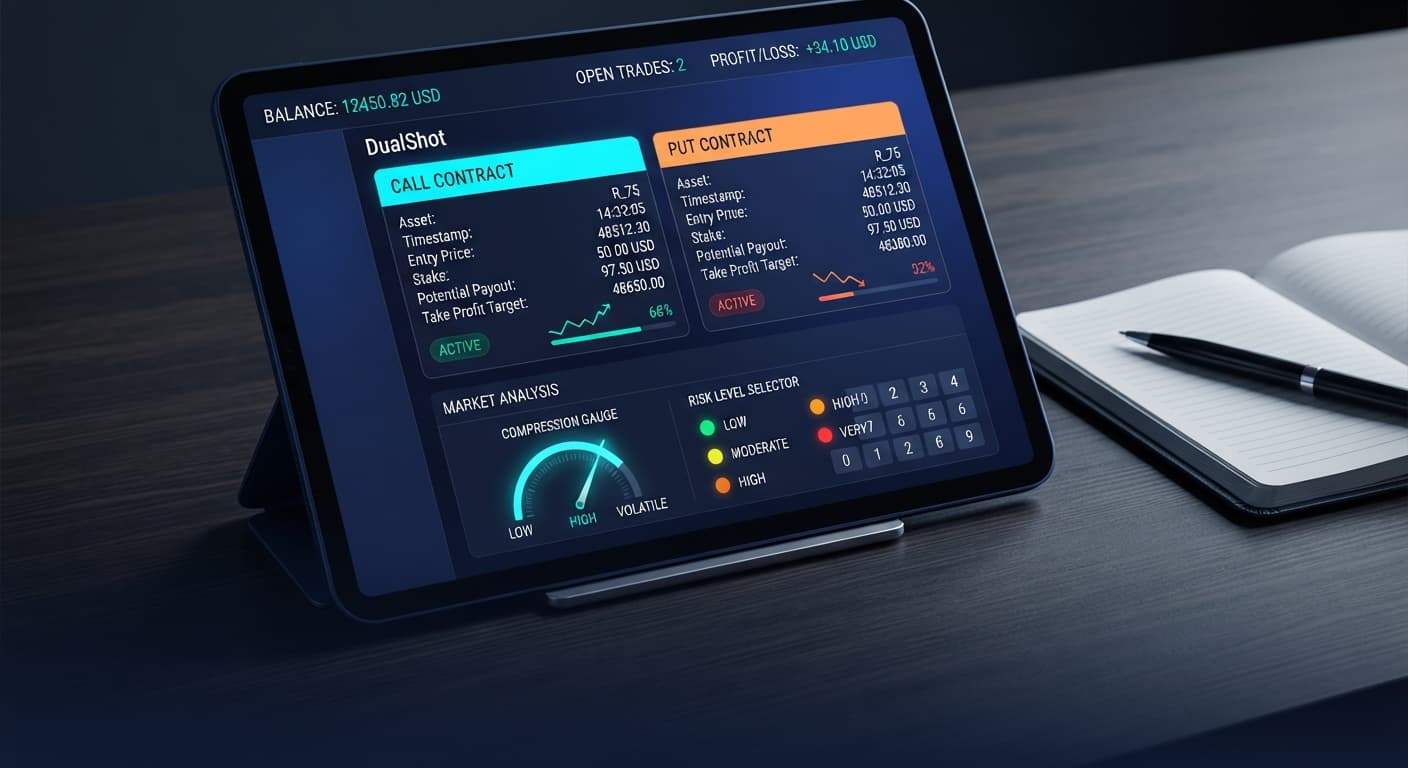
Set Risk Level to Low Risk (Safer) when running dualshot on volatility 10 to catch true expansion breaks and avoid losing stakes on flat market micro-ticks.
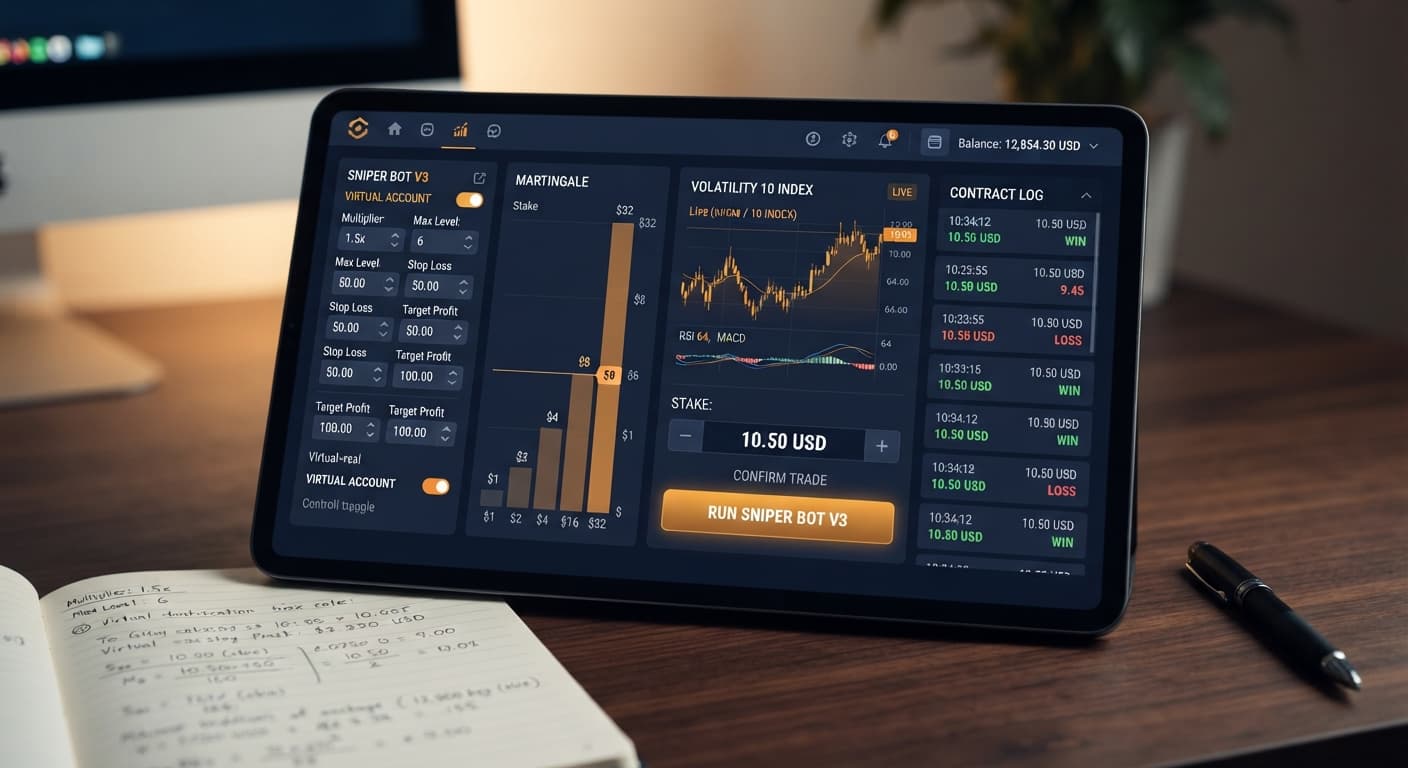
Set VIRTUAL LOSS to 3 when running sniper bot v3 on volatility 10 to filter out choppy price movement and protect your account balance from flat ticks.
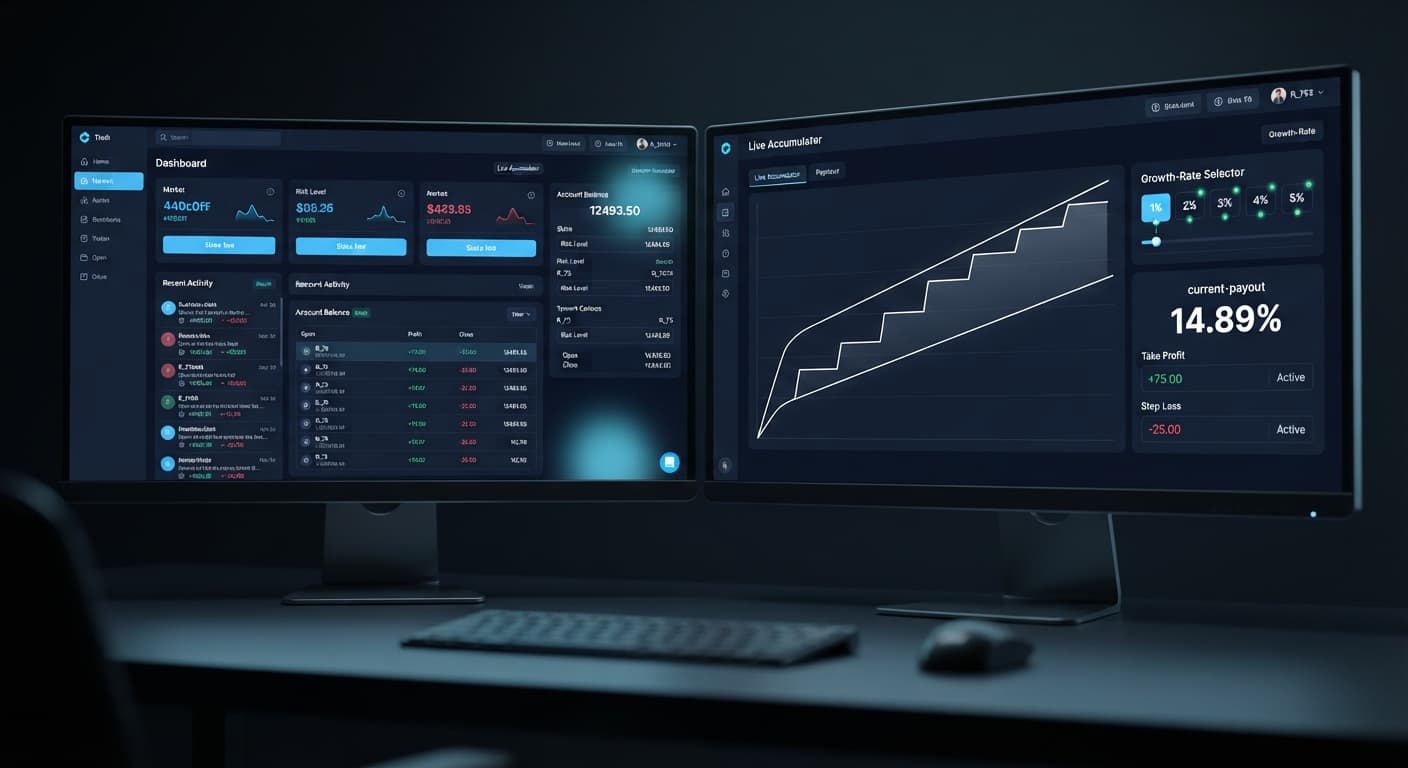
Choose between accumulator bot vs autopilot by comparing tick-by-tick compound growth on ACCU contracts to automated multi-market execution rules.
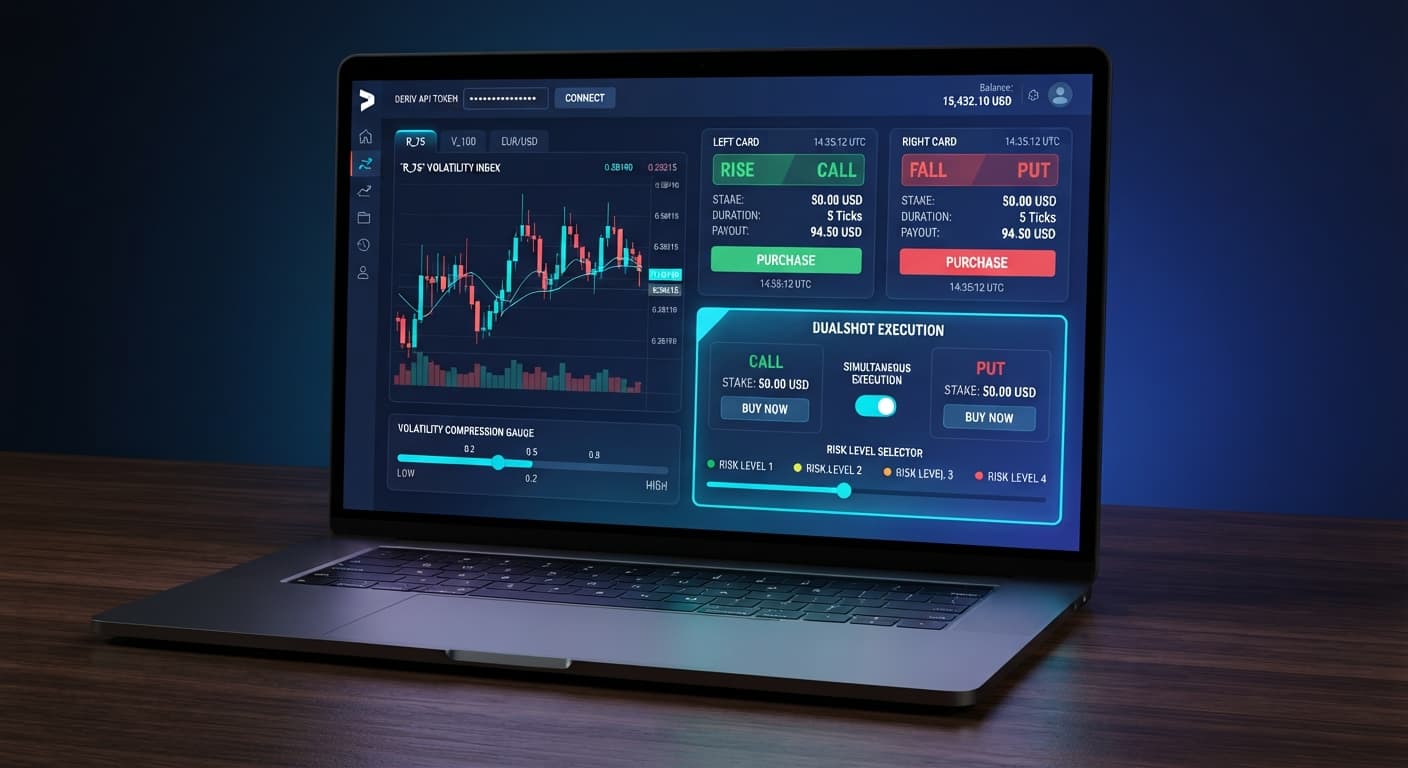
Configure dualshot take profit settings on BinaryBot.live. Learn how to manage risk for automated deriv simultaneous CALL and PUT trades. Try our free bot.
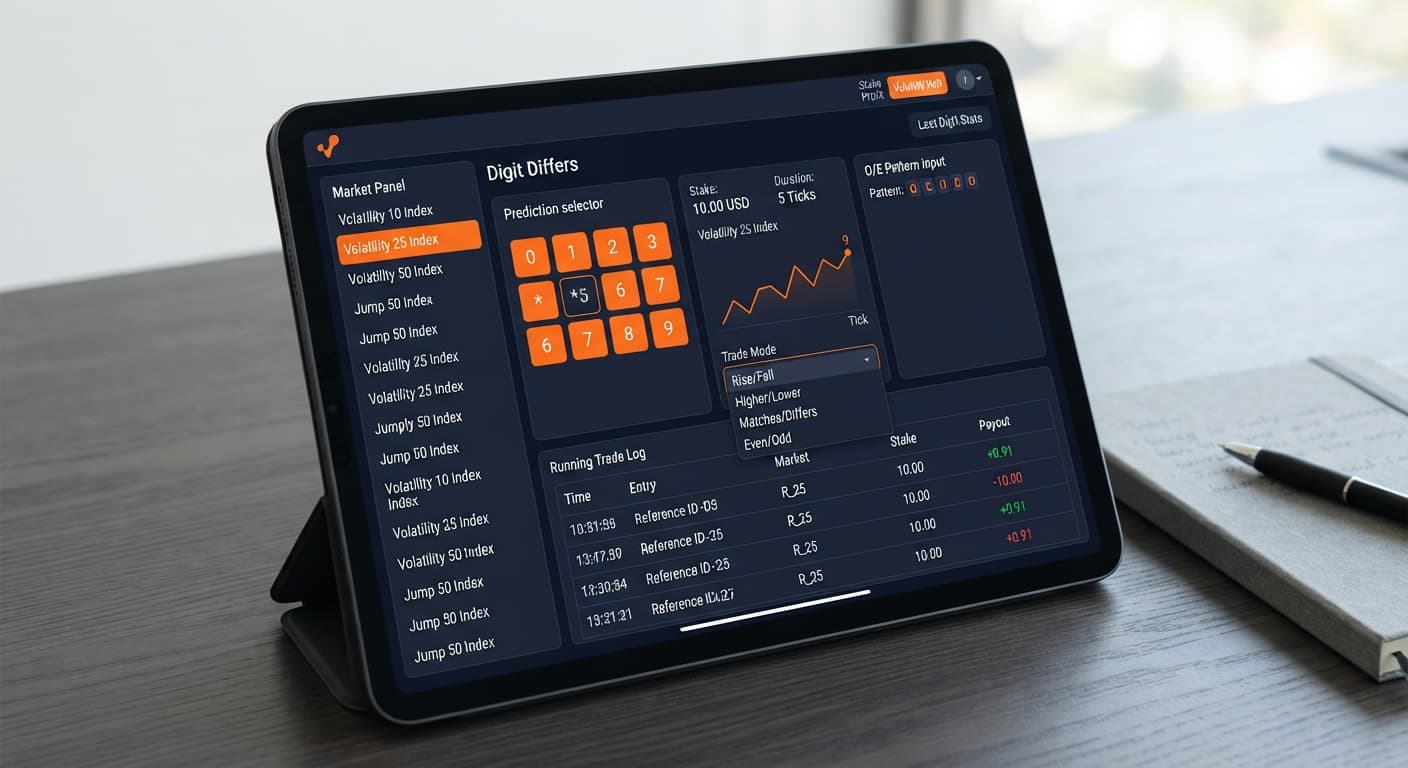
Build a solid trading bot on volatility 25 using Deriv digit differs. Follow this step-by-step setup guide for free binary bots. Start testing today.
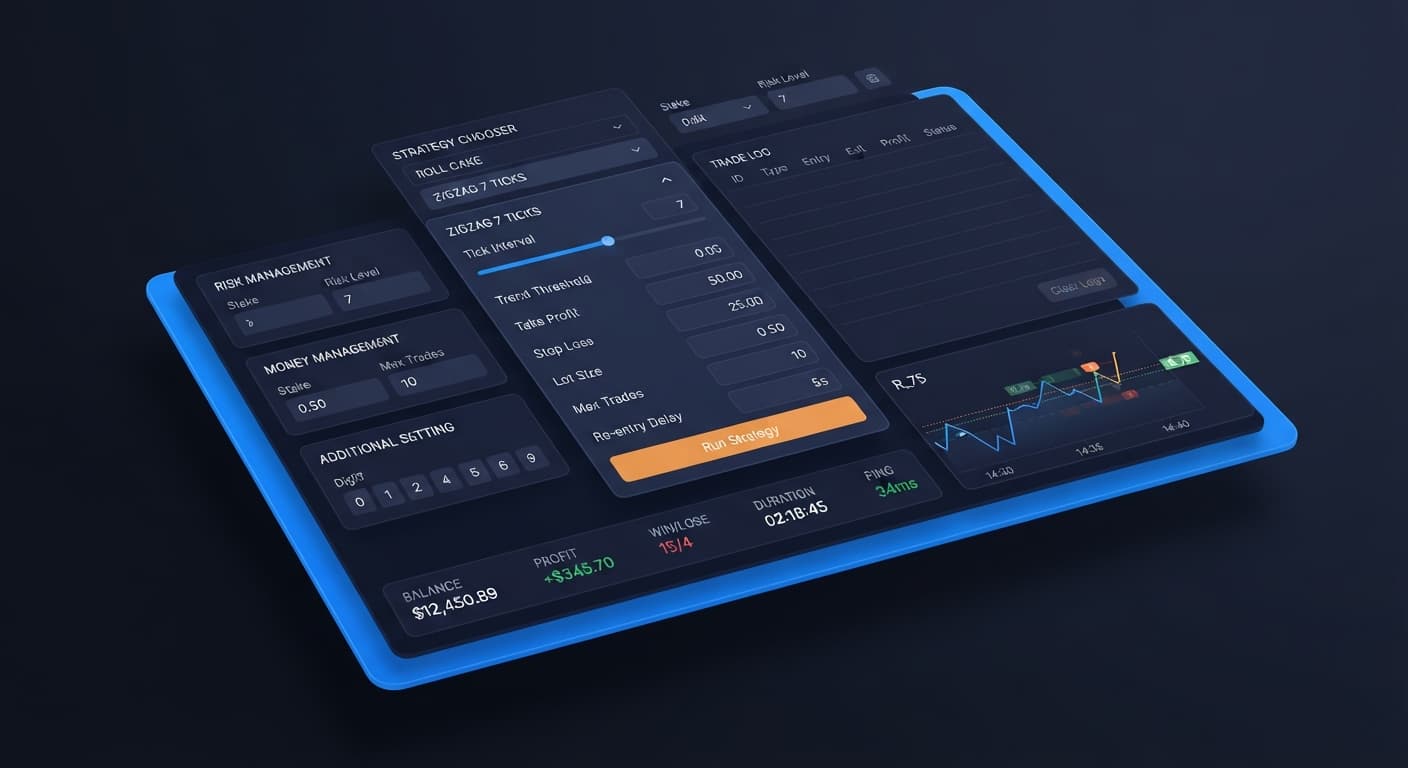
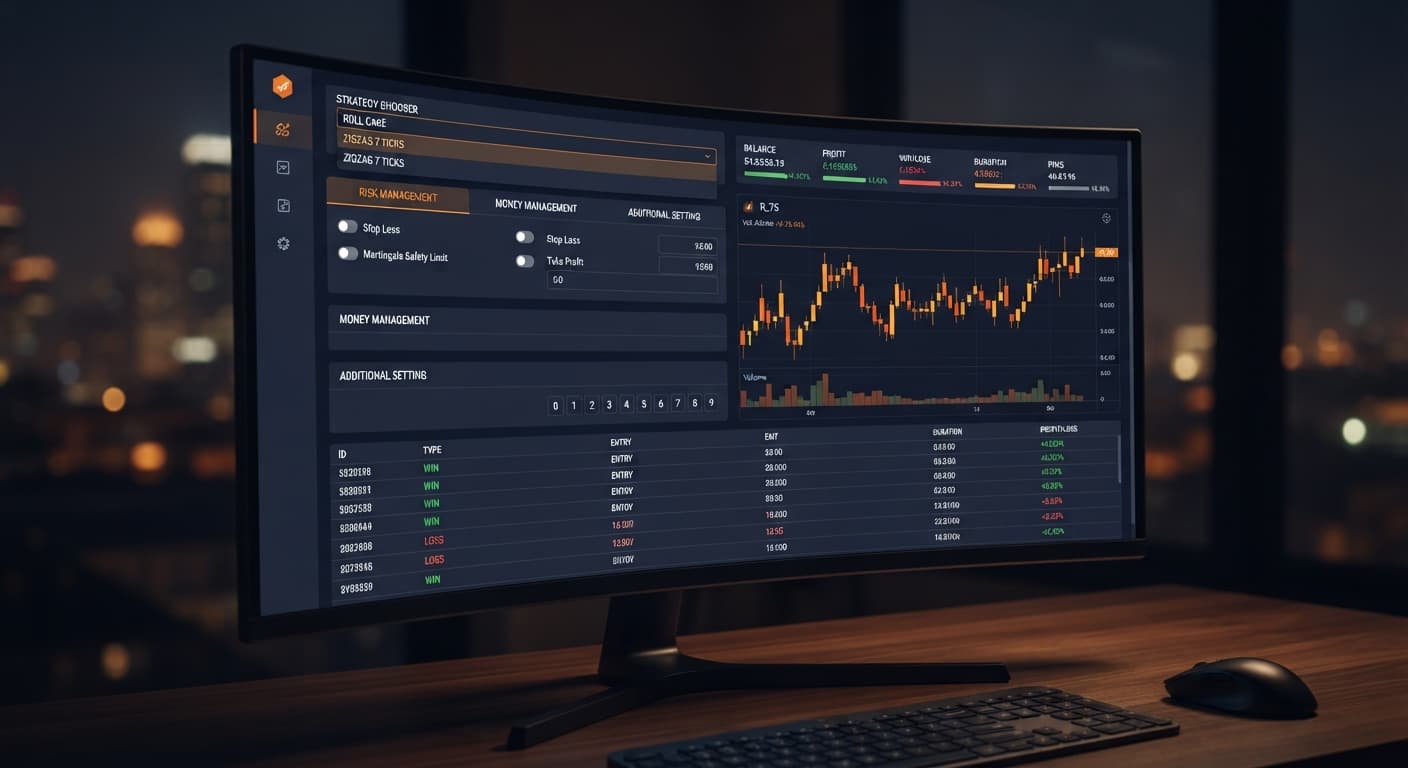
Is your sniper bot v2 not working on Volatility Indices? Fix empty trade logs and resolve ZIGZAG 7 TICKS pattern issues. Read our troubleshooting guide.
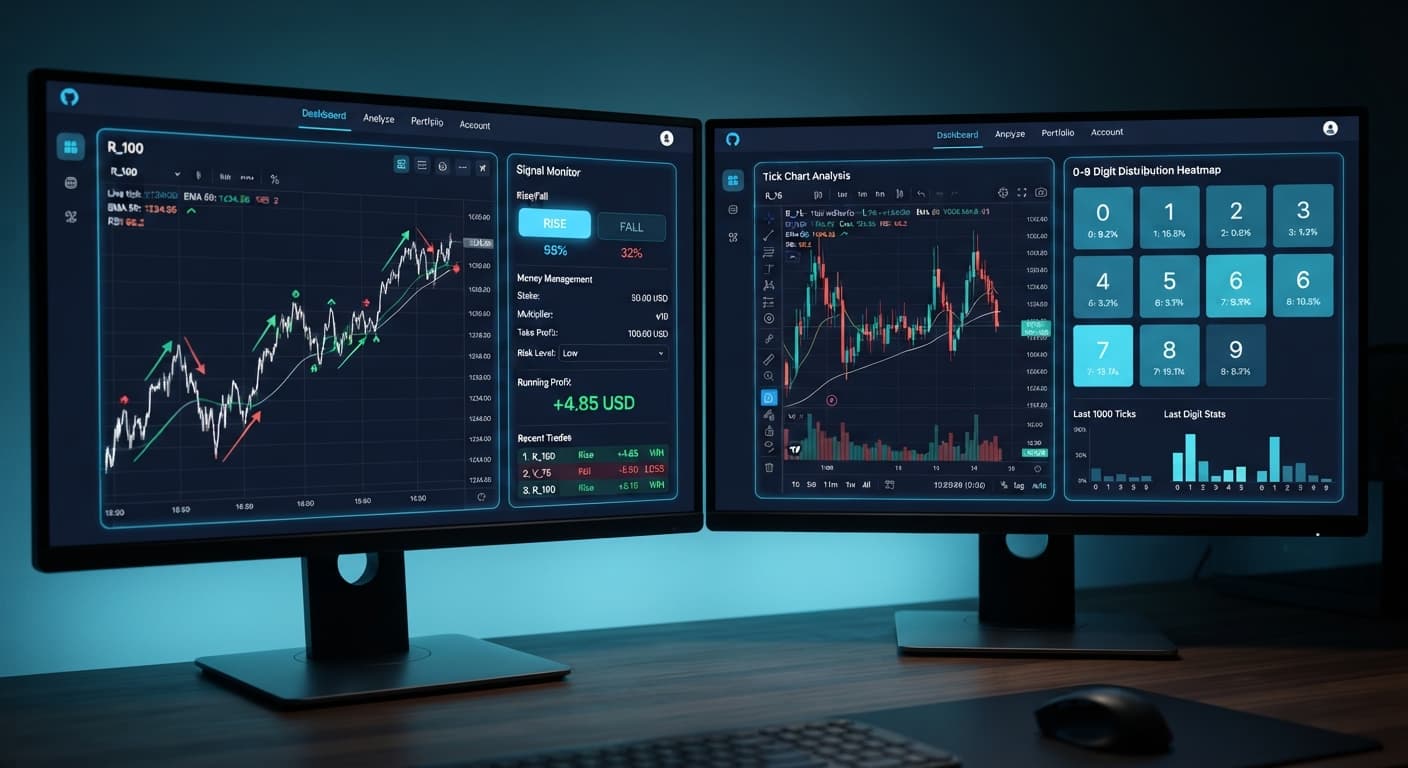
Compare tick picker vs digit pad strategies on BinaryBot.live. Learn how to use tick chart analysis and digit distribution in your free deriv bot setup.
Complete dualshot api token setup guide for BinaryBot.live. Learn to connect your Deriv token and execute 2 simultaneous trades using a free deriv bot.
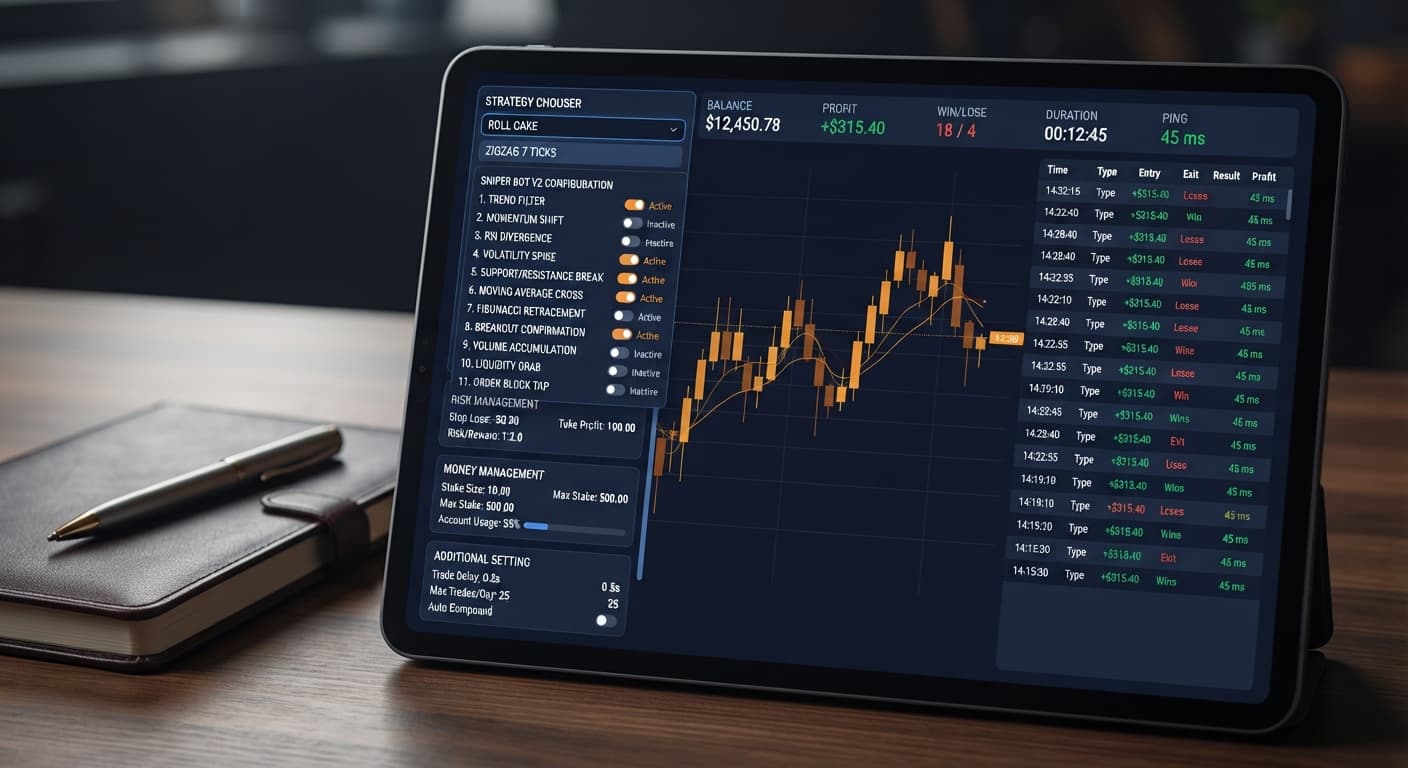
Follow this sniper bot v2 deriv bots guide to configure eleven distinct strategies on BinaryBot.live. Start your automated trading bot setup today.
BinaryBot.live has ten free tools, and every one of them trades on your own Deriv account through an API token you create. Nine place trades automatically. Digit Pad is the exception: it's a manual trade pad with live digit stats. None of them needs a download, and no money passes through BinaryBot.live.
| Bot | What it trades | Markets | Stake and risk controls | Where it runs |
|---|---|---|---|---|
| Sniper Bot V3 | Rise/Fall, Higher/Lower, Touch/No Touch, Even/Odd, Digit Differs | Volatility and 1s indices | Fixed Stake, Martingale, Anti-Martingale, Fibonacci, D'Alembert, % of Balance; virtual loss filter | Browser |
| Sniper Bot V2 | 11 named strategies across Rise/Fall, Higher/Lower, Touch/No Touch, Digit Differ, Even/Odd and Over/Under | Volatility and 1s indices | Martingale that starts after a set number of real losses; virtual token | Browser |
| Solid Trading Bot | Digit Differs, Even/Odd, Over/Under, Rise/Fall | Volatility, 1s and Jump indices | Start Stake, Target Profit, Stop Loss | Browser |
| Tick Picker | Rise/Fall from tick trend signals | Volatility and 1s indices | Fixed Stake, Martingale, Mesamilano | Browser |
| DualShot | A CALL and a PUT fired at the same time | Synthetic indices | Stake, four Risk Levels | Browser |
| AutoPilot | Rise/Fall | Volatility indices | Martingale progression, Safe/Medium/Aggressive Risk Level, Take Profit, Stop Loss | Deriv's servers, keeps running with the browser closed |
| Accumulator Bot | Accumulator contracts | Volatility indices | Growth Rate 1% to 5%, take profit, target profit, stop loss | Browser |
| LDP Analyzer Pro | Digit Differs, Digit Match, Even/Odd, Over/Under, Rise/Fall | Volatility 10 to 100 and 1s | Risk Level (1.5x, 2x, 2.5x), Take Profit, Stop Loss | Browser, with a server-side AutoPilot option |
| LDP Analyzer | Digit Differs, Digit Match, Even/Odd, Over/Under | Volatility 10 to 100 and 1s | Stake, stop loss, take profit | Browser |
| Digit Pad | Digit Differs and Even/Odd, placed by hand | R_10 to R_100, all at once | Stake | Browser, manual |
If a bot connects but nothing happens, work through why a Deriv bot isn't placing trades.
Yes. All ten are free to use, and BinaryBot.live doesn't ask you to register. The only money involved is what you stake on your own Deriv account.
No. These bots aren't XML files for Deriv's own bot builder. They're web pages that connect to Deriv with your API token, so there's nothing to download or import.
No. The bots only need a token with the Read and Trade scopes, and moving money needs the Payments scope, which you never grant. You can delete the token in your Deriv settings whenever you like.
AutoPilot. It runs on Deriv's server-side Automation API, so it keeps trading after you close the tab or your device sleeps. LDP Analyzer Pro's AutoPilot option works the same way.