Auto Trading Bots
Solid Trading Bot vs Sniper Bot v3 (2026)
Solid trading bot vs sniper bot v3: choose Solid for Jump index support and pattern filters, or Sniper Bot V3 for rapid digit entries.
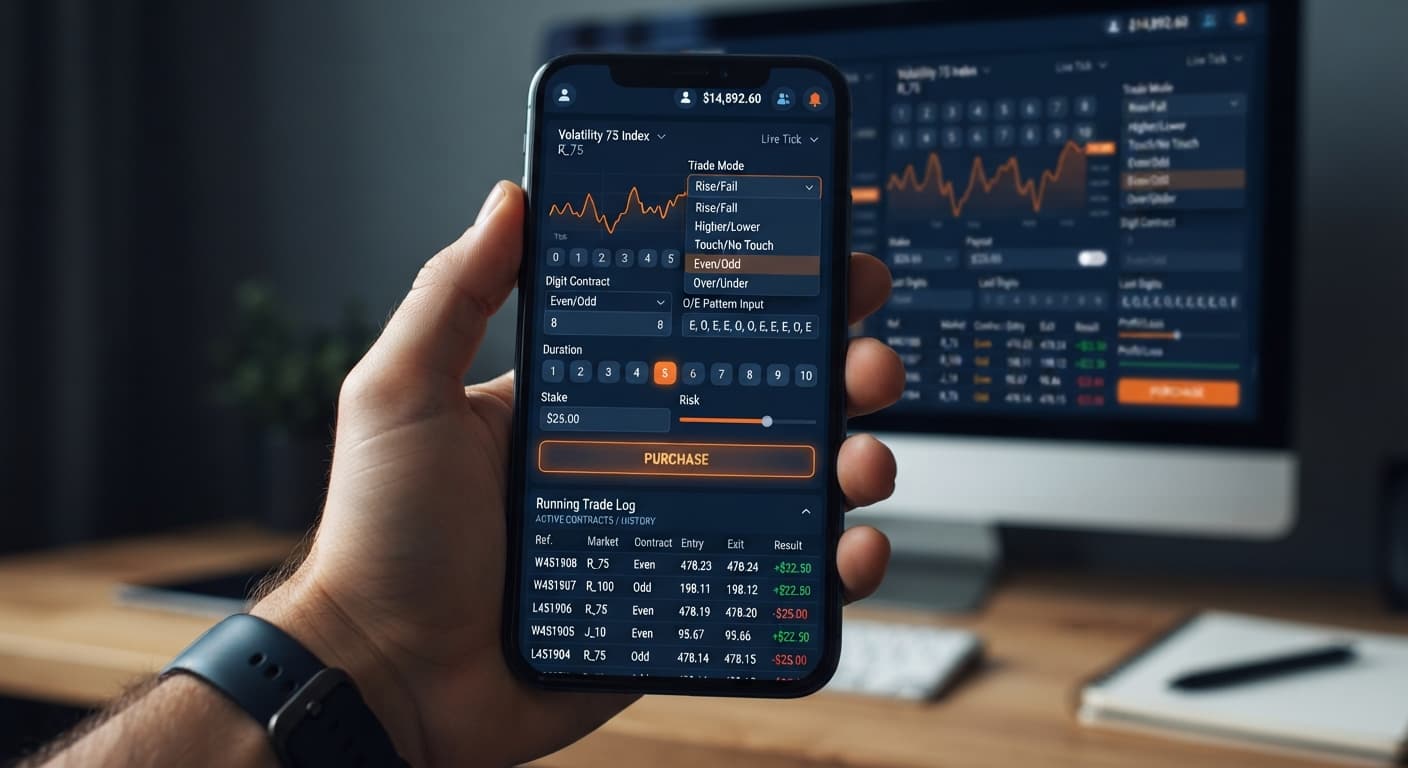
If you're searching for the solid trading bot best time to trade Digit Differs contracts, the direct answer is that traditional financial session times don't apply. Deriv synthetic indices run on continuous computer algorithms 24 hours a day, 7 days a week, so 2:00 PM behaves identically to 2:00 AM. The real solid trading bot best time to trade isn't a clock hour—it's when you configure entry triggers using the Pattern (O=Odd, E=Even) setting to space out trades after specific digit runs, paired with a controlled Tick Duration — 1 to 10 ticks setting.
Understanding how to time automated digit execution keeps your session structured and prevents you from overtrading during volatile tick runs.
A common myth among beginners using deriv bots is that trading during the London or New York market opens improves win rates on synthetic digit contracts. Real assets like EUR/USD or gold experience spikes in liquidity and price movement when major financial centers open. Synthetic indices—like the Volatility 75 Index or Jump 50 Index—don't trade real-world assets. They're generated by cryptographically secure pseudo-random number generators.
Every tick generated by Deriv is an independent event. The last digit of a tick doesn't remember the previous digit, nor does it care what time zone you're sitting in. When you deploy Solid Trading Bot, looking for a specific hour of the day won't alter the underlying probability of the numbers.
What you can control is execution pacing. Instead of letting the bot fire a contract on every single tick, you use filters to pace your entries. When traders discuss the solid trading bot best time to trade, they're really talking about waiting for micro-sequences—like three consecutive odd numbers—before placing a trade. This entry delay doesn't change the random math of the next tick, but it controls your exposure speed and keeps your bankroll from suffering rapid back-to-back losses during brief connection drops or bad runs.
When running Digit Differs on automated tools, your execution log will look steady right up until it doesn't. Because a Digit Differs trade wins whenever the last digit misses the barrier, your win rate per trade feels high.
Here is how a standard session unfolds on your screen:
If you let binary bots trade continuously without entry conditions, you expose your account to rapid trade frequency. Using pattern pacing forces the bot to wait for specific tick sequences before executing, giving you time to evaluate session drawdown rather than firing fifty contracts a minute.
You can't trade digit options responsibly without looking at the exact numbers. Digit Differs pays out when the final digit of the selected market index does not match the barrier digit. Since there are ten possible digits (0 through 9), nine outcomes win and one outcome loses.
Let's calculate the break-even math on a standard contract:
Now, let's look at the true statistical probability:
To find your required break-even win rate, divide the potential loss by the total payout:
Break-Even Win Rate = Stake / (Net Profit + Stake)
Break-Even Win Rate = $10.00 / ($0.99 + $10.00)
Break-Even Win Rate = $10.00 / $10.99 = 90.99%
The true mathematical probability of winning a fair 1-in-10 digit draw is 90.00%, but your break-even requirement is 90.99%. That difference of 0.99% represents the house edge built into the payout structure.
No time of day, entry filter, or pattern sequence changes this mathematical reality. Over hundreds of trades, the house edge stays fixed. This is why automated filters aren't a secret key to infinite profits—they're tactical controls designed to limit total trade exposure per session.
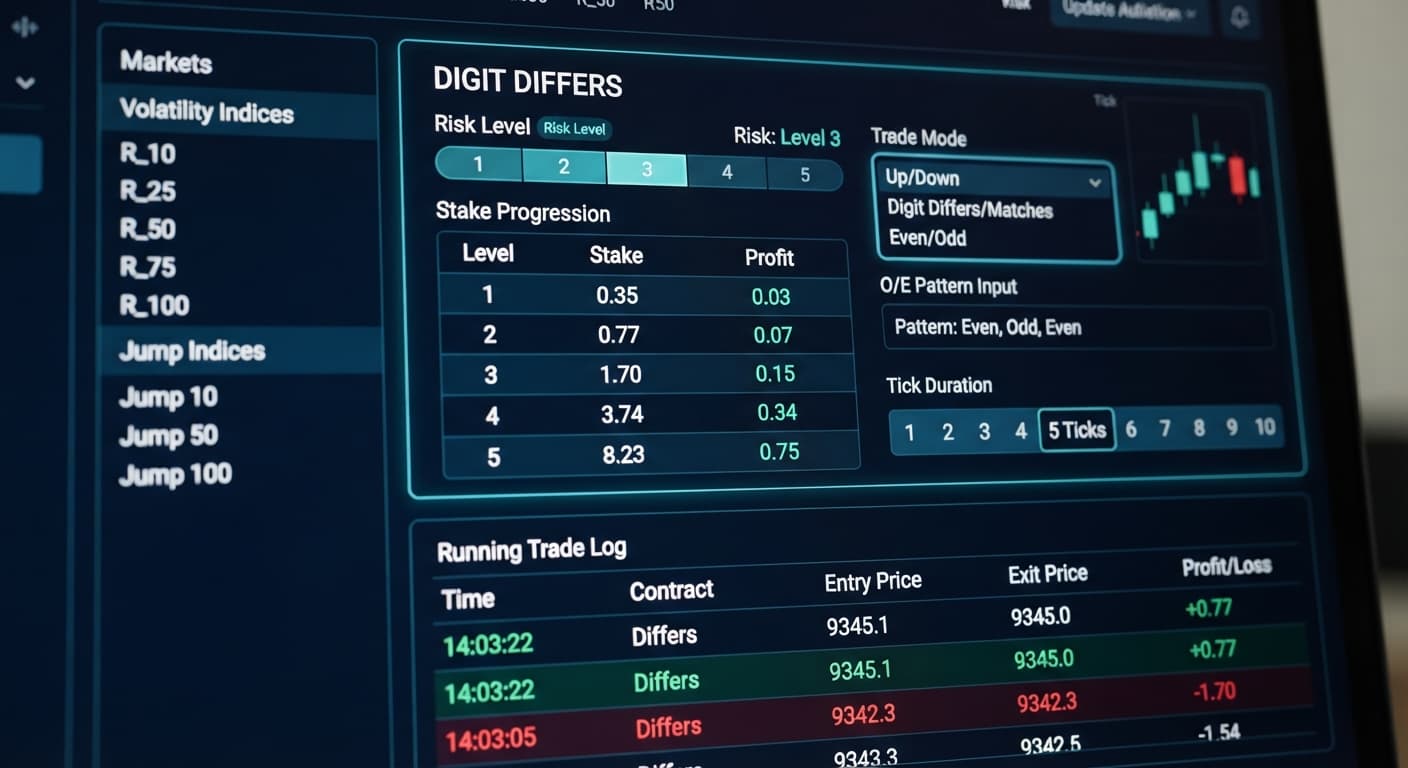
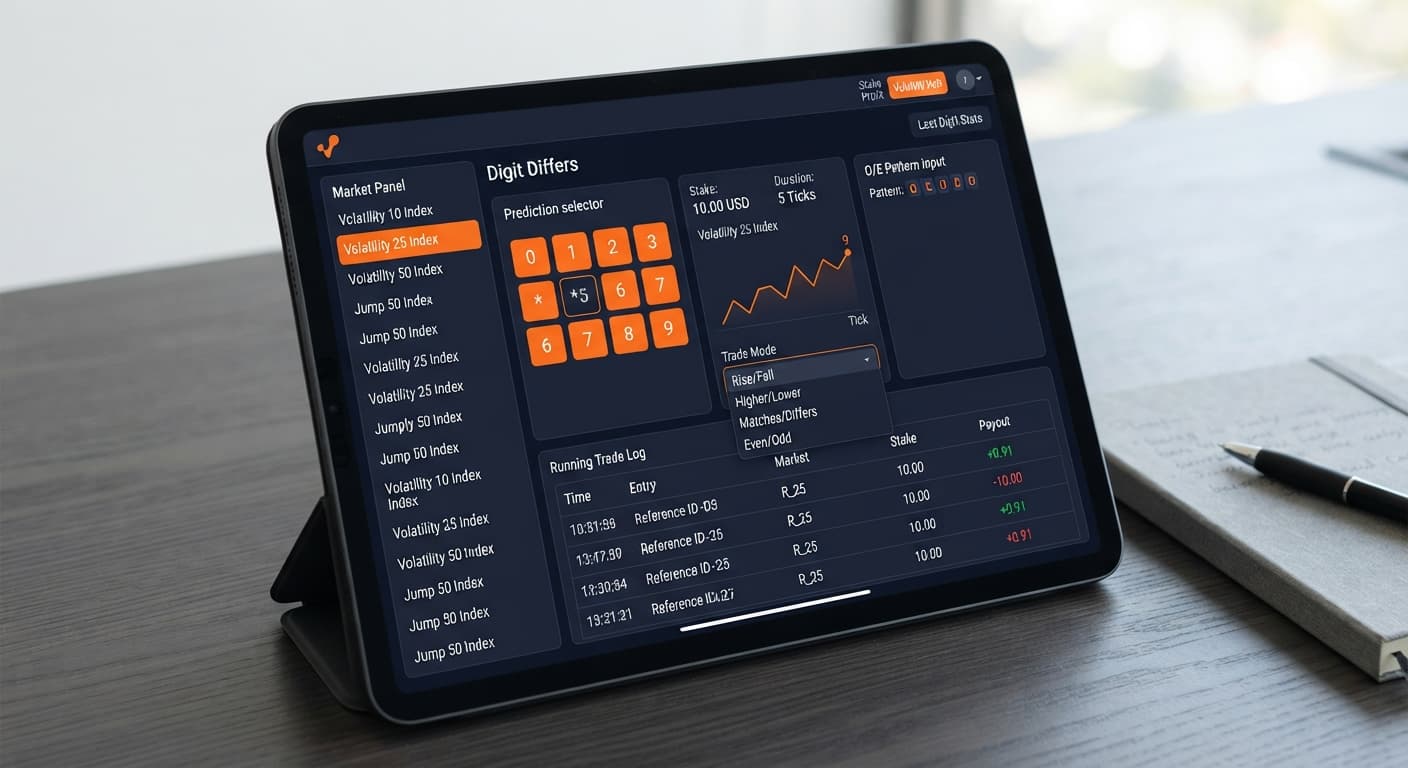
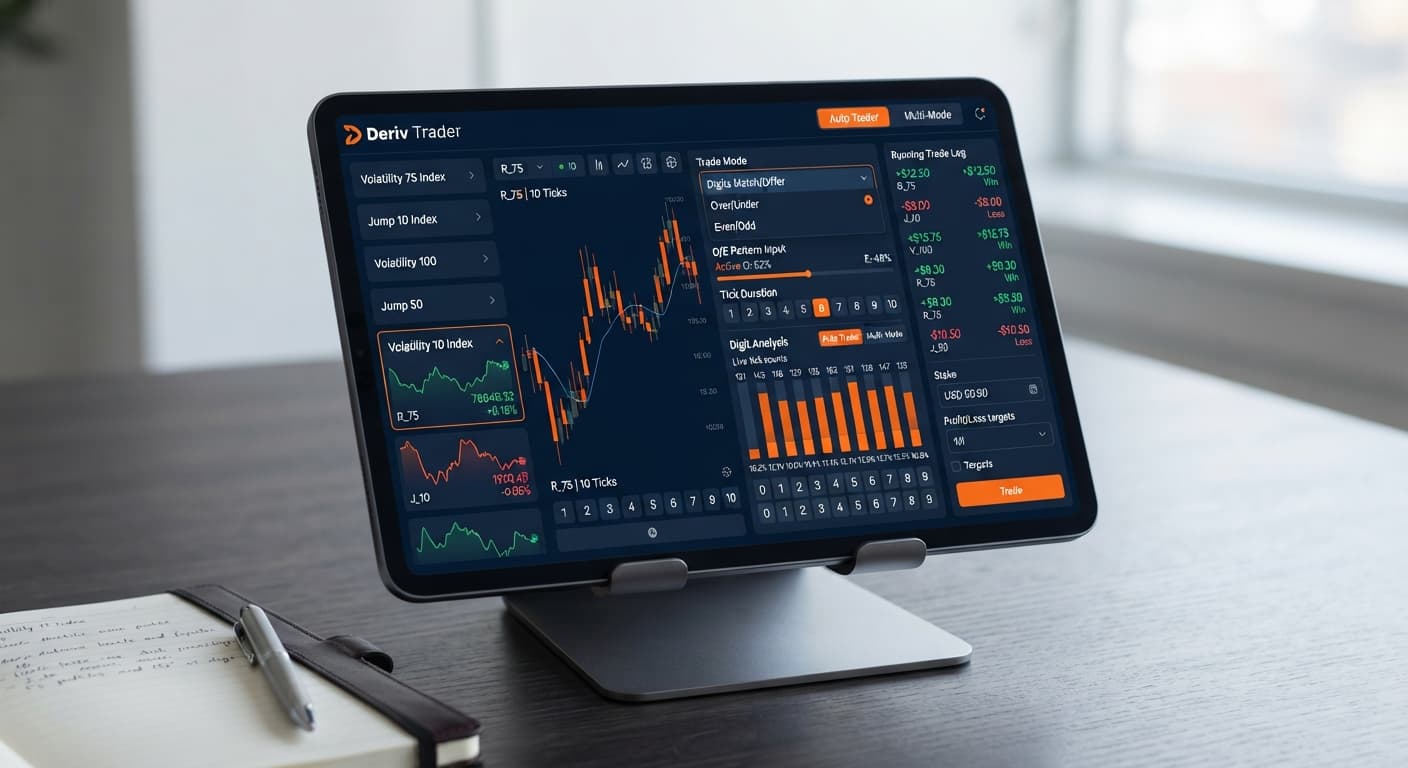
To configure entry pacing correctly, you need to use the exact parameters built into the bot interface. Navigate to Solid Trading Bot and review the settings panel.
| Control Name | Purpose in Digit Differs Trading | Recommended Baseline |
|---|---|---|
| Market Index | Selects the synthetic asset to monitor | Volatility 100 Index or Jump 25 Index |
| Trade Mode | Sets the underlying contract type | Digit Differs |
| Pattern (O=Odd, E=Even) | Delays trade execution until sequence matches | OOO or EEE |
| Start Stake ($) | Defines the base dollar amount per contract | 1% to 2% of session balance |
| Tick Duration — 1 to 10 ticks | Sets contract length from entry to evaluation | 1 tick |
| Target Profit ($) | Automatically stops bot when profit goal is reached | 5% of session balance |
| Stop Loss ($) | Automatically stops bot to cap max drawdown | 15% of session balance |
Open the Market Index menu. Select an index with consistent tick updates, such as Volatility 100 Index or Volatility 10 (1s) Index. If you prefer higher variance, select Jump 100 Index.
In the Trade Mode dropdown, select Digit Differs. This tells the bot to place DIGITDIFF contracts via the Deriv WebSocket API.
Locate the Pattern (O=Odd, E=Even) field. Type OOO into the box. This forces the bot to watch incoming market ticks and wait until three odd digits appear in a row before placing a trade. Set Tick Duration — 1 to 10 ticks to 1 tick for immediate contract resolution.
Enter your base trade value into Start Stake ($)—for example, $5.00. Set your Target Profit ($) to $10.00 and your Stop Loss ($) to $25.00. These hard risk limits ensure the bot halts automated execution the moment either target is hit.
Pattern-paced digit trading isn't for everyone. Knowing whether this approach fits your trading style keeps you from burning capital on automated systems.
Before loading real funds into any strategy, explore the wide selection of tools in the free Deriv bot library and practice running configurations on a virtual account.
Test your entry filters on Solid Trading Bot using a demo balance first.
If you don't have a practice account yet, create a free Deriv account.
Trading involves risk. Past performance does not guarantee future results.
Related: Is Solid Trading Bot Safe: Digit Differs Strategy Guide
Related: Build a Solid Trading Bot on Volatility 25 for Deriv
Advanced automated digit trading bot for Deriv with 9 trading strategies including Digit Differs, Odd/Even, Over/Under, Rise/Fall and Higher/Lower.
Open Solid Trading Bot →Clock hours don't matter because Deriv synthetic indices run 24/7 on random algorithms, meaning 2:00 PM behaves just like 2:00 AM. Instead of watching the clock, the best time to trade with the Solid Trading Bot is when you set up entry triggers to space out your trades.
No, that's a common myth among beginners. Synthetic indices don't trade real-world assets and aren't affected by major financial center openings because they are generated by cryptographically secure random number generators.
You can control your exposure speed by configuring entry triggers using the Pattern setting to space out trades after specific digit runs, paired with a controlled Tick Duration of 1 to 10 ticks. This setup stops the Solid Trading Bot from firing a contract on every single tick.
Digit Differs payouts are small relative to the stake, meaning a single loss deducts your full stake amount. When loss clusters happen, just a couple of losses can wipe out dozens of previous wins in seconds.
Guides closest to this one.
Solid trading bot vs sniper bot v3: choose Solid for Jump index support and pattern filters, or Sniper Bot V3 for rapid digit entries.
No automated script is inherently safe, but its risk depends on your configuration parameters and strict equity controls.
Build a solid trading bot on volatility 25 using Deriv digit differs. Follow this step-by-step setup guide for free binary bots. Start testing today.