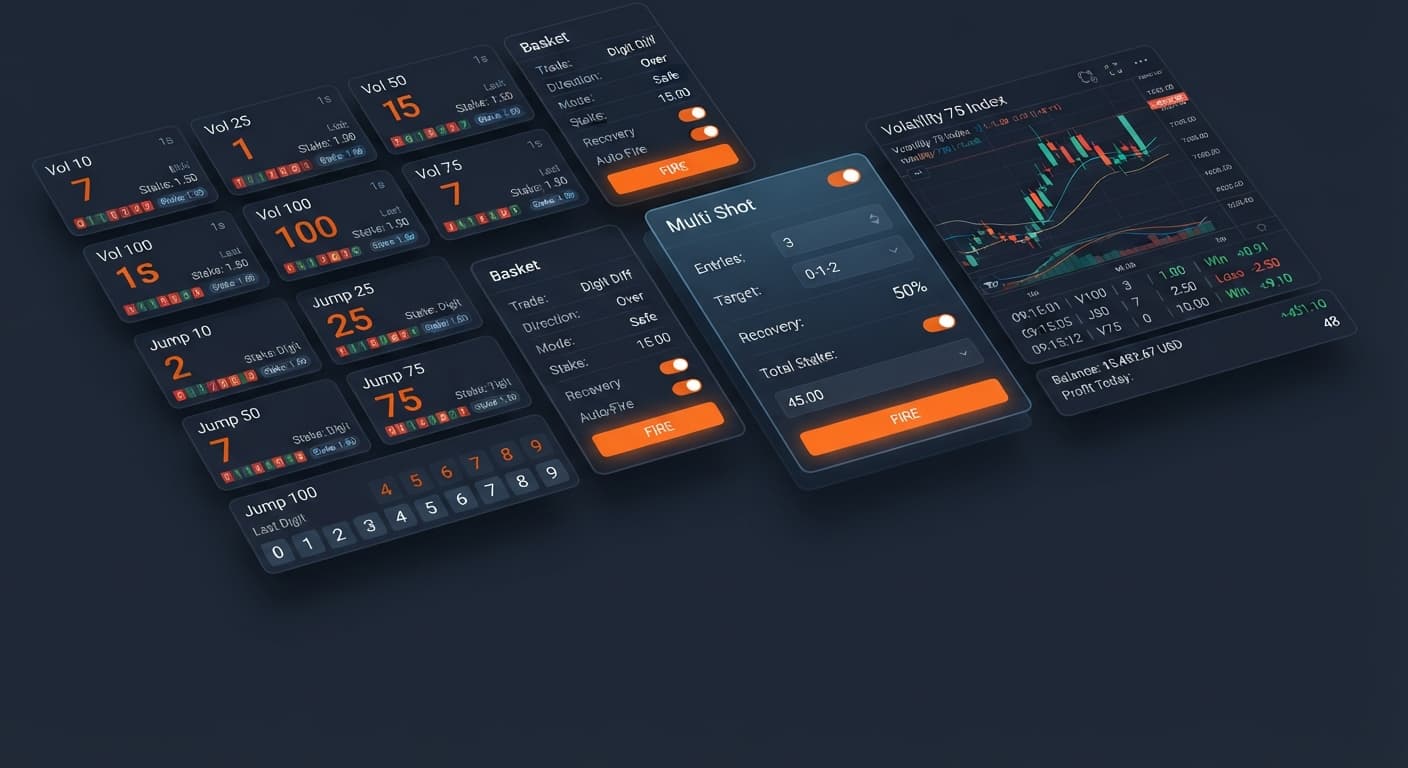
Auto Trading Bots
Multi Shot Best Market for Basket Trading (2026)
Selecting all eight Volatility 1s indices provides the multi shot best market combination for clean tick distribution when using Digits Safe modes.
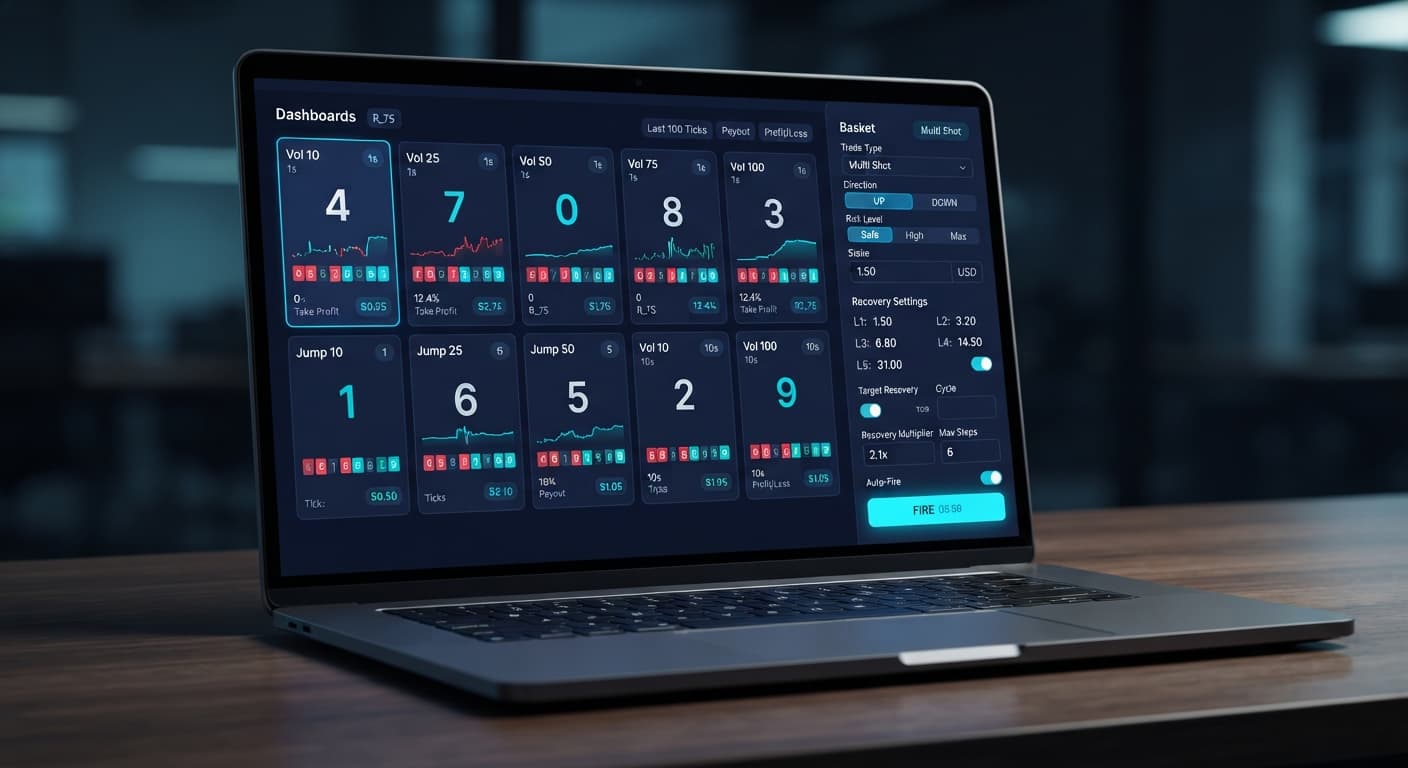
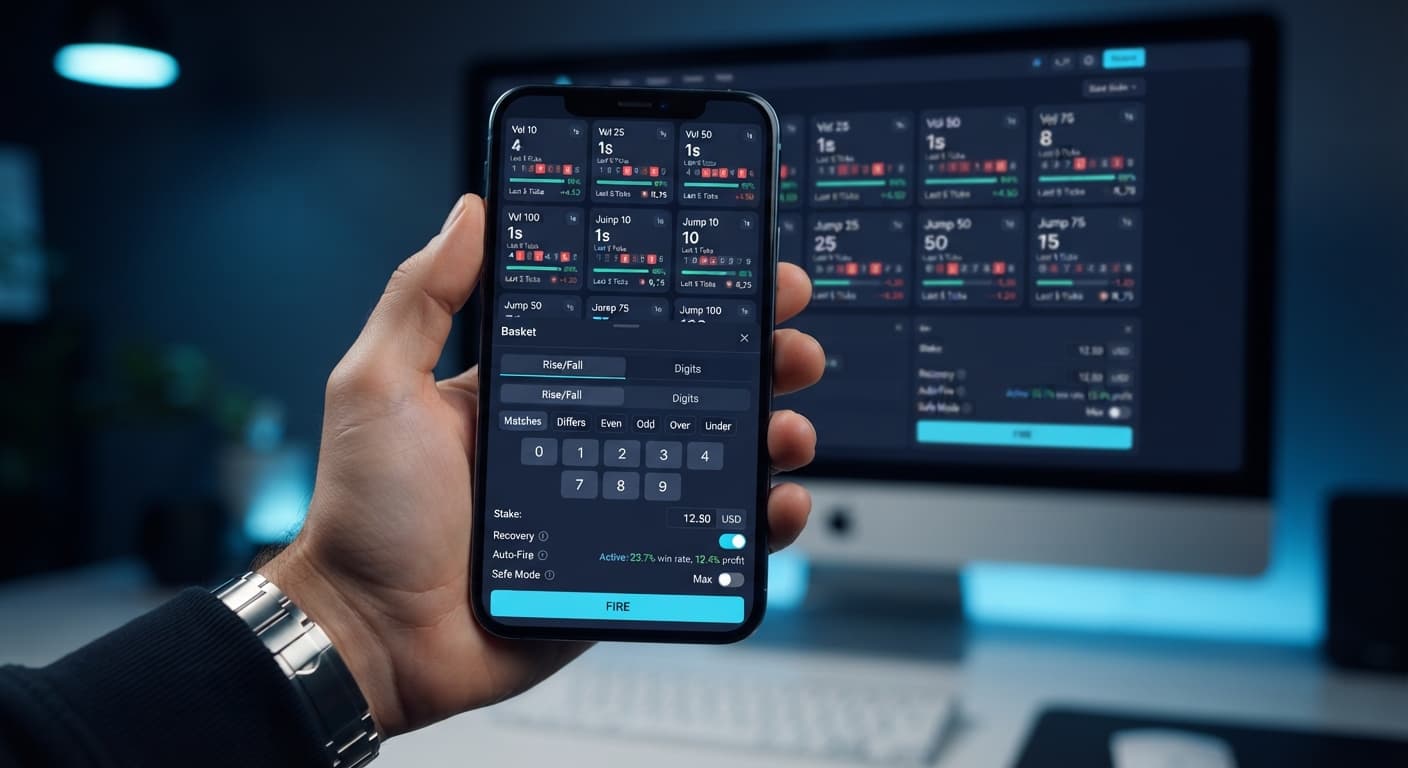
If you're reading this multi shot review to find out whether running ten Deriv markets simultaneously lowers your trading risk, here's the short answer: it doesn't. This multi shot review reveals that Multi Shot spreads your session stake across up to ten independent contracts at once, smoothing short-term P/L swings across markets, but it accelerates your total volume and deepens drawdown when a basket hits consecutive losses. It's an automated execution tool for traders who want parallel market access, not a magic tool that changes synthetic index probabilities.
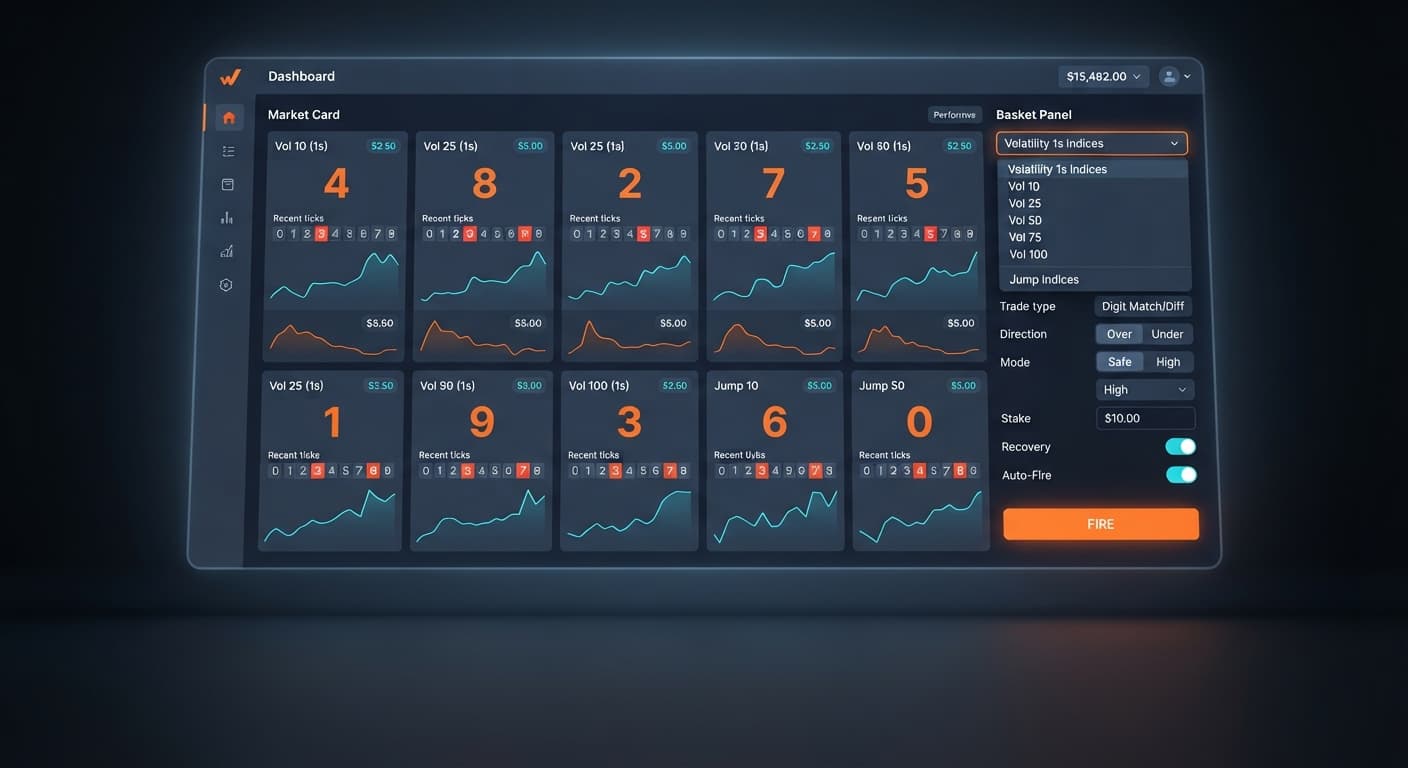
Multi Shot connects straight to Deriv over their official API using your personal API token. No funds pass through BinaryBot.live; every contract executes on your own account. It trades the eight Volatility 1s indices—Vol 10 (1s), Vol 15 (1s), Vol 25 (1s), Vol 30 (1s), Vol 50 (1s), Vol 75 (1s), Vol 90 (1s), and Vol 100 (1s)—alongside Jump 10 and Jump 50. In fact, Multi Shot is the only tool on the site that trades the 15 (1s), 30 (1s), and 90 (1s) indices.
A common myth among people testing deriv bots is that opening ten trades at once protects your bankroll. It doesn't. Each synthetic index tick on Deriv is an independent random draw. Running ten markets in a single basket doesn't change the win rate of any individual market—it simply fires ten contracts simultaneously.
When you trade ten markets at a $2 stake, you commit $20 every time you press Fire / Start new cycle. If you select Rise / Fall, each contract places a single-tick CALL or PUT. A win pays slightly under double your stake, and a tie (where the exit price matches the entry price exactly) counts as a loss for both Rise and Fall.
Basket Execution:
[Fire Pressed] ---> Quotes Verified ---> 10 Simultaneous Orders Placed ---> 1-Tick Settlement ---> Single Basket P/L
If you select Digits, Multi Shot places DIGITOVER or DIGITUNDER contracts. The Mode setting controls your barrier:
The cheaper the payout mode, the lower your stake cost per win, while Max is the most expensive per trade relative to return. Additionally, when trading under $2 per contract, cent-rounding makes each trade cost slightly more per dollar than stakes set at $2 or above.
Crucially, Multi Shot has no digit statistics panel. You won't find a 0–9 digit frequency grid or hot-and-cold tiles on this bot. If you want historical digit distribution statistics, you'll need to check the LDP Analyzer instead. Multi Shot reacts strictly to live price streams and user rules.
During a clean run, trading with Multi Shot feels smooth. You select your markets, click Fire / Start new cycle, and watch the History table log your execution time, contract type, W–L status, total staked, and P/L per basket.
[Vol 10 (1s): Won]  [Vol 15 (1s): Lost]  [Vol 25 (1s): Won]  [Vol 30 (1s): Won]
[Vol 50 (1s): Won]  [Vol 75 (1s): Won]   [Vol 90 (1s): Won]  [Vol 100 (1s): Won]
[Jump 10: Won]      [Jump 50: Won]

Basket Result: 9 Wins, 1 Loss | Recovery Active on Vol 15 (1s)
However, when a basket hit losses, the bot's internal behavior changes drastically based on your toggles:
If you don't keep an eye on your dashboard, two bad ticks in Safe mode can consume a significant portion of your capital. That's why testing on a Deriv demo account first is mandatory.
Because Multi Shot runs 1-tick contracts, precision timing across the WebSocket feed dictates how orders enter the market. The table below outlines how execution frames unfold across selected markets.
| Execution Phase | Volatility (1s) Indices | Jump Indices | WebSocket Latency Window |
|---|---|---|---|
| Tick Frequency | 1 tick every 1.0 second | 1 tick every 1.0 second | Live API socket ping |
| Price Proposal | Live subscription open | Live subscription open | Pre-quoted prior to click |
| Order Transmission | Instant parallel dispatch | Instant parallel dispatch | ~15ms – 80ms transmission |
| Contract Duration | Exactly 1 tick | Exactly 1 tick | Resolves on immediate next tick |
| Total Settlement Window | ~1.0 to 1.2 seconds | ~1.0 to 1.2 seconds | Full basket P/L updated |
Here is the step-by-step timeline of what happens inside a single second when you hit Fire / Start new cycle:
Because these are single-tick contracts, the entire sequence completes in roughly one second.
Configuring Multi Shot properly requires matching your account size to your basket parameters. Follow these exact steps on your dashboard:
Under Markets, select All, None, or check individual market cards. If you want to trade all ten, leave all cards active.
Choose your Trade type using the dropdown: select either Rise / Fall or Digits. Then set your Direction to Rise / Fall (for Rise / Fall) or Over / Under (for Digits).
If you chose Digits, select your Mode: Safe (90%), High (80%), or Max (50-60%). Remember that Safe is the cheapest per win, while Max requires the highest average stake relative to potential return.
Input your baseline stake into Stake per trade (USD). The absolute minimum is 0.35, while the default is 2. Check the Basket cost read-out to verify your total outlay per fire ($2 across 10 markets = $20 basket cost).
Input values into Take profit and Stop loss. Leaving these boxes empty disables automatic shutdown. You can also specify Max baskets to limit how many times the bot fires. Always set your Stop loss before toggling automated features.
Risk Configuration Example:
[Stake per trade: 2.00] -> [Basket Cost: $20.00]
[Take profit: 50.00]    -> [Stop loss: 100.00]   -> [Max baskets: 15]
Decide whether to keep Recovery on or click the toggle to disable it. If using automated execution, switch Auto-Fire on. Finally, press Fire / Start new cycle to launch the execution.
If you want to explore single-market automated options alongside basket setups, check out the broader selection of free deriv bots on our platform.
This tool is built for specific trading styles. It isn't a universal solution for every account size.
Test your settings on Multi Shot using a demo account balance first.
If you don't have one yet, create a free Deriv account.
Trading involves risk. Past performance does not guarantee future results.
Related: Multi Shot Best Market for Basket Trading (2026)
Related: Multi Shot for Beginners: Zero-Knowledge Setup Guide
Free Deriv basket bot that buys the same one-tick Over/Under or Rise/Fall contract on up to ten markets at once — the eight Volatility 1s indices plus Jump 10 and Jump 50 — with optional Recovery cycles and Auto-Fire limits.
Open Multi Shot →No, it doesn't change your math or synthetic index probabilities. Each tick is an independent random draw, and running ten markets simply fires ten contracts simultaneously while accelerating your total volume and deepening drawdowns during consecutive losses.
Multi Shot trades ten markets total, including the eight Volatility 1s indices (Vol 10, 15, 25, 30, 50, 75, 90, and 100) alongside Jump 10 and Jump 50. In fact, it's the only tool on the site that trades the 15 (1s), 30 (1s), and 90 (1s) indices.
The Mode setting controls your barrier for DIGITOVER or DIGITUNDER contracts. Safe mode gives a 90% theoretical probability, High gives 80%, and Max gives a 50% to 60% probability depending on whether you choose Over or Under.
No, Multi Shot doesn't have a digit statistics panel or a 0-9 digit frequency grid. It reacts strictly to live price streams and user rules, so you'll need to use the LDP Analyzer if you want historical digit distribution stats.
Guides closest to this one.
Selecting all eight Volatility 1s indices provides the multi shot best market combination for clean tick distribution when using Digits Safe modes.
Multi Shot for beginners: trade up to ten synthetic markets at once using this zero-knowledge setup guide for Deriv basket bots.
Learn how to use multi shot on Deriv by choosing Rise/Fall for modest 2x stakes or Digits Safe for 90% win rates with a 17x recovery multiplier.