Auto Trading Bots
How to Configure Autopilot on Volatility 50
Learn how to configure autopilot on volatility 50 in 5 steps: pick the index, set your trade type, adjust risk limits, and launch.
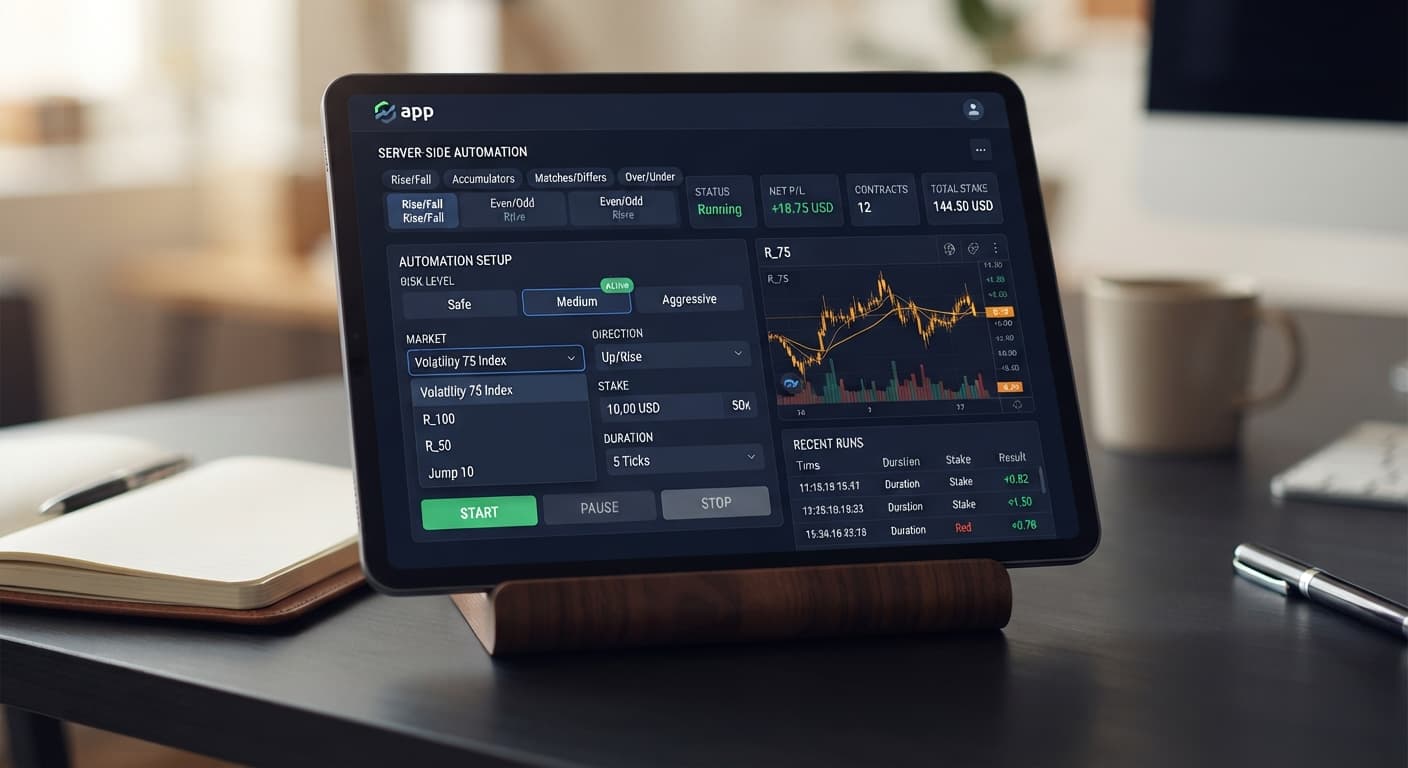
Finding the autopilot best market on Deriv depends on matching your contract type to tick generation speed. If you're running high-frequency digit contracts like Over/Under or Even/Odd, Volatility 100 (1s) Index provides the fastest execution with ticks generated every single second. For direction-based strategies like Rise/Fall, Volatility 10 Index offers a smoother price path that reduces erratic tick spikes. Because AutoPilot runs server-side through Deriv's API, your market choice changes how quickly trades process, not the mathematical probability of individual digits.
Choosing the right index prevents your strategy from taking rapid, unnecessary losses during fast market swings. Standard synthetic indices update once every two seconds, while 1s indices update every second. That speed difference dictates how fast your Martingale stake multiplies when a streak goes against you.
AutoPilot executes your chosen contract automatically, but performance depends entirely on how the underlying market behaves. A setup that works on a 1-second tick index can quickly strain your balance on a higher volatility standard index.
| Market | Trade type | Duration | Control Settings | Best Used For |
|---|---|---|---|---|
| Volatility 10 Index | Rise/Fall | 5 ticks | Direction: Both | Traders seeking slower, more consistent tick movement |
| Volatility 100 (1s) Index | Over/Under | 1 tick | Barrier: 5 | High-speed digit execution on rapid 1-second ticks |
| Volatility 25 Index | Accumulators | N/A | Growth Rate: 2% | Steady accumulation runs with moderate tick jumps |
| Volatility 75 Index | Even/Odd | 1 tick | Risk Level: Safe | Testing digit probability runs on standard 2-second ticks |
| Volatility 50 (1s) Index | Matches/Differs | 1 tick | Prediction: 4 | Fast Differs contracts accumulating small micro-wins |
If I had to pick one combination for daily testing, I'd choose Volatility 100 (1s) Index with Over/Under and a Barrier set to 5. The 1-second tick interval gives you fast feedback on execution speed while keeping contract outcomes balanced across standard digit math.
Deriv synthetic indices rely on cryptographic random number generators to produce tick prices. They aren't tied to real-world financial events or news releases, which means economic announcements won't alter their speed or trend strength. That underlying engine creates two distinct market types across the platform: standard volatility indices and 1-second (1s) indices.
Standard indices—such as Volatility 10 Index or Volatility 75 Index—generate one tick every two seconds. The 1s variants, like Volatility 25 (1s) Index or Volatility 100 (1s) Index, generate a tick every single second. When picking an autopilot best market, this tick rate is the single most important factor. A 1-second market processes 60 ticks a minute, meaning your bot buys contracts twice as fast as it would on a standard index.
The last digit of any synthetic index tick is an independent draw from 0 through 9. Each digit has an equal 10% chance of appearing on every single tick, regardless of what printed previously. A streak of five even numbers in a row doesn't increase the odds of an odd number on the next tick. Unlike local browser scripts, AutoPilot shows no digit frequency panels or heatmaps on screen. It places your chosen contract—whether DIGITEVEN, DIGITODD, DIGITOVER, or DIGITUNDER—based strictly on your fixed settings.
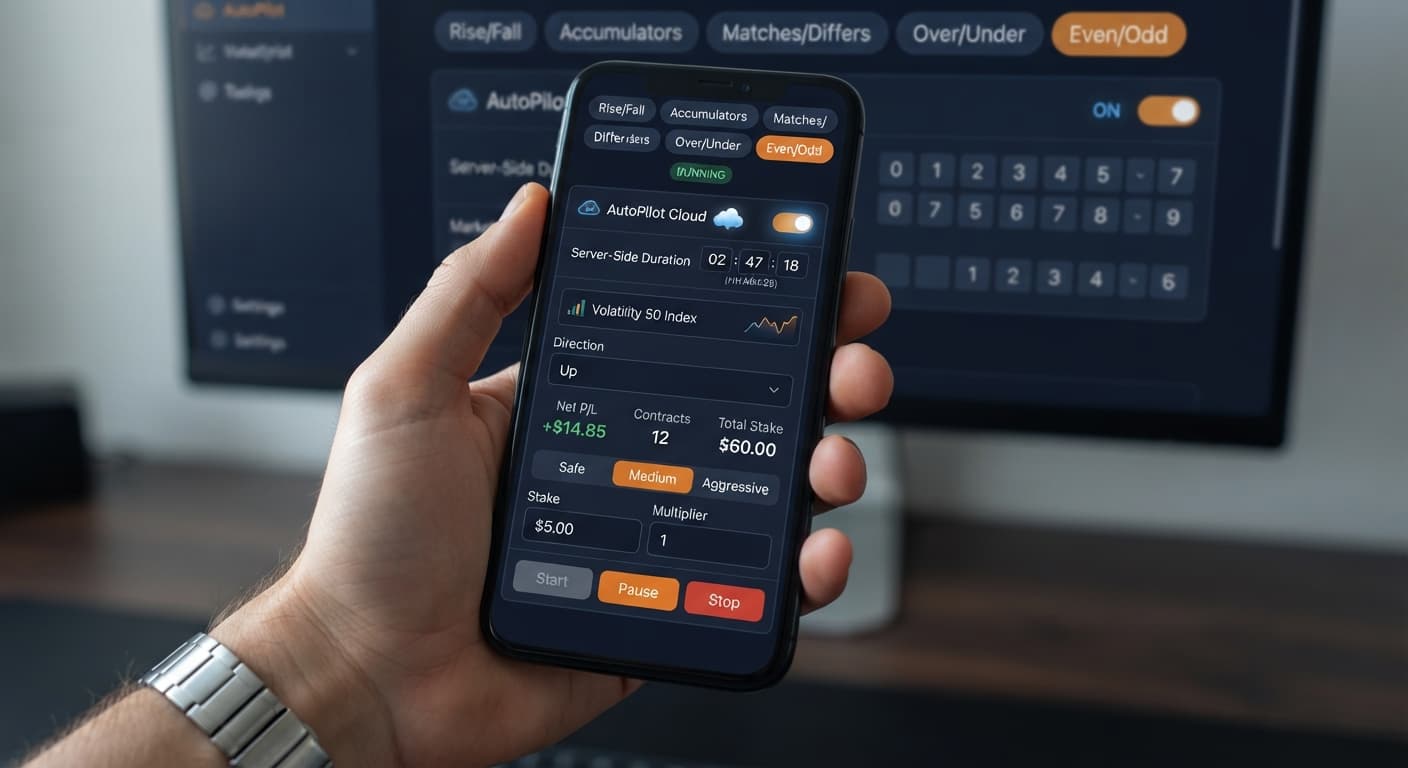
Because AutoPilot runs server-side, it stays active even if your internet disconnects or your browser closes. That continuous connection makes tick speed critical. If you select Volatility 100 (1s) Index with an aggressive stake multiplier, a rapid losing streak can process in less than twenty seconds. Matching your market's tick speed to your risk threshold keeps your strategy manageable.
Since AutoPilot focuses purely on execution and risk management rather than digit statistics, you can analyze digit trends beforehand using companion tools. Opening the LDP Analyzer or checking tick distribution on the Tick Picker lets you observe tick density before configuring your server-side parameters.
Once you've picked your index, setting up the bot takes only a few precise steps inside the interface.
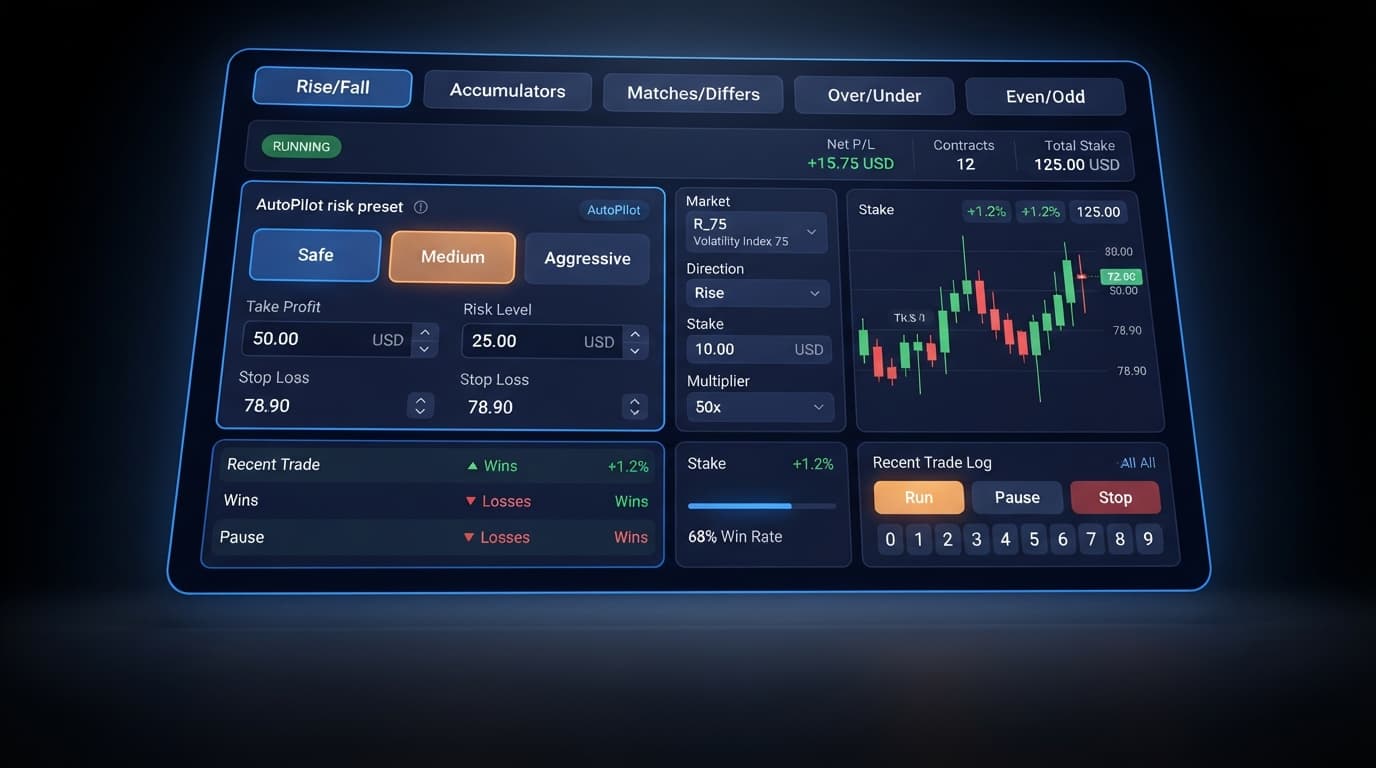
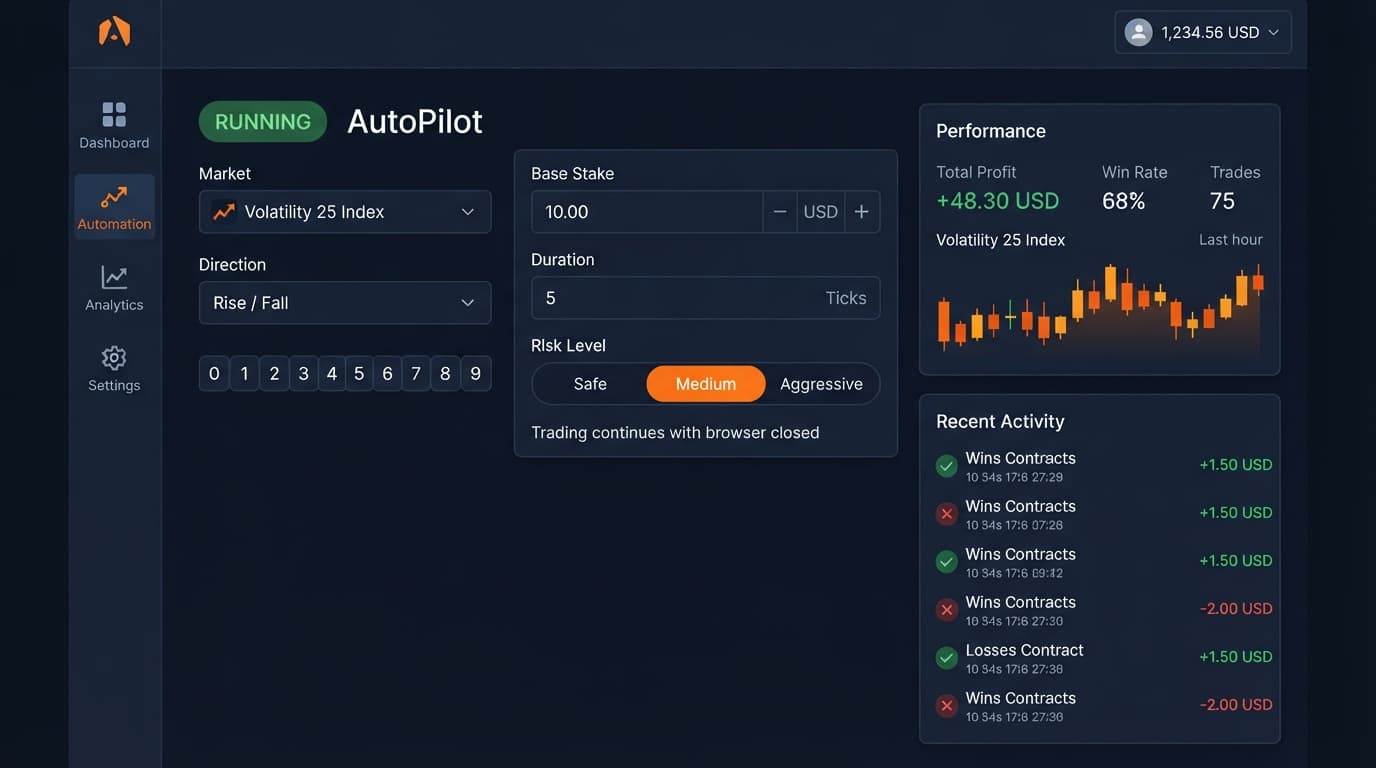
Click the Trade type pill at the top of the form to choose your contract engine: Rise/Fall, Accumulators, Matches/Differs, Over/Under, or Even/Odd. Next, open the Market dropdown and choose your target index. If you select Matches/Differs, enter your single digit in the Prediction field. If you select Over/Under, enter your single digit in the Barrier field. For Accumulators, set your Growth Rate between 1% and 5%.
Choose a preset from Risk Level (Quick preset)—Safe, Medium, or Aggressive—or enter your values manually into Stake and Multiplier. Remember that Martingale resets to your base Stake after a win, but multiplies that stake after every single loss. The Aggressive preset multiplies your stake by 3.5x after a loss; starting at $2, three consecutive losses push your fourth contract stake to $85.75 with $33.50 already lost.
Enter your target values in Take Profit $ and Stop Loss $. Because execution occurs directly on Deriv's server infrastructure, these limits end the run automatically without requiring your browser tab to stay open. Never start a run with empty exit parameters.
Click Start to connect the bot to your account. Monitor the live read-outs for Net P/L, Contracts, and Total Stake. You can use Pause, Resume, or Stop from the control panel at any point during active trading.
Compared to other binary bots that run inside browser tabs, AutoPilot handles connection drops without missing ticks. However, that execution efficiency means your risk limits must be configured accurately before you launch.
Determining your autopilot best market choice ultimately comes down to balancing execution frequency against your account balance. Higher index numbers like Volatility 100 Index feature wider tick spreads, while lower indices move more predictably over multi-tick durations. If you're building a multi-tool strategy across different deriv bots, test your setup across multiple market conditions to see how tick speeds impact your overall results.
Test your settings on AutoPilot using a demo balance before trading real capital.
If you don't have an active trading setup yet, create a free Deriv account to start testing.
Trading involves risk. Past performance does not guarantee future results.
Related: How to Configure Autopilot on Volatility 50
Related: Configuring AutoPilot Take Profit Settings on Deriv
Free server-side automated trading bot for Deriv — runs Rise/Fall Martingale with stop loss and take profit, and keeps trading after you close the browser.
Open AutoPilot →Volatility 100 (1s) Index is the best choice for high-frequency digit contracts like Over/Under or Even/Odd. It provides the fastest execution with ticks generated every single second.
Volatility 10 Index works best for direction-based strategies like Rise/Fall. It offers a smoother price path that helps reduce erratic tick spikes during your trades.
Standard indices generate one tick every two seconds, while 1s variants update every single second. This means a 1-second market processes 60 ticks a minute, causing AutoPilot to buy contracts twice as fast.
No, AutoPilot doesn't change the mathematical probability of individual digits. Each last digit remains an independent draw from 0 through 9 with an equal 10% chance of appearing on every tick.
Guides closest to this one.
Learn how to configure autopilot on volatility 50 in 5 steps: pick the index, set your trade type, adjust risk limits, and launch.
Configure autopilot take profit settings on Deriv by entering a dollar threshold or choosing Safe, Medium, or Aggressive presets to lock in session gains.
Set the Market to Volatility 25 Index, choose Rise or Fall, and configure strict Stop Loss controls to run autopilot on volatility 25 safely on Deriv.