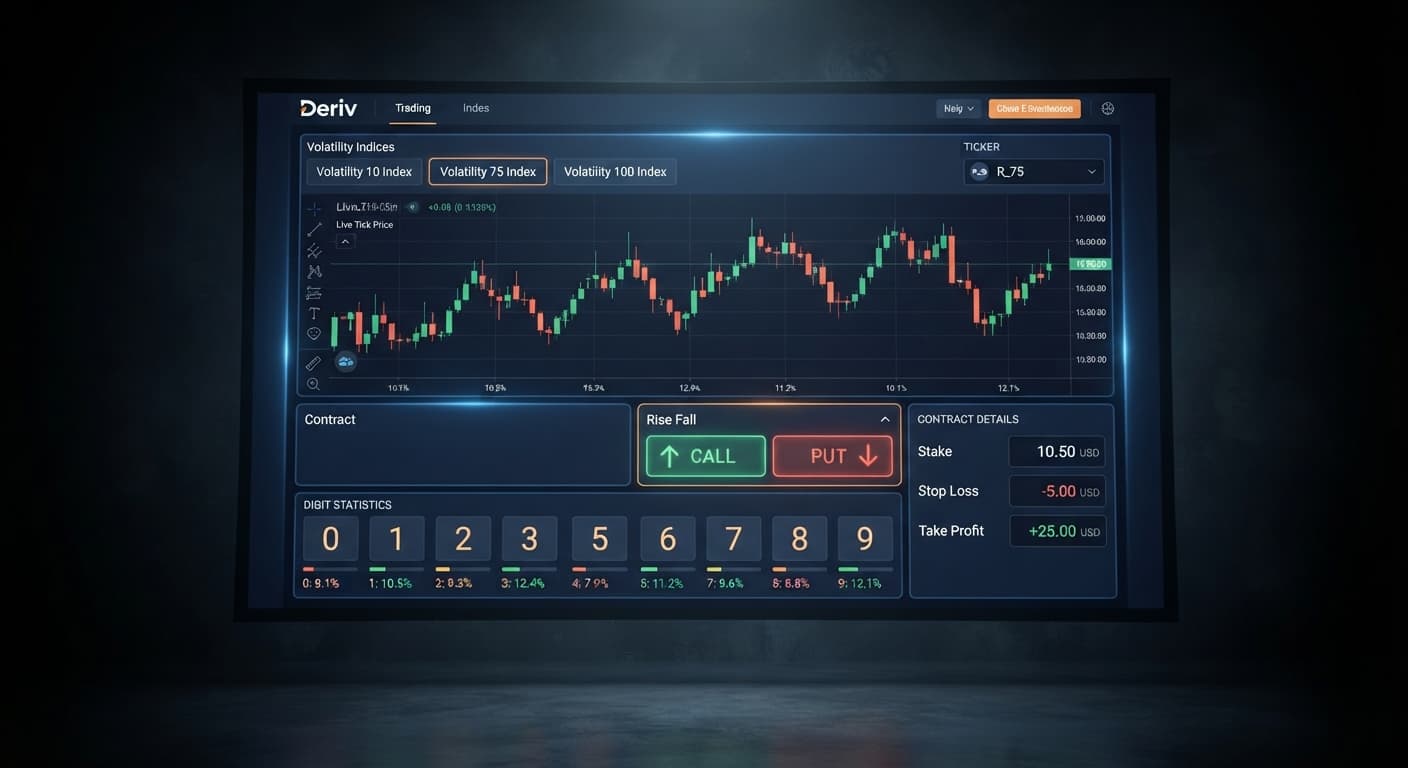

Strategies & Risk
Safest Money Management for Binary Bots on Digits (2026)
A strict Fixed Stake model with a 20% stop loss is the safest money management for binary bots on Deriv synthetic indices, preventing account liquidation.
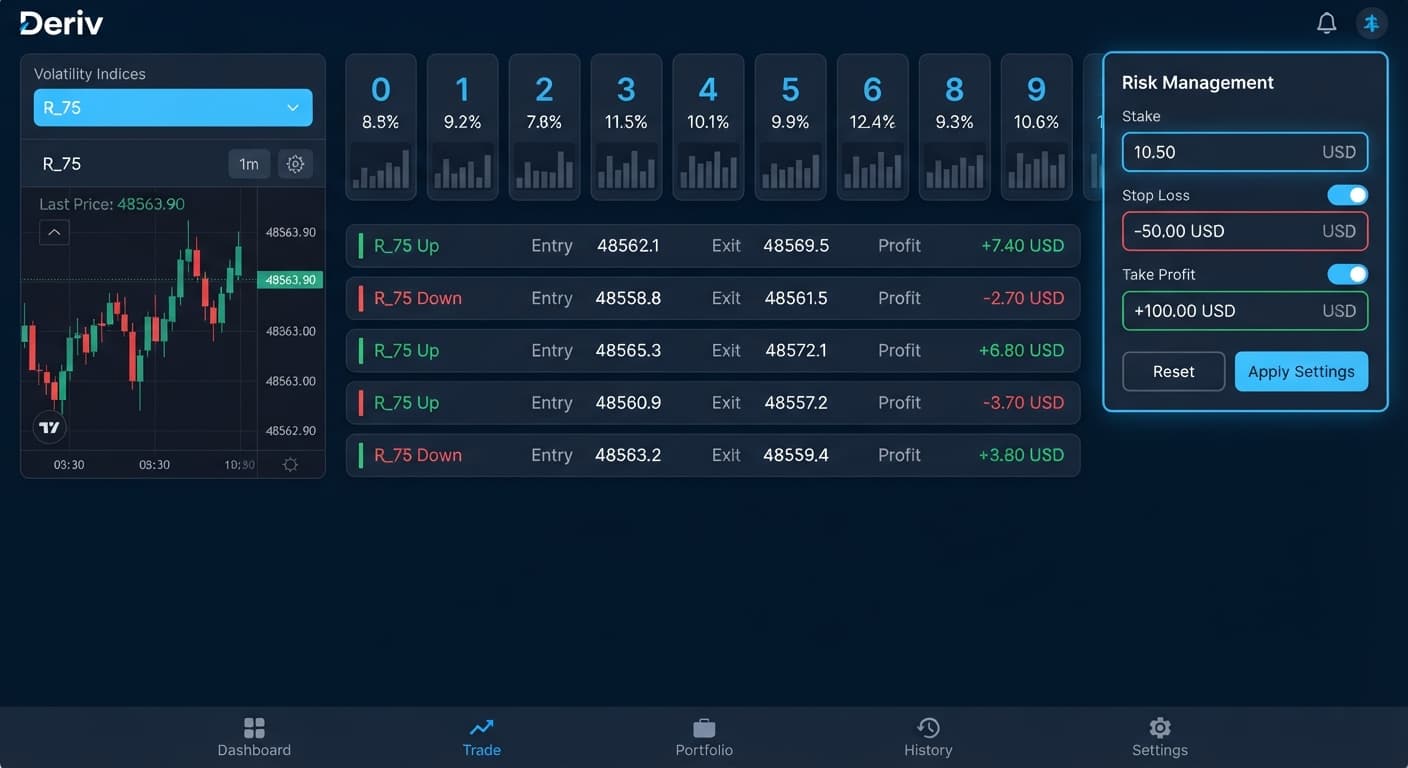
If you want to know how to stop a deriv bot losing money, the direct answer is implementing strict risk limits before launching execution: set a hard stop loss below 20% of your balance, cap multiplier progressions with max ladder level, and replace aggressive compounding with Fixed Stake sizing. Automated deriv bots execute orders on API connections within milliseconds, which means an unhedged losing run can drain your balance before you can manually click stop. Hard automated stop loss and ladder parameters shut down execution the instant your preset thresholds get breached.
This step-by-step breakdown shows you how to protect your capital while running binary bots on Deriv synthetic indices. You'll learn how to configure built-in risk controls on BinaryBot.live so a single bad run doesn't wipe out your account balance. This guide is for educational purposes only and does not constitute financial advice.
To follow this tutorial and safeguard your capital, make sure you have the following ready:
Open Solid Trading Bot in your web browser. Locate the API Token input box at the top of the interface, paste your API token into the field, and click the connect button.
The workspace connects directly to Deriv over their official API. No funds ever pass through BinaryBot.live; every contract is placed straight on your own Deriv account. Once connected, your live or demo balance updates in the top status bar, confirming your session is ready for setup.
Choose your target synthetic market from the market dropdown menu, such as Volatility 75 Index. Next, choose the contract type for your chosen strategy.
BinaryBot.live tools support digit contract strategies including DIGITEVEN, DIGITODD, DIGITOVER, DIGITUNDER, DIGITMATCH, and DIGITDIFF. You can also run directional strategies like Rise/Fall using CALL/PUT contracts, Higher/Lower, or Touch/No Touch. If you pick a digit contract like DIGITDIFF, enter your prediction digit in the digit input field. The interface immediately updates to reflect your contract mechanics.
Open the Money Management selector on screen. Here's where you decide how your trade size changes after wins or losses. Available modes across the platform include Fixed Stake, Martingale, Anti-Martingale, Fibonacci, D'Alembert, % of Balance, Mesamilano, and Multi Shot's Recovery.
Enter your starting base stake in dollars (for example, $2.00). If you pick Martingale or D'Alembert, set your growth factor. If you select Multi Shot's Recovery on multi-market tools like Multi Shot, each lost market's next stake is sized automatically from its live payout so one win repays the loss.
| Money Management Mode | Stake Escalation Behavior | Drawdown Risk Level | Ideal Strategy Match |
|---|---|---|---|
| Fixed Stake | Keeps stake constant ($2.00 every trade) | Very Low | Trend setups and testing new binary bots |
| Martingale | Multiplies stake after every loss | High | Short sequences with hard ladder caps |
| Multi Shot's Recovery | Calculates next stake from live payout | Moderate | Multi-market recovery setups |
| D'Alembert | Adds 1 unit on loss, subtracts 1 unit on win | Moderate | Low-volatility range trading |
Locate the Risk Controls panel on screen. Enter a concrete dollar value into the stop loss input box, such as $15.00 on a $100 balance. Next, enter your profit goal into the take profit / target profit field, such as $5.00.
The bot tracks your net session return after every contract settles. If a bad run hits your $15.00 stop loss, the bot halts execution immediately. If your trades hit the $5.00 target profit mark, execution stops automatically, protecting your gains from market reversals.
Find the max ladder level setting field. Enter a strict integer cap, such as 3 or 4. This limit controls how many consecutive stake increases the bot can attempt during a losing streak.
Review your control panel: confirm your base stake, stop loss, take profit / target profit, and max ladder level entries match your risk plan. Click the Start Bot button. The output log will render live contract entries, tick statistics, and running balance totals in real time.
To understand how to stop a deriv bot losing money, you have to see the exact numbers behind losing streaks. The biggest account killer on synthetic index markets is unhedged stake multiplication.
Let's walk through a realistic scenario. Suppose you trade Volatility 75 Index with a $2.00 base stake using a standard 2x Martingale multiplier on a $100 starting balance. Here's how five consecutive losses unfold mathematically:
After five losses in a row, you've lost $62.00 out of your $100 balance. To place Trade 6 in the progression, the bot needs a $64.00 stake. But you only have $38.00 left in your account. You're two ticks away from being completely unable to place the next trade, locking in a 62% drawdown.
Now compare that to running the exact same trade sequence with hard controls active:
If you set your max ladder level to 3, the bot steps back to the initial $2.00 base stake after Trade 3 instead of escalating to $16.00. Your loss on that streak drops from $62.00 down to a manageable number.
If you set a hard stop loss of $15.00, the system shuts down right after Trade 3 settles ($14.00 loss). You walk away with $86.00 of your capital intact, ready to trade another session.
Running automated binary bots requires knowing exactly why accounts fail so you can apply the right settings to stop it.
Traders often assume a single win will eventually pay for a string of losses. But on fast synthetic markets, losing streaks can extend past six or seven ticks.
A bot might win five contracts in a row and build a neat profit, only for a sudden choppy trend to strip away those gains and drag your account balance into negative territory.
Starting with a $10 base stake on a $50 account leaves zero room for structural drawdown. Two quick losses put your balance under immediate stress.
A common mistake when running digit strategies is assuming that five DIGITEVEN ticks in a row make a DIGITODD tick more likely next. Deriv synthetic index ticks are completely independent. Past digit patterns don't alter future probabilities.
Try testing these protective parameters on Solid Trading Bot using a demo account first.
If you don't have an active account yet, create a free Deriv account.
Trading involves risk. Past performance does not guarantee future results.
Related: Best Rise Fall Settings for Binary Bots (2026)
Related: Digit Differs vs Digit Match on Volatility 10 Index
Related: Digit Psychology in Deriv: Set Up Digit Analyzers
Related: Deriv Bots Stake Size Guide: Fixed, % and Martingale Setup
Related: Configuring the Digit Differs Bot for Anti-Martingale
How the strategies behind the bots actually work — Digit Differs, Over/Under, Even/Odd, Rise/Fall, and the money management that decides whether they survive a losing streak.
Try 9 Strategies on Solid →You can stop heavy losses by implementing strict risk limits before launching execution. Set a hard stop loss below 20% of your balance, cap your multiplier progressions with a max ladder level, and use Fixed Stake sizing instead of aggressive compounding.
Open the Solid Trading Bot workspace in your web browser and find the API Token input box at the top of the interface. Paste your active API token with read and trade scopes enabled into the field and click the connect button.
The platform supports digit contract strategies like DIGITEVEN, DIGITODD, DIGITOVER, DIGITUNDER, DIGITMATCH, and DIGITDIFF. You can also run directional strategies such as Rise/Fall using CALL/PUT contracts, Higher/Lower, or Touch/No Touch.
Yes, you should always test your setup on a virtual demo balance first before using real funds. This lets you configure your risk controls safely without risking your actual account balance.
Guides closest to this one.
A strict Fixed Stake model with a 20% stop loss is the safest money management for binary bots on Deriv synthetic indices, preventing account liquidation.
Use Fixed Stake, % of Balance, or Martingale with a strict max ladder level. This deriv bots stake size guide covers how to set automated risk controls.
A 5-tick duration and fixed stake are the best rise fall settings for binary bots to clear a 51.28% break-even hit rate.