Digit Analysis
Is LDP Analyzer Pro Safe? Digit Analysis & Matches/Differs Risk
Is LDP Analyzer Pro safe? Technically yes via API security, but financial risk remains high if you run unchecked stake recovery setups.
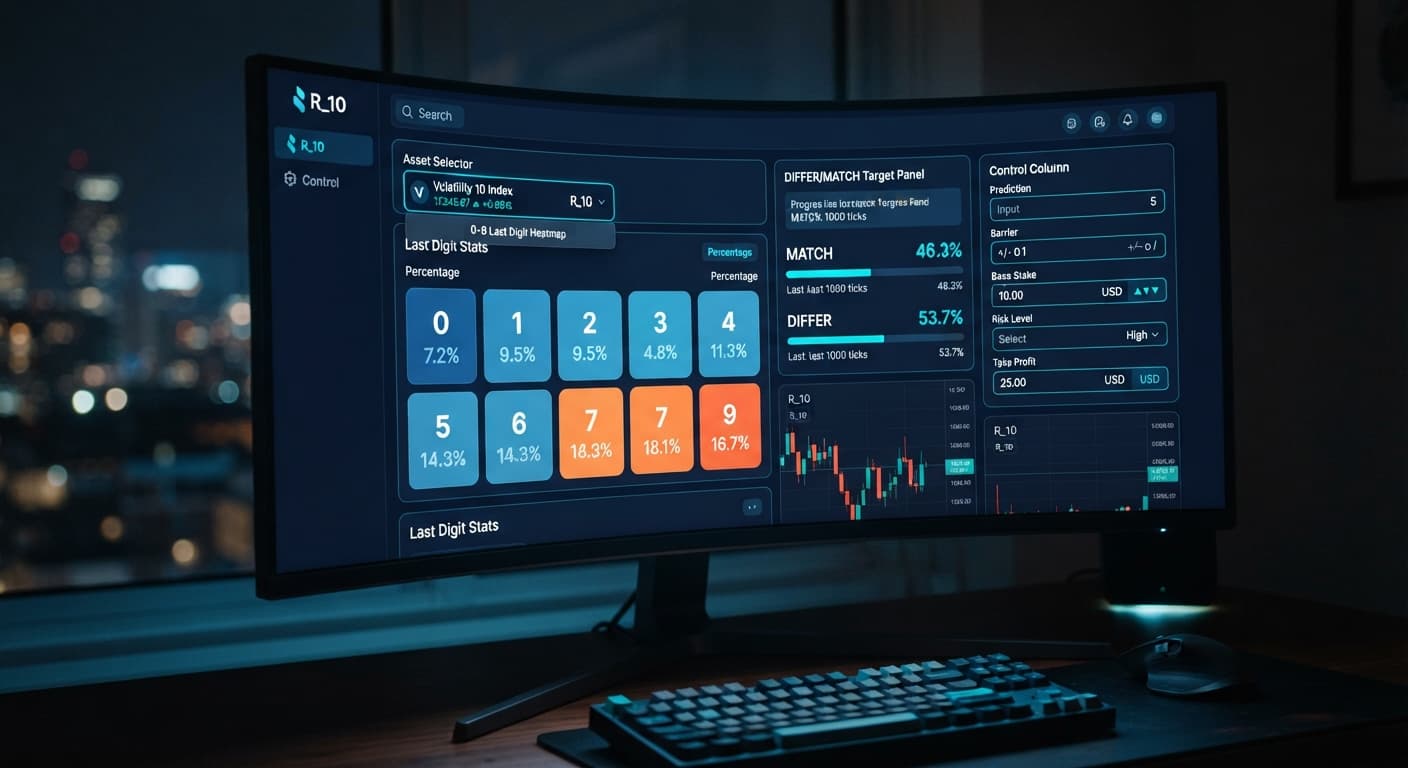
To run LDP Analyzer Pro on Volatility 10, select Volatility 10 from the market dropdown, set your Duration (ticks) to a short window like 10 or 20 ticks, configure your Base Stake and Risk Level, and define your Stop Loss ($) before placing a trade. The tool processes live digit ticks directly from your Deriv account, highlighting statistics across digits 0 through 9 so you can execute manual trades or launch the AutoPilot feature.
Running automated strategy runs on web-based deriv bots gives you speed, but setting up your parameters wrong will drain a balance quickly. Synthetic indices like Volatility 10 update every single second. Here is how to configure the interface correctly from start to finish.
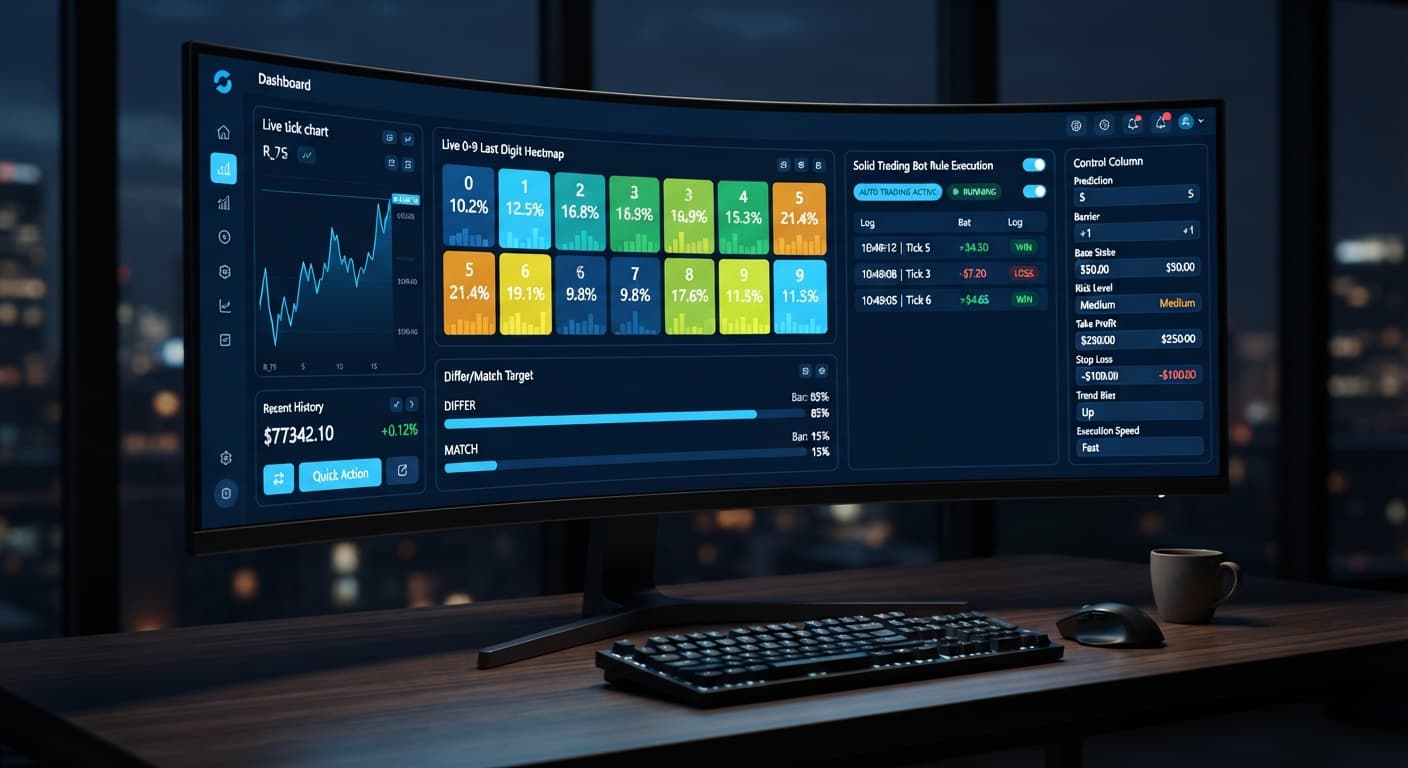
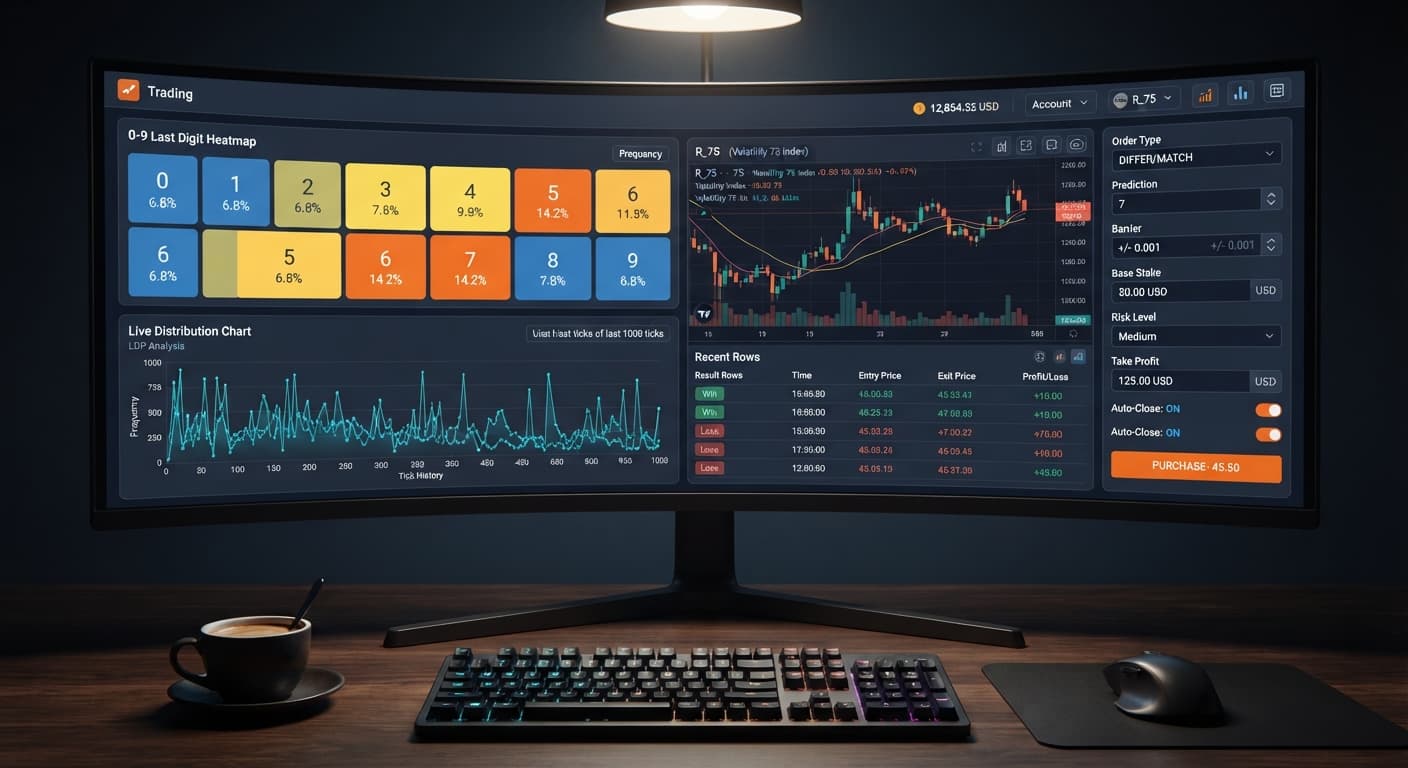
When you launch LDP Analyzer Pro, the screen splits into live digit analytics and trade execution controls. The top panel shows the 0-9 last-digit heatmap. It tracks the percentage distribution of recent ticks in real time. Remember that each tick on a synthetic market is an independent random outcome; a digit sitting at a low statistical frequency over 100 ticks isn't "due" to hit on the next tick.
+-----------------------------------------------------------------------+
|                       LIVE DIGIT HEATMAP (0-9)                        |
|  [0: 9.8%] [1: 10.2%] [2: 11.5%] [3: 8.4%] ... [9: 10.1%]             |
+-----------------------------------------------------------------------+
| MARKET CONFIGURATION           | RISK MANAGEMENT CONTROLS             |
| - Market: Volatility 10        | - Base Stake: $1.00                  |
| - Strategy: Over/Under         | - Risk Level: Conservative (1.5x)    |
| - Prediction: 2                | - Take Profit ($): $10.00            |
| - Duration (ticks): 10         | - Stop Loss ($): $15.00              |
+-----------------------------------------------------------------------+
| SIGNAL FILTER & BOT STATUS     | EXECUTION BUTTONS                    |
| - AI Confidence: 78%           | [MANUAL TRADE]  [START AUTOPILOT]    |
+-----------------------------------------------------------------------+
Below the visual statistics, you'll find the main input fields. The trade setup side houses Prediction, Barrier, Base Stake, Initial Stake, Stake, Multiplier, and Duration (ticks). The risk column contains Risk Level, Take Profit ($), Stop Loss ($), and Target Profit.
These panels control the exact API payloads dispatched to Deriv. If you leave your risk controls blank, the bot won't protect your bankroll if a losing streak starts.
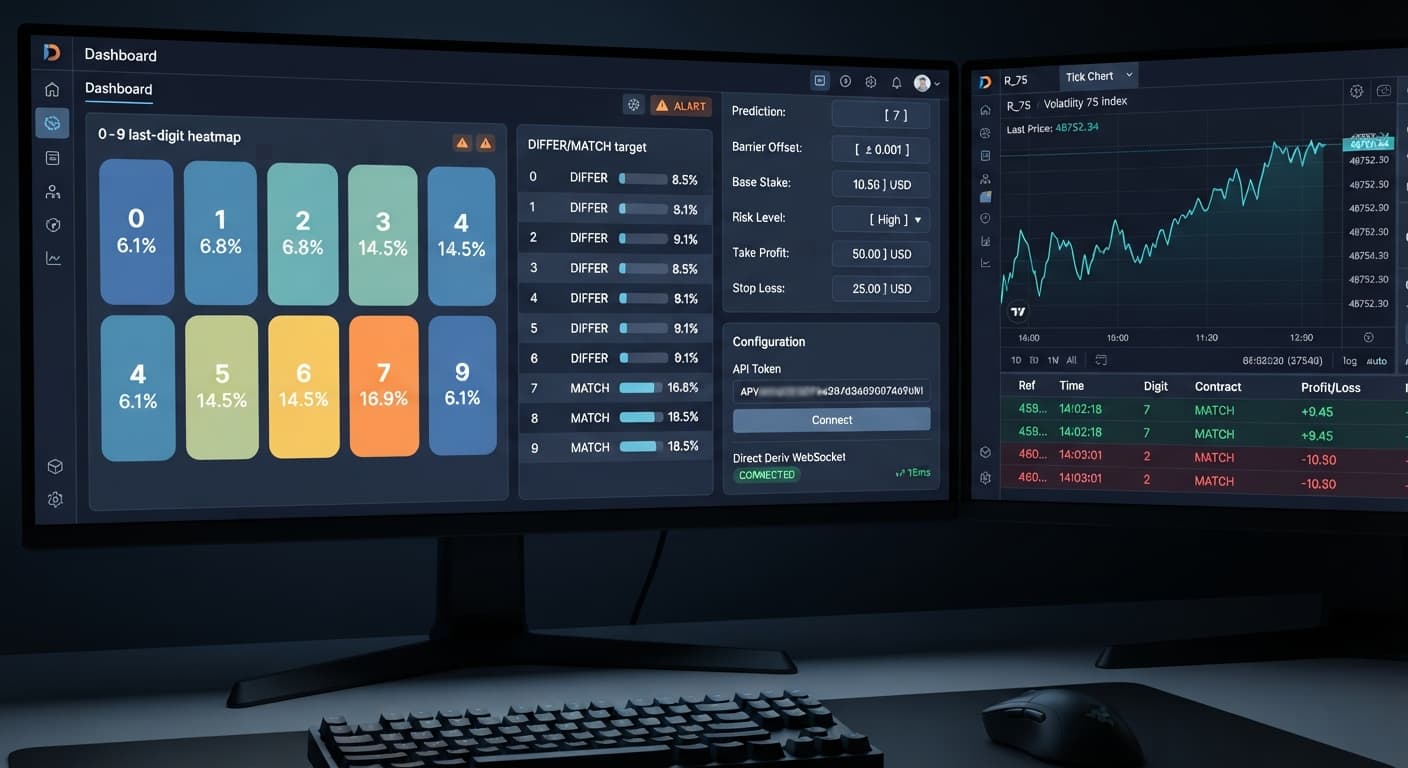
Open the dashboard and paste your Deriv API token into the connection box. The system verifies the token directly against Deriv without passing your private data through external middleware.
Once connected, locate the market selector dropdown menu. Choose Volatility 10. Volatility 10 maintains a steady tick speed of exactly one tick per second with moderate price fluctuations compared to Volatility 100 or Vol 100 (1s). This baseline speed makes it easier to monitor how your chosen strategy reacts without getting overwhelmed by high-speed price swings. Always test this connection on a virtual balance first using binary bots before switching to real funds.
Select your strategy mode depending on how you want to target the last digit. LDP Analyzer Pro supports five main execution modes:
If you choose Over/Under, set your Prediction or Barrier. Setting a Prediction of 2 on a DIGITOVER contract means any last digit of 3, 4, 5, 6, 7, 8, or 9 results in a win.
Move to the contract configuration inputs. Enter your Base Stake—for a $100 test account, $1.00 is a standard starting point. Set Initial Stake to match your Base Stake value.
Next, pick your trade window using Duration (ticks). You can select 10, 20, 30, 50, or 100 ticks. On Volatility 10, a 10-tick contract takes exactly 10 seconds to resolve.
Select your Risk Level. This drop-down directly changes your recovery multiplier when a trade loses:
Multiplier-based recovery can recover losses quickly, but it also increases your exposure rapidly. A string of six consecutive losses using aggressive settings will quickly drain a modest balance.
Never launch a trade session without entering strict numbers in Take Profit ($) and Stop Loss ($).
Set your Stop Loss ($) at a level you can lose without emotional stress—for instance, $20.00 on a $100 balance. Set your Take Profit ($) or Target Profit to a realistic target, such as $5.00 or $10.00.
Once either threshold is hit, the trade execution engine shuts off instantly. Defining these parameters before you run the bot prevents emotional over-trading when market conditions shift against your settings.
You are ready to trade. If you prefer manual execution, wait for the digit analysis heatmap to display a clear distribution trend, then click your entry button (such as DIGITOVER or DIGITUNDER).
If you want hands-free execution, hit the AutoPilot start button. AutoPilot runs server-side through the API. That means even if your internet connection drops or you close your browser tab, the bot continues evaluating signal confidence and executing your parameters on Deriv until your profit or loss target triggers.
Timing on synthetic markets is purely mathematical. Volatility 10 generates one tick every second. Understanding how this delay stacks up keeps you from over-leveraging short runs.
| Duration (Ticks) | Market Real-Time Duration | Price Movements Tracked | Optimal Use Case |
|---|---|---|---|
| 10 Ticks | 10 Seconds | 10 Tick Changes | Quick Over/Under or Match/Differ runs |
| 20 Ticks | 20 Seconds | 20 Tick Changes | Standard automated digit analysis trading |
| 30 Ticks | 30 Seconds | 30 Tick Changes | Even/Odd distribution smoothing |
| 50 Ticks | 50 Seconds | 50 Tick Changes | Mid-range Rise/Fall trend tracking |
| 100 Ticks | 100 Seconds (1m 40s) | 100 Tick Changes | Broader macro-direction binary contracts |
When you click an entry button or AutoPilot triggers a signal:
Because tick speed is fixed on Volatility 10, latency stays predictable. Never run rapid-fire trade sequences on tick counts lower than 10 unless you have verified your account's execution speed on demo.
Once running, check the trade log panel at the bottom of the interface. Every executed contract displays its transaction ID, entry spot, exit spot, final digit outcome, and profit/loss calculation.
[14:02:11] CONTRACT OPENED: DIGITOVER | Market: Volatility 10 | Stake: $1.00
[14:02:21] CONTRACT CLOSED: Win | Spot Digit: 7 | Payout: +$0.35 | Net: +$0.35
[14:02:25] AUTOPILOT: Scanning ticks... Signal confidence: 82% (Threshold: 75%)
If your bot stops placing trades suddenly, work through these diagnostic checks:
If you want to test alternative digit tools or run different algorithms, you can explore the full free Deriv bot collection to test various setups across synthetic markets.
Try setting up your configuration on LDP Analyzer Pro using a virtual account before trading live.
If you don't have an account yet, create a free Deriv account to start testing digit automated setups.
Trading involves risk. Past performance does not guarantee future results.
Related: LDP Analyzer Pro vs Solid Trading Bot on Deriv Bots
A fast Deriv digit-analysis tool and trading bot with a live 0-9 last-digit heatmap, DIFFER/MATCH targets, even-odd and over-under signals, and a 3-strategy auto-trader with risk controls.
Open LDP Analyzer Pro →To set it up, select Volatility 10 from the market dropdown, set your tick duration to 10 or 20, configure your stake and risk levels, and define your stop loss. You'll also need to paste your Deriv API token into the connection box on the dashboard to link your account.
You should set your duration to a short window like 10 or 20 ticks. Volatility 10 maintains a steady speed of one tick per second, and using a short duration helps you monitor how your strategy reacts.
Yes, you should define a stop loss before placing a trade. If you leave your risk controls blank, the tool won't protect your bankroll if a losing streak starts.
Yes, you should always test your connection and strategy on a virtual balance using binary bots before switching to real funds. Setting up your parameters wrong can drain a balance quickly, so testing helps you understand the interface safely.
Guides closest to this one.
Is LDP Analyzer Pro safe? Technically yes via API security, but financial risk remains high if you run unchecked stake recovery setups.
Compare ldp analyzer pro vs solid trading bot on Deriv synthetic indices. Learn live 0-9 heatmap analysis versus rule-based execution. Test it today.
Read our ldp analyzer pro review to evaluate the 0-9 heatmap accuracy, digit analysis features, and risk controls for Deriv synthetic indices.