Digit Analysis
How to Run LDP Analyzer Pro on Volatility 10
Follow 3 simple steps to run ldp analyzer pro on volatility 10 by linking your Deriv token, setting predictions, and configuring risk controls.
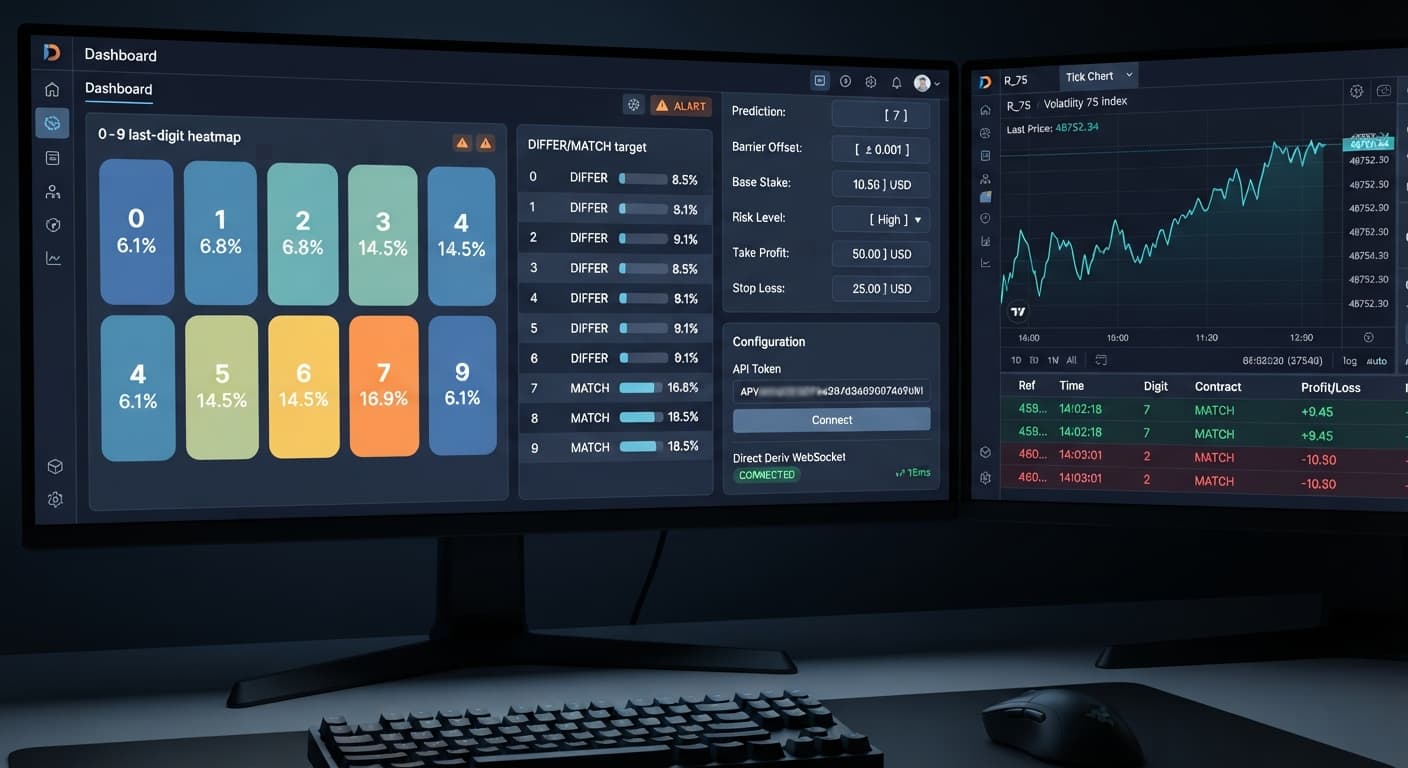
If you're asking is ldp analyzer pro safe, the short answer is yes regarding technical API security, but no regarding financial risk if you run unchecked stake recovery setups. LDP Analyzer Pro connects directly to official Deriv servers inside your browser session using your private API key. No funds or credentials pass through external servers, and the application cannot request withdrawals from your balance. However, trading safety depends entirely on how you manage risk parameters, because automatic multiplier sequences can wipe an account quickly during unexpected digit runs.
Understanding how the tool handles connections and execution helps you avoid common pitfalls when running automated deriv bots.
When you trade using digit automation, you're placing high-speed bets on the final digit (0 through 9) of a synthetic market's price tick. Deriv synthetic indices use random number generators to generate these numbers continuously. Depending on your chosen mode, the web interface submits specific contract types directly to your account:
Prediction. Payouts are low (typically around 9-10%), but statistical win rates per tick sit around 90%.Prediction. Payouts are high (around 800%), but the raw probability is 10% per tick.Barrier (OVER wins > N, UNDER < N).It's critical to understand that past digit frequency displayed on a last digit prediction interface doesn't alter future odds. If the digit 7 hasn't appeared for 30 ticks, the probability of the next tick ending in 7 remains exactly 10%. Synthetic ticks are completely independent random draws. A visual heatmap helps you spot short-term statistical clustering, but it doesn't change underlying market odds.
Tracking tick patterns manually across rapid index charts is exhausting. That's why traders turn to automated toolsets and binary bots to handle entry conditions and math execution.
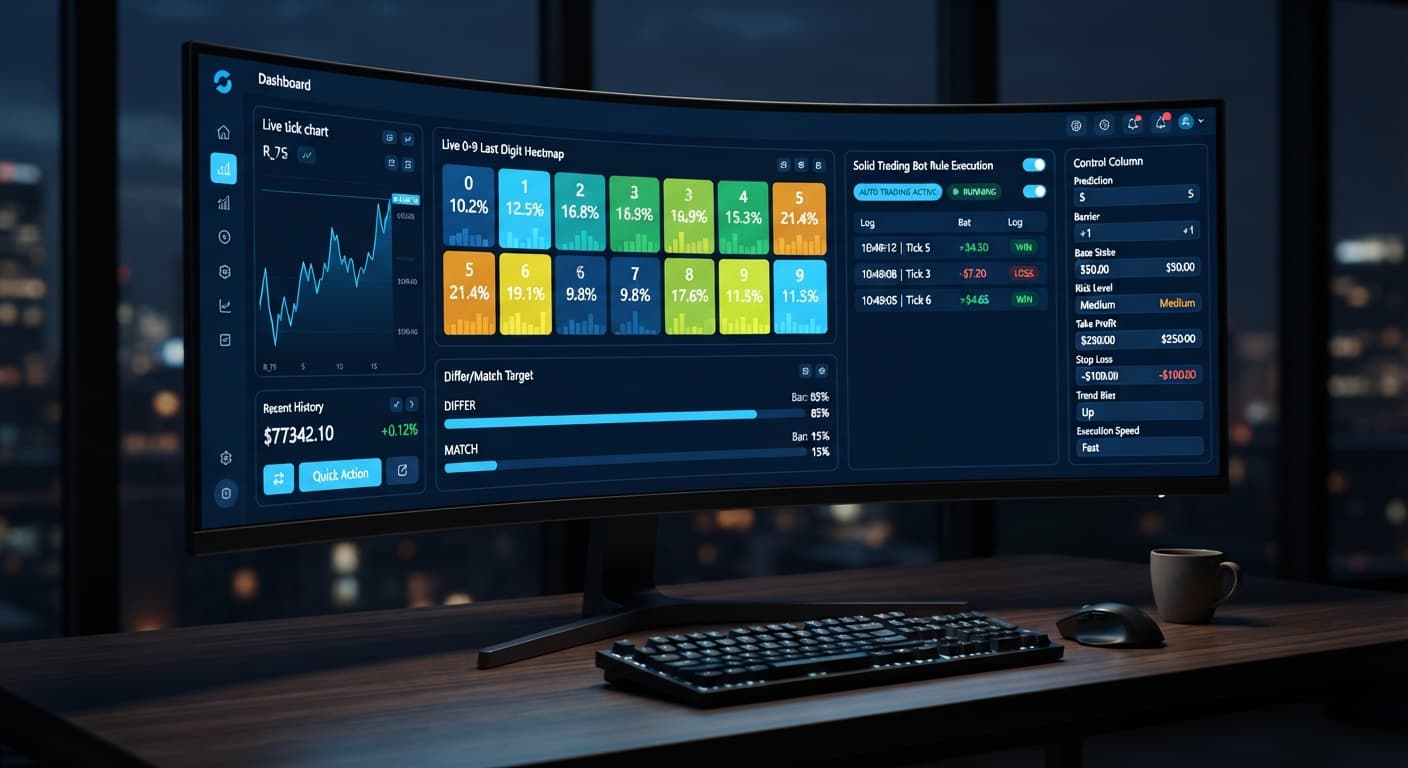
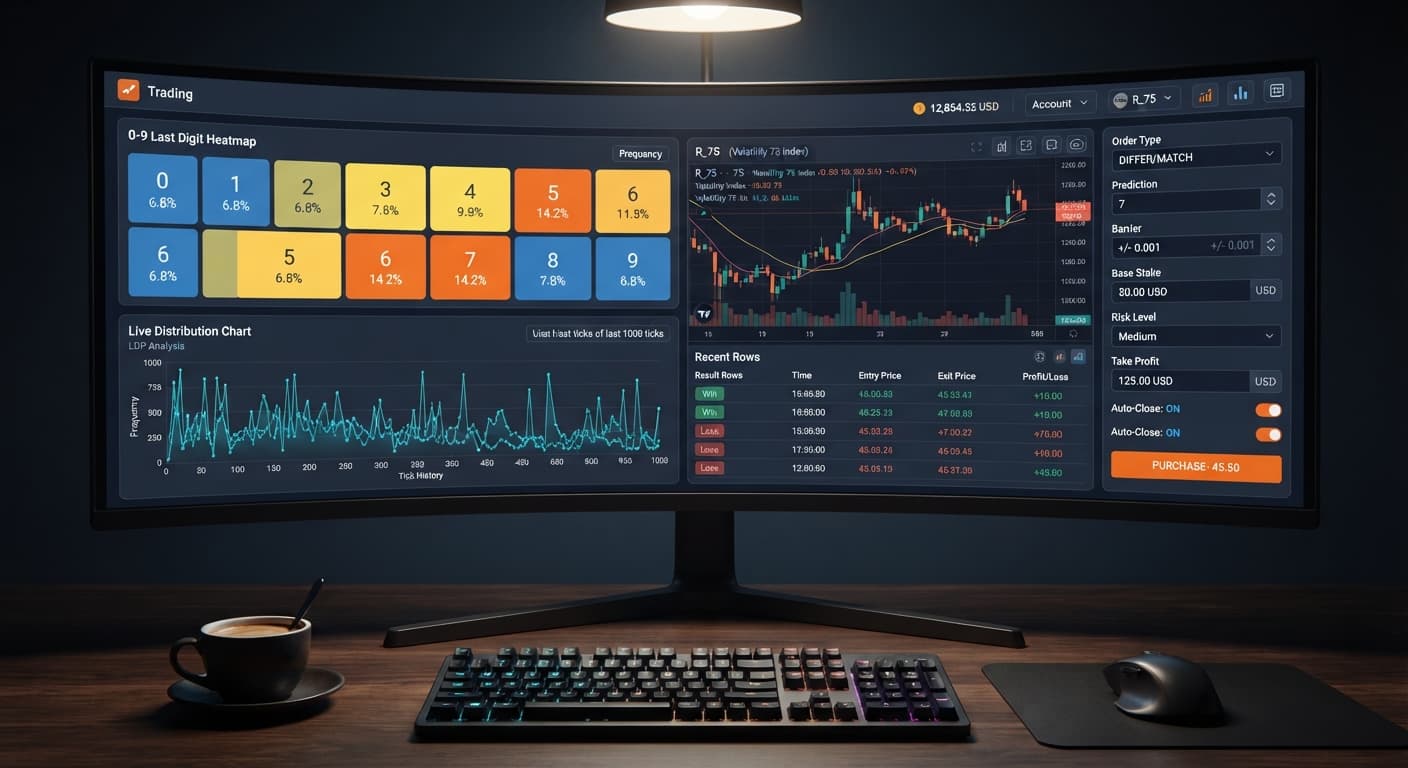
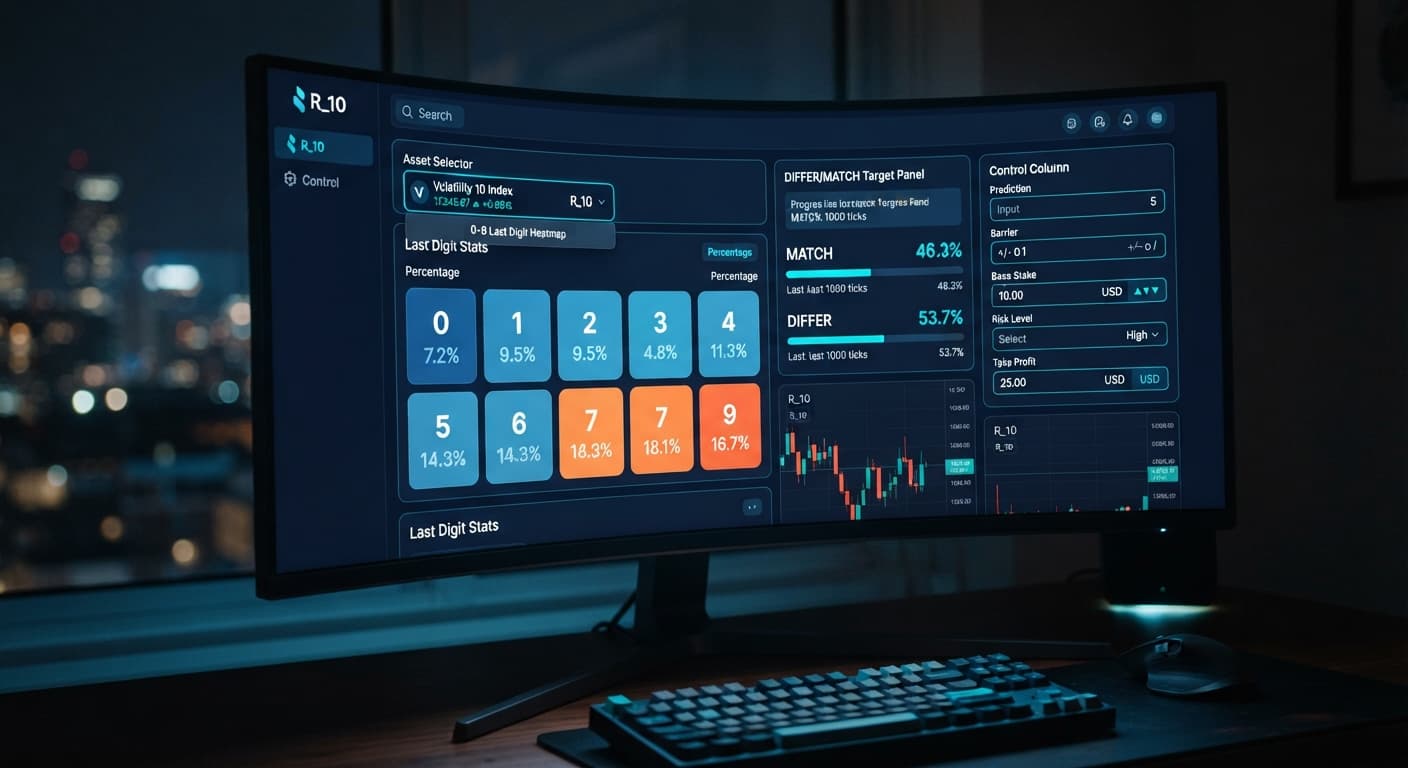
The primary advantage of a specialized digit analysis tool is live visual aggregation. The system reads incoming tick data directly from the network feed and updates a visual 0-9 heatmap instantly. You get clear feedback on:
Removing human hesitation helps execute strategies consistently, but automated execution cuts both ways. A bot executes bad settings just as fast as good ones.
Selecting the right market is just as important as setting your strategy targets. Different synthetic indices produce ticks at different frequencies, which directly impacts how fast a digit recovery cycle progresses.
| Market | Tick Interval | Digit Distribution Speed | Ideal Duration | Strategy Fit |
|---|---|---|---|---|
| Volatility 10 | 2 Seconds | Slow, stable baseline | 10 to 20 Ticks | Conservative DIGITDIFF or Over/Under setups |
| Volatility 75 | 2 Seconds | Moderate variance spikes | 20 to 30 Ticks | Even/Odd or filtered Match targets |
| Vol 100 (1s) | 1 Second | Extremely fast turn-over | 50 to 100 Ticks | Fast AutoPilot runs with strict stop triggers |
If you're running high-probability contracts like DIGITDIFF, Volatility 10 provides a manageable pace. The two-second tick gap gives you time to observe heatmap changes and pause the execution if a single digit begins clustering unnaturally.
Conversely, trading Vol 100 (1s) with aggressive stake multipliers on a small balance is dangerous. A single bad run can trigger five consecutive losses in five seconds. For beginner setups, stick to slower two-second markets like Volatility 10 or Volatility 25 before testing faster 1-second indices.
To test a strategy safely, configure your control panel systematically. Here is the recommended sequence for setting up your session parameters:
Open the control dashboard and choose your target index from the market list (such as Volatility 10). Select your execution mode: Over/Under, Even/Odd, Match/Differ, Rise/Fall, or AutoPilot (server-side auto-trader).
Set your core contract variables according to your entry criteria:
Prediction if running Match/Differ strategies.Barrier (OVER wins > N, UNDER < N) if running Over/Under contracts.Duration (ticks) — 10 / 20 / 30 / 50 / 100.Before launching the session, set your stake inputs and protection levels:
Base Stake (or Initial Stake / Stake depending on the selected execution mode).Risk Level — Conservative (1.5x), Moderate (2x), Aggressive (2.5x). This sets the fixed Multiplier applied after a losing tick.Stop Loss ($). Never leave this blank.Take Profit ($) (or Target Profit).Once your parameters are locked in, run the execution script. The AI signals filter will evaluate incoming digits and fire orders only when pattern criteria match.
Returning to our main question: is ldp analyzer pro safe for daily trading?
Technically, yes. Because the software operates entirely client-side using direct WebSocket connections to official Deriv infrastructure, your API key stays private to your browser session. The application has no central database storing user balances, making it far safer from a credential standpoint than third-party web services that store your keys on external servers.
Financially, safety depends on your risk management. The mathematical truth of binary digit trading is absolute:
Always establish your Stop Loss ($) and Take Profit ($) targets before pressing start. Test every new configuration using virtual money on a Deriv demo account first. If a strategy cannot survive 500 ticks on demo funds without hitting a drawdown spike, it isn't ready for your real account balance.
To explore other automated scripts and visual toolsets across our free binary bots library, explore our full collection of web trading applications.
Test your setup on LDP Analyzer Pro using a demo balance before trading real money.
If you don't have a trading account yet, create a free Deriv account to generate your API token.
Trading involves risk. Past performance does not guarantee future results.
Related: LDP Analyzer Pro Review: Digit Differs Binary Bots
Related: LDP Analyzer Pro Settings: Deriv Bots Stake & Risk Guide
A fast Deriv digit-analysis tool and trading bot with a live 0-9 last-digit heatmap, DIFFER/MATCH targets, even-odd and over-under signals, and a 3-strategy auto-trader with risk controls.
Open LDP Analyzer Pro →Yes, LDP Analyzer Pro is safe regarding technical API security because it connects directly to official Deriv servers using your private API key without passing funds through external servers. However, it isn't safe financially if you use unchecked stake recovery setups, since automatic multiplier sequences can quickly wipe an account during unexpected digit runs.
LDP Analyzer Pro connects directly to official Deriv servers inside your browser session using your private API key. No credentials or funds pass through external servers, and the application cannot request withdrawals from your balance.
No, past digit frequency doesn't alter future odds because synthetic ticks are completely independent random draws. If a digit hasn't appeared for a while, the probability of the next tick landing on it remains exactly the same.
Yes, when you use the AutoPilot mode in LDP Analyzer Pro, trade commands run server-side so your strategy keeps processing even if your browser window closes or your device loses connection.
Guides closest to this one.
Follow 3 simple steps to run ldp analyzer pro on volatility 10 by linking your Deriv token, setting predictions, and configuring risk controls.
Compare ldp analyzer pro vs solid trading bot on Deriv synthetic indices. Learn live 0-9 heatmap analysis versus rule-based execution. Test it today.
Read our ldp analyzer pro review to evaluate the 0-9 heatmap accuracy, digit analysis features, and risk controls for Deriv synthetic indices.