Auto Trading Bots
Autopilot vs Manual Trading: Deriv Bots Compared
Compare autopilot vs manual trading on Deriv bots. Learn how server-side automation changes volatility index execution. Try our free Deriv bot now.
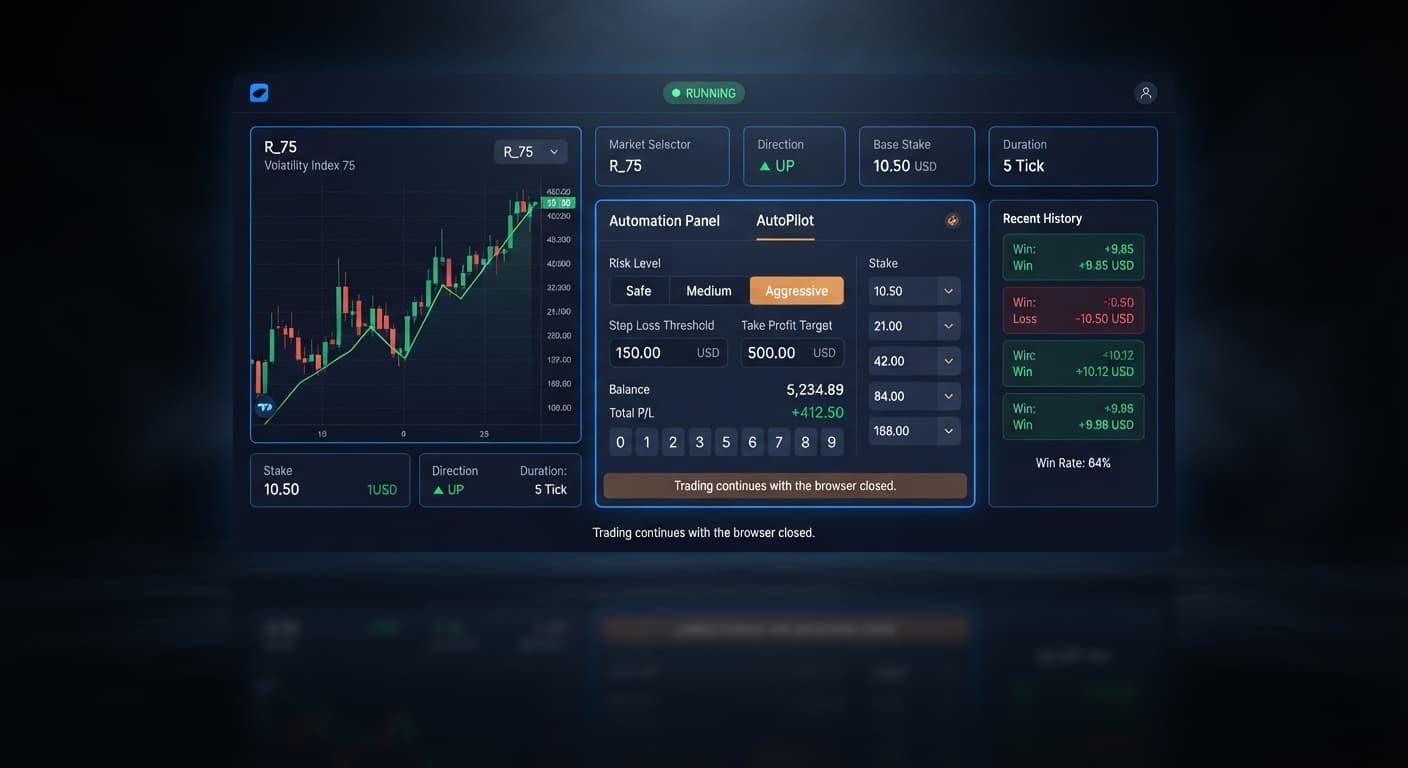
For an ideal autopilot stop loss setup, set your Stop Loss at 15% to 20% of your current account balance and set your Take Profit at 5% to 10%. Pair these values with a Safe Risk Level and a Growth Rate of 1% or 2% to give your trades room to breath without hitting your account limit during an early drawdown. Because AutoPilot operates directly on Deriv's server-side system, these strict risk boundaries remain active on the server even if you close your browser or turn off your device.
Never run an automated session without establishing your risk ceiling first. Setting these controls after launching a run is the quickest way to clear out an account balance.
When configuring an autopilot stop loss setup, start with concrete numbers tied directly to your starting balance. If you are starting a session with $100 on a real account, your Stop Loss goes to $15 or $20, and your Take Profit goes to $5 or $10. If your bankroll is $500, your Stop Loss goes to $75 and your Take Profit to $25.
Setting your Stop Loss higher than 20% of your account is a mistake. AutoPilot uses a Rise/Fall strategy with Martingale progression, meaning every consecutive loss increases the next trade's required entry stake. If you leave your Stop Loss wide open or push it to 50%, a single extended streak of losing ticks will clear out your equity before you can intervene.
Set your Base Stake to the absolute minimum allowed for your chosen index—typically $0.35 on Deriv synthetic markets. This gives your account maximum margin room to clear bad trade sequences.
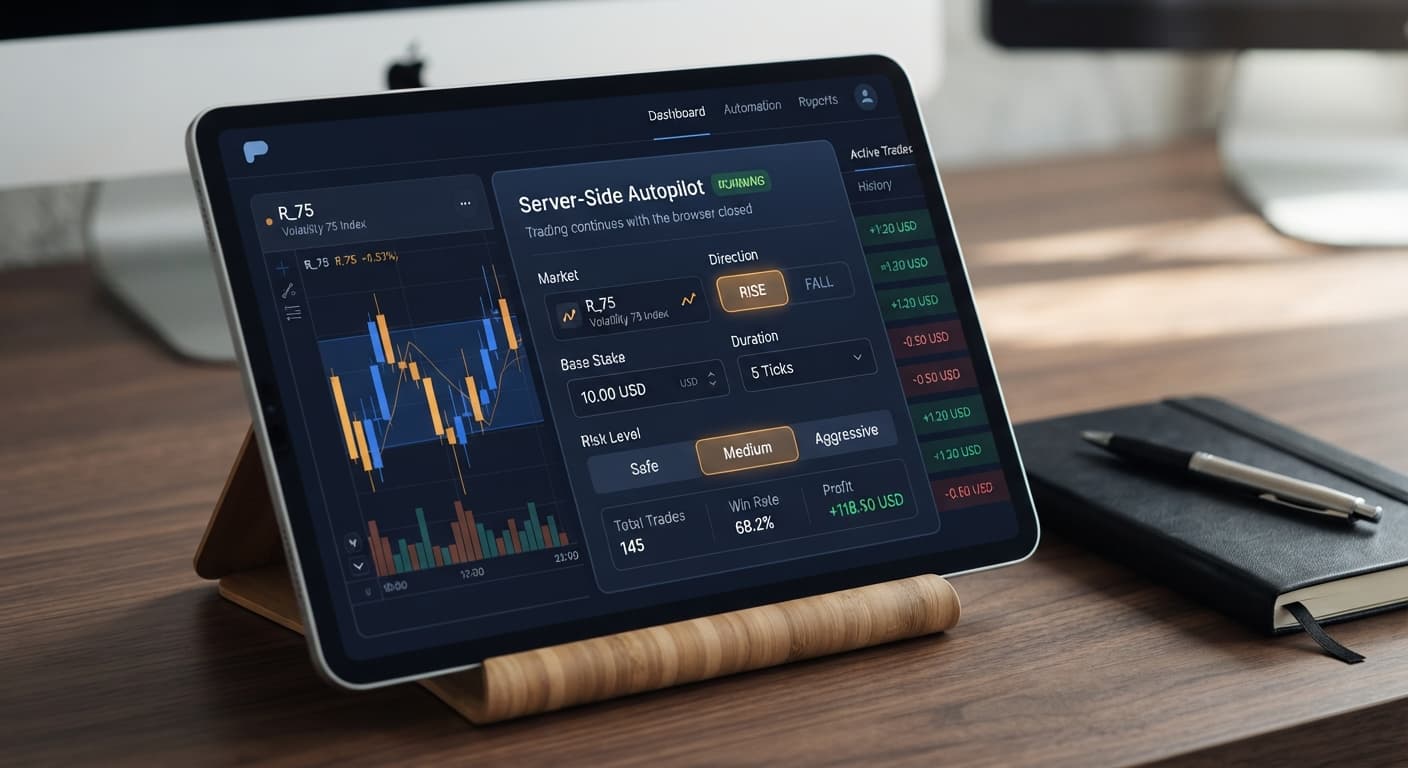
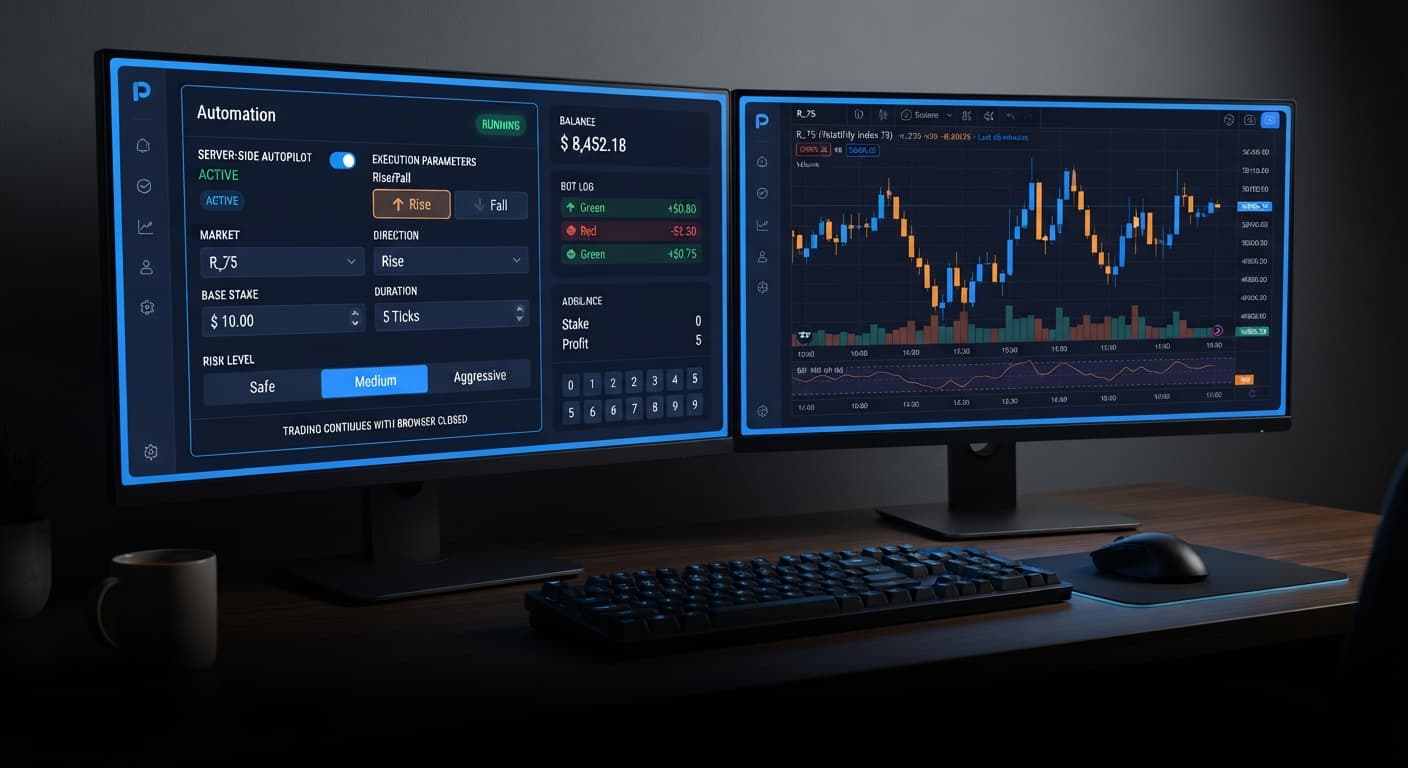
Most browser-based binary bots execute code locally inside your active browser tab. If your laptop lid closes, your internet drops, or the browser freezes, those local bots fail to send the exit command, leaving your trades hanging. AutoPilot is different. It relies on Deriv's official Automation API server. Once you send your parameters, Deriv's own servers control the order flow.
When the server processes your settings, it tracks your net balance changes after every contract closes:
The Risk Level selector (Safe, Medium, Aggressive) alters how aggressively the server scales trade sizes during recovery sequences. On Safe, the stake progression curve is tempered to preserve balance over longer runs. Aggressive accelerates recovery to recoup losses faster, but it shrinks your safety buffer significantly.
Selecting the right control set requires matching your target runtime with exact system parameters. The matrix below demonstrates how specific operational inputs change bot behavior during a session.
| Parameter Combination | Operational Execution | Target Trader Profile |
|---|---|---|
| Duration: 5 sec Risk Level: Safe Growth Rate: 1% |
Fires short-burst trades; applies conservative stake scaling after losses | Active scalpers monitoring short intraday runs |
| Duration: 60 sec Risk Level: Safe Growth Rate: 2% |
Filters micro-tick noise; keeps stake scaling modest over longer trends | Hands-off traders running background sessions |
| Duration: 5 sec Risk Level: Medium Growth Rate: 3% |
Fast contract turnover; moderate stake recovery steps | Balanced accounts targeting quick session goals |
| Duration: 2 min Risk Level: Aggressive Growth Rate: 5% |
Slow contract cycles; steep stake jumps on loss recovery | High-capital balances seeking brief, high-intensity cycles |
My preference on live accounts is running Duration at 5 sec with a Safe Risk Level and a 1% Growth Rate. This specific combination gives the server-side automation room to survive standard tick noise without triggering a sharp draw on account capital.
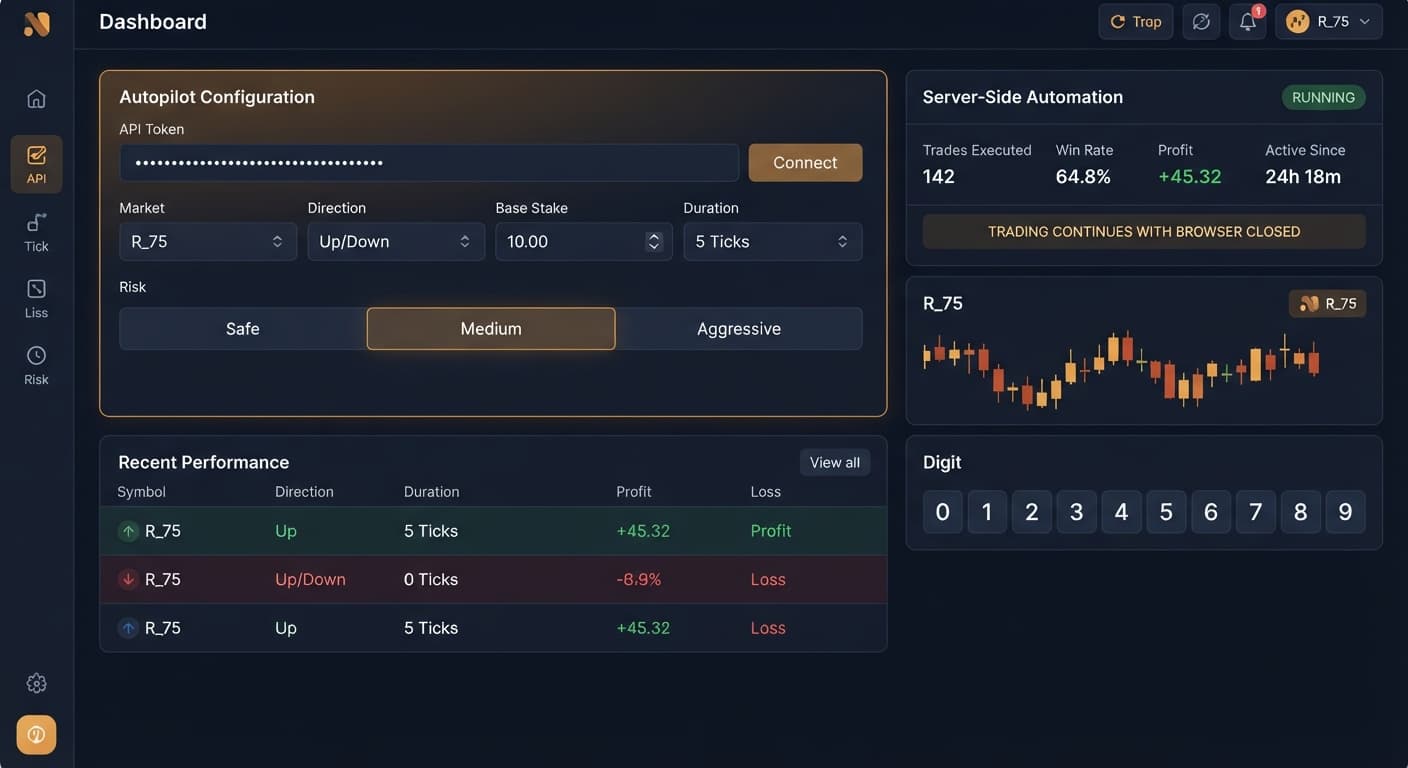
To build a reliable autopilot stop loss setup, you need to know exactly what every switch and field on your screen does. AutoPilot simplifies execution by focusing on core contract parameters.
| On-Screen Control | Available Options | Trade-Off Analysis |
|---|---|---|
| Market | Deriv Volatility Indices | Higher index numbers (e.g., Volatility 100) mean faster price movements; lower indices offer smoother tick paths. |
| Direction | Rise / Fall | Dictates whether the bot opens CALL (Rise) or PUT (Fall) contracts exclusively. |
| Base Stake | Numerical value (e.g., 0.35) | Starting small gives you a long run buffer; setting this too high shortens your loss tolerance exponentially. |
| Duration (sec / min) | Custom numbers in sec or min | Ticks and short second durations increase cycle speed; minute durations reduce market noise impact. |
| Growth Rate | 1% to 5% | Controls stake scaling step sizing. Lower percentages preserve equity; higher settings aim for faster target recovery. |
| Risk Level | Safe / Medium / Aggressive | Safe slows stake scaling during loss sequences. Aggressive recovers drawdowns rapidly but increases wipeout risk during bad streaks. |
| Take Profit | Currency amount | Caps session wins automatically. Setting this too high keeps the bot active in market exposure far too long. |
| Stop Loss | Currency amount | Enforces hard cutoff on total session losses. Leaving this empty or too large guarantees eventual account depletion. |
Your approach must adapt based on your balance size and how long you plan to leave the bot operating unattended. Because these deriv bots run server-side, they won't pause just because you walked away from your desk.
With a smaller balance, your sole objective is surviving consecutive losing cycles. An autopilot stop loss setup at $10 ensures that even an unpredictable market drop leaves 80% of your account intact to trade another day.
A larger bankroll lets you extend the Duration control to 1 or 2 minutes. Longer trade durations smooth out sudden random price spikes common on lower synthetic timeframes.
Follow these steps in exact order every time you launch a session:
Enter your API token on the tool interface to establish a secure, direct link to your account trading engine.
Choose your desired synthetic index under Market, then set your trading bias under Direction to either Rise or Fall.
Enter your minimum starting trade amount in Base Stake, then pick your contract timeframe under Duration (sec / min).
Select a Growth Rate between 1% and 5%, then click Safe under Risk Level to protect your capital curve.
Type your calculated numeric cutoffs into Stop Loss and Take Profit before hitting the start button.
Never launch the bot without verifying these two fields first. If you want to test new parameters or adjust your setup, run the strategy on a virtual account first. You can test every configuration across our full range of free deriv bots without risking real funds until you confirm how the drawdown behaves.
Past tick patterns on synthetic indices don't alter the math of upcoming contracts. Each tick is an independent draw, and an extended run of Rise results doesn't make a Fall contract more likely on the next tick. Your stop loss is the only tool that preserves your capital when market trends run against your position.
Test these settings risk-free on AutoPilot using a demo account balance before running real funds.
If you don't have a trading setup yet, create a free Deriv account to get started.
Trading involves risk. Past performance does not guarantee future results.
Related: Autopilot vs Manual Trading: Deriv Bots Compared
Related: Configuring Deriv Autopilot Settings for Binary Bots
Related: Autopilot Demo Account Setup: Test Deriv Bots Risk-Free
Free server-side automated trading bot for Deriv — runs Rise/Fall Martingale with stop loss and take profit, and keeps trading after you close the browser.
Open AutoPilot →Set your stop loss at 15% to 20% of your current account balance and your take profit at 5% to 10%. You should also pair these values with a safe risk level and a 1% or 2% growth rate.
Yes, AutoPilot operates directly on Deriv's server-side Automation API rather than locally in your browser. This means your strict risk boundaries remain active on the server even if you close your browser or turn off your device.
You'll want to set your base stake to the absolute minimum allowed for your chosen index, which is typically $0.35 on Deriv synthetic markets. Keeping it at the minimum gives your account maximum margin room to clear out bad trade sequences.
AutoPilot uses a Rise/Fall strategy with a Martingale progression that increases your required entry stake after every consecutive loss. If you push your stop loss to 50% or leave it wide open, a single extended losing streak will wipe out your equity.
Guides closest to this one.
Compare autopilot vs manual trading on Deriv bots. Learn how server-side automation changes volatility index execution. Try our free Deriv bot now.
Master the autopilot settings on BinaryBot.live for server-side Rise/Fall trading on Deriv. Follow this configuration guide and start trading smarter.
Master autopilot demo account setup on BinaryBot.live. Learn to configure and test a free deriv automated trading bot safely without risking real funds.