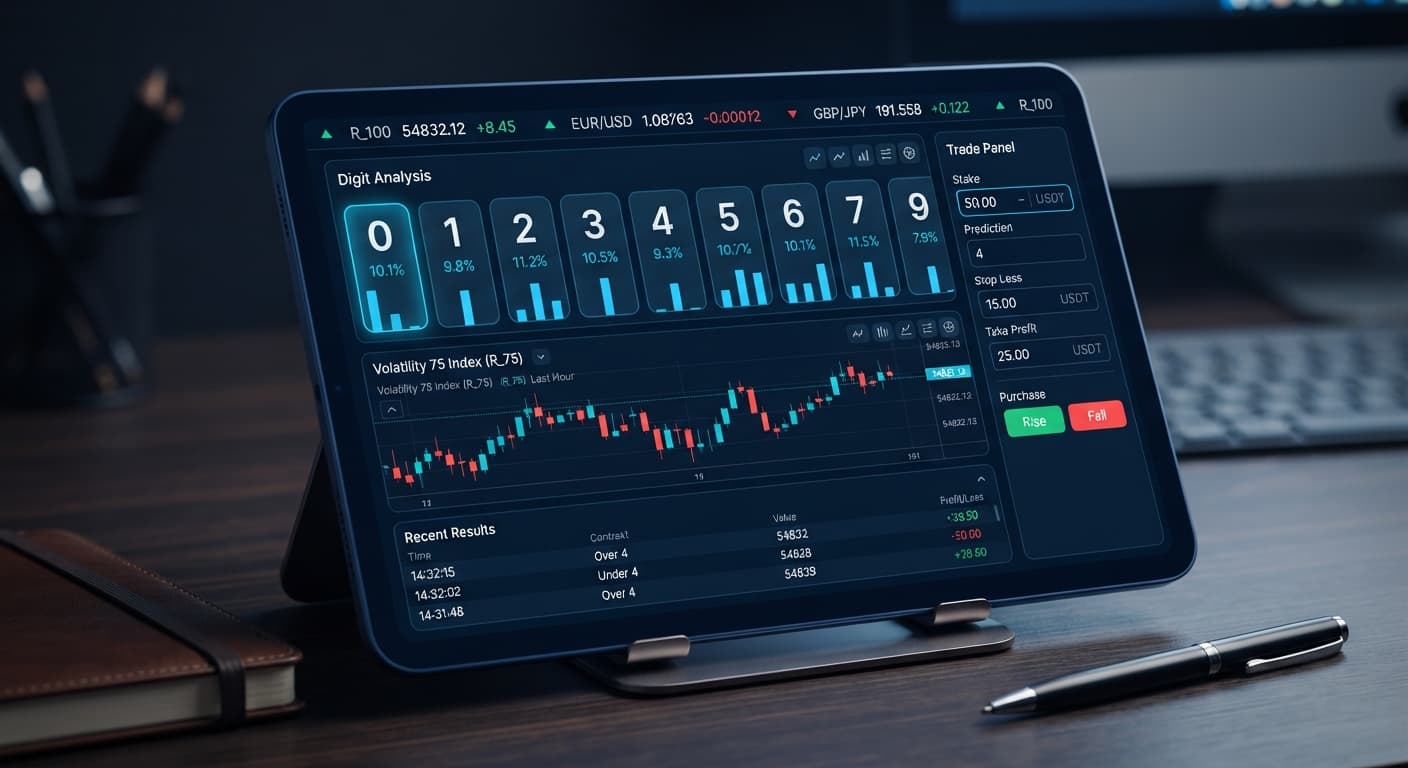
Digit Analysis
LDP Analyzer Stop Loss Setup for Deriv Bots
Master the LDP Analyzer stop loss setup for Deriv bots. Learn how to configure risk management controls to protect your capital. Start reading today.
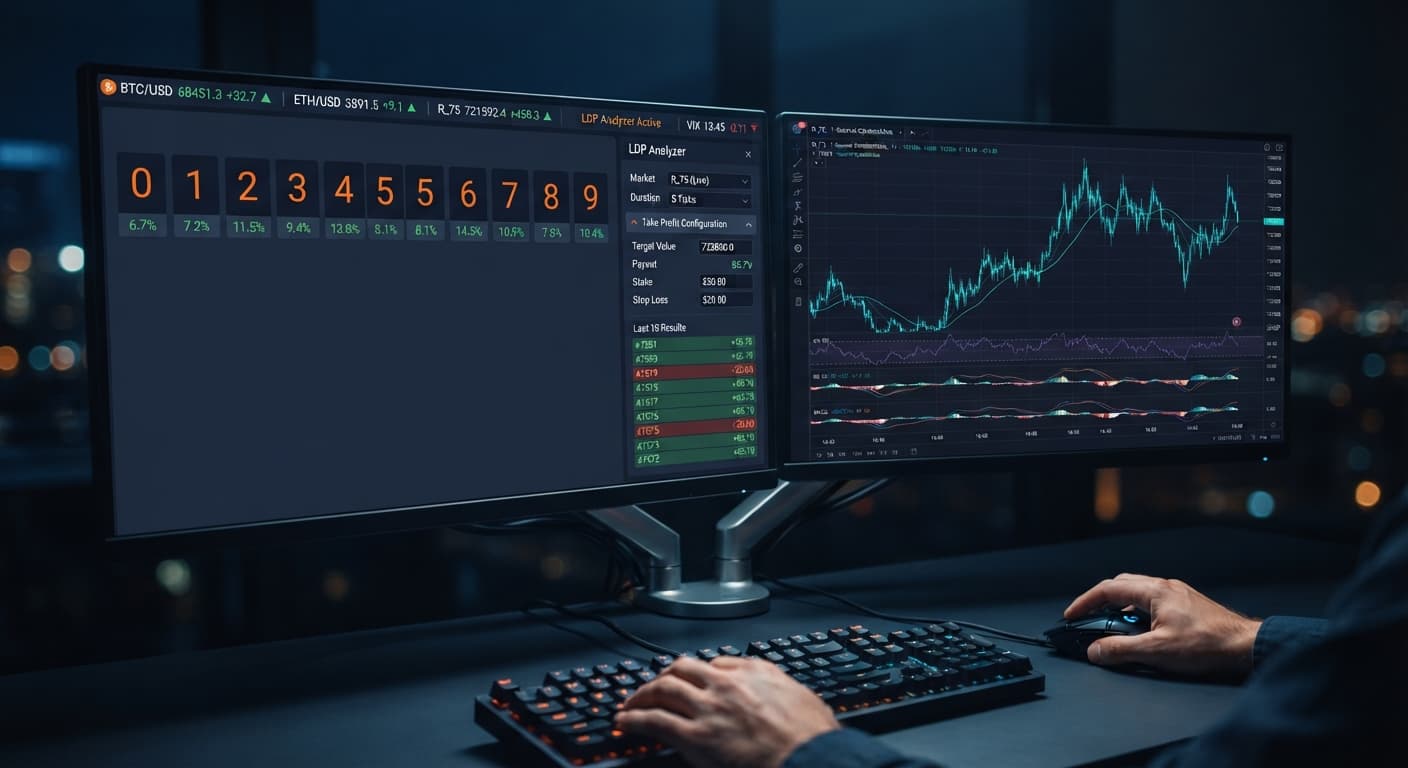
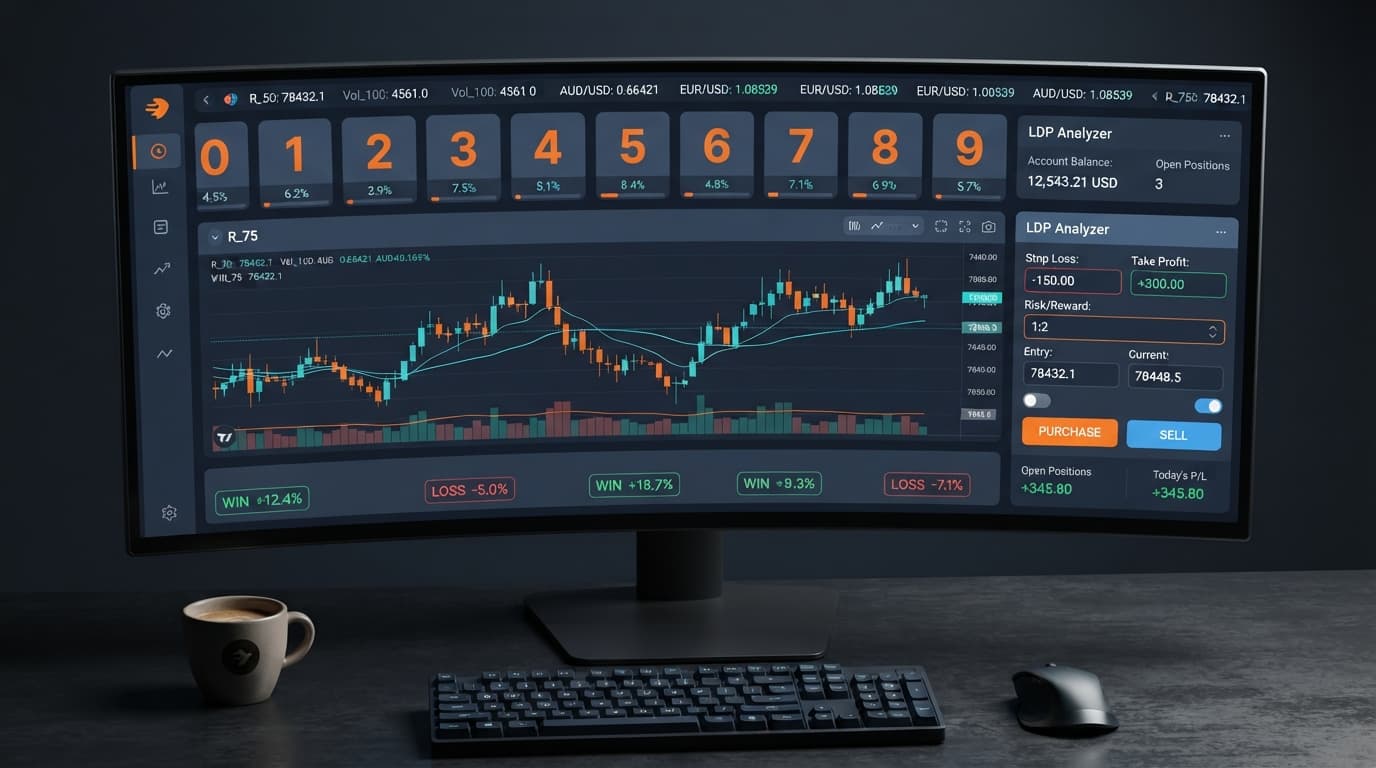
For optimal session control, set your ldp analyzer take profit settings to between 2% and 5% of your total account balance, or roughly 2 to 4 times your single stake value. Setting this target stops automated strategy execution the second your target return is reached, locking in gains before market shifts erase them. You must enter this figure into the take profit field before starting your run, alongside your chosen stop loss.
When you trade without a defined target gain, you rely on manual timing to stop the software. That's a mistake. Automated tools place contracts much faster than you can click, and running a session endlessly guarantees you'll eventually hit a series of loss ticks that wiped out early wins.
If you're running a $100 balance on a Deriv demo account, enter 3 in the take profit box and 15 in the stop loss box, while keeping your stake at 1. This means the session ends automatically once net profit reaches $3, or if losses touch $15.
Take Profit: $3.00 (3% of balance / 3x stake)
Stop Loss:   $15.00 (15% of balance / 15x stake)
Stake:       $1.00
Never leave the take profit box at zero or blank. If you run the tool without a limit, it will buy contracts indefinitely until your balance can no longer cover the base stake.
Always test your exact numerical targets on a virtual balance before connecting live funds. You can test your setup for free on the LDP Analyzer tool right inside your web browser.
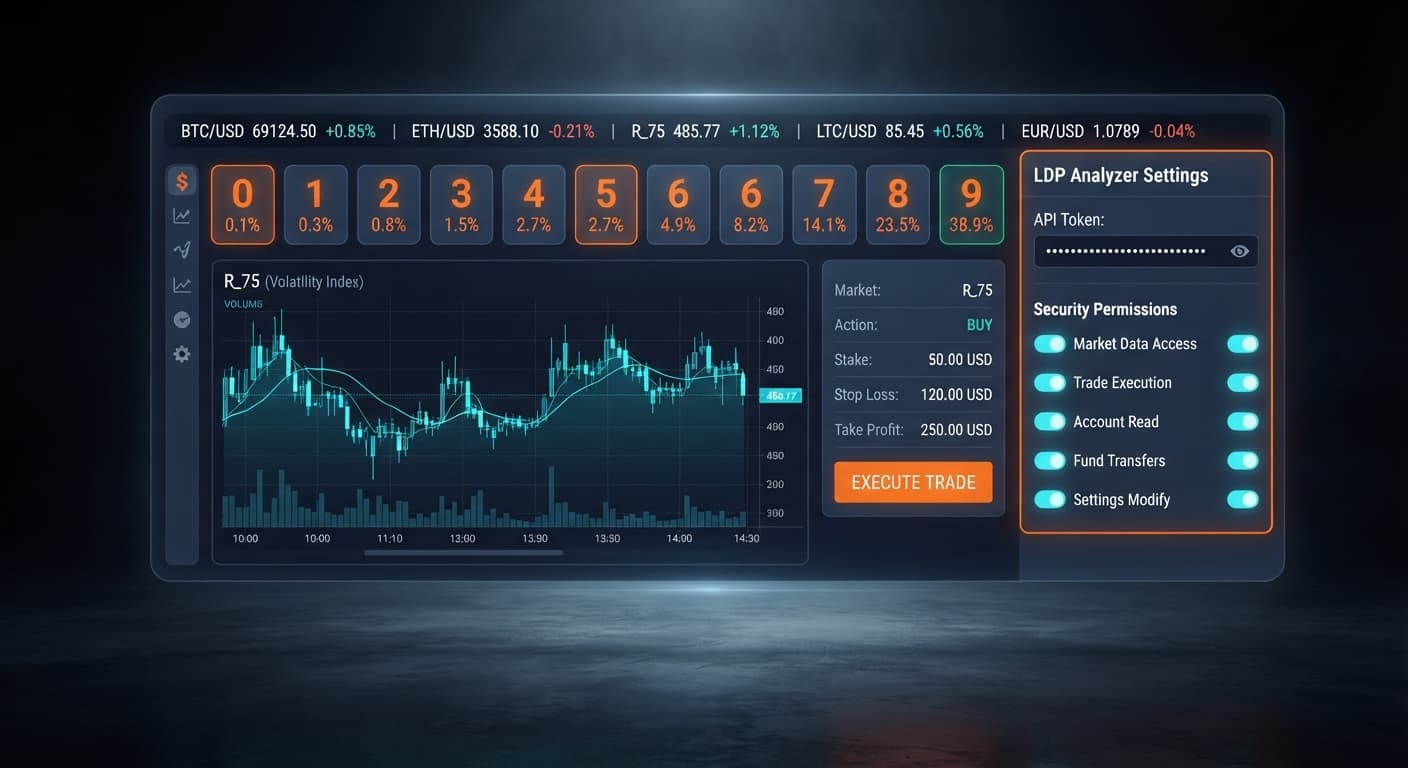
Paste your token into the Deriv API token connection field at the top of the interface. The tool connects directly to Deriv over their official API using your credentials.
No funds pass through BinaryBot.live; every trade executes directly inside your personal Deriv account. If you paste a token from a demo account, the interface interacts exclusively with your virtual balance.
Select your target instrument from the market selector dropdown. You can choose standard indices like Volatility 10, Volatility 25, Volatility 50, Volatility 75, or Volatility 100, as well as their 1s variants.
After choosing the index, select the digit contract type you plan to run. The available options are:
Real-time digit analysis begins streaming immediately once the connection completes. The browser processes incoming tick prices instantly, isolating the last digit of every price tick.
Enter your base order amount into the stake input. Next, type your chosen boundary into the take profit box, followed by your maximum allowed drawdown in the stop loss box.
Adjusting your ldp analyzer take profit settings relative to your base order size determines how many net winning contracts the system needs to complete a session. For instance, if you select DIGITEVEN or DIGITODD (which pay out close to 1:1 ratios), a take profit set to 4 times your stake requires roughly four net winning ticks to wrap up the automated session.
Click the start button to kick off automated strategy execution. The software reads incoming tick streams, evaluates digit statistics, and automatically places contracts according to your active selection.
While the session runs, monitor the interface log. Do not change the market or adjust inputs mid-run. If you want to modify your parameters, stop the software first, clear the active log, update the figures, and restart.
The software checks cumulative session net profit after every resolved tick contract. The moment the total return equals or exceeds the value stored in the take profit field, the execution loop breaks and no further buy signals send.
Tick 1: Win  (+$0.95) -> Cumulative: +$0.95 | Target: $3.00 -> Continue
Tick 2: Win  (+$0.95) -> Cumulative: +$1.90 | Target: $3.00 -> Continue
Tick 3: Loss (-$1.00) -> Cumulative: +$0.90 | Target: $3.00 -> Continue
Tick 4: Win  (+$0.95) -> Cumulative: +$1.85 | Target: $3.00 -> Continue
Tick 5: Win  (+$0.95) -> Cumulative: +$2.80 | Target: $3.00 -> Continue
Tick 6: Win  (+$0.95) -> Cumulative: +$3.75 | Target: $3.00 -> TARGET REACHED (STOP)
Past digit frequencies don't change the probability of future price ticks. Deriv synthetic index ticks are independent random draws. A digit showing up three times in a row doesn't mean it's less likely to land on the fourth tick. The system doesn't "predict" deterministic outcomes; it automates execution rules based on statistical distributions.
Because every tick is independent, prolonged cold streaks can happen unexpectedly. Your take profit ensures that when a favorable streak hits, the script exits immediately rather than giving those gains back over subsequent ticks.
When running automated digit sessions, tracking visual indicators lets you verify that limits are working properly. Here's what your browser interface displays at each stage of a session:
| Screen State / UI Display | What It Means On Your Screen | Required Action |
|---|---|---|
| Green status indicator with live tick stream updating | Deriv API token connection is active and streaming digits. |
Verification complete; ready to set parameters. |
| Greyed out inputs during active run | Execution active; inputs locked to prevent race conditions. | Let session run or hit Stop before editing values. |
| Red pop-up alert or red trade log entry | stop loss target hit; script killed execution. |
Review strategy parameters; do not immediately restart. |
| Green trade log summary with execution paused | take profit target reached; automated execution halted. |
Session complete; review trade stats in the log. |
| Static tick counter with active connection | Feed stalled or Web Socket connection lost. | Refresh browser page, re-paste API token, check net connection. |
If your network connection drops mid-trade, the browser tool cannot send new order requests. However, open contracts finish processing on Deriv servers automatically. Once reconnected, the script recalculates total P/L from account history to determine if targets were met.
Before running any script, double-check all controls on the entry-level analyzer. If you want advanced features like 0-9 heatmaps, DIFFER/MATCH target tools, and automatic target switching, check out LDP Analyzer Pro.
| Interface Control | Selection / Parameter Options | Practical Function and Trade-Off |
|---|---|---|
Deriv API token connection |
Demo Token / Real Token text string | Authenticates user; Demo risks virtual funds, Real risks account balance. |
market selector |
Volatility 10, 25, 50, 75, 100 (and 1s variants) | Sets tick speed and index asset; higher numbers mean faster price movements. |
stake |
Numerical currency value (e.g., 0.35, 1.00, 5.00) | Sets contract size; higher values hit target faster but increase drawdown speed. |
stop loss |
Numerical session loss cap (e.g., 10.00) | Hard account protection limit; terminates session when accumulated losses cross value. |
take profit |
Numerical session profit goal (e.g., 3.00) | Profit locking limit; stops automated buys as soon as net gains equal or exceed value. |
| Contract Type | DIGITEVEN, DIGITODD, DIGITOVER, DIGITUNDER, DIGITMATCH, DIGITDIFF | Controls contract logic; MATCH pays high returns with low probability, DIFF pays low returns with high probability. |
If you want to test alternative trading automation scripts beyond digit analysis, you can browse other free deriv bots available in the web library.
Calibrating your target numbers depends directly on your session length and total account size. Long sessions exposed to synthetic markets carry higher cumulative risk, so keeping targets tighter during extended sessions preserves capital better.
Here is how to align your limits based on trade frequency:
When evaluating popular binary bots, traders often make the mistake of setting target gains too high relative to their base trade size. Demanding a $20 gain on a $1 trade requires 21+ net wins over losses (assuming ~95% payout). The probability of maintaining that trajectory without hitting a bad drawdown sequence is low. Keep targets realistic, hit your target early, and disconnect the tool.
Practice adjusting your ldp analyzer take profit settings on the LDP Analyzer interface using a virtual account before executing real orders.
If you haven't set up your trading profile yet, create a free Deriv account to generate your token.
Trading involves risk. Past performance does not guarantee future results.
Related: LDP Analyzer Stop Loss Setup for Deriv Bots
Related: Why LDP Analyzer Keeps Losing for Deriv Bots
Related: LDP Analyzer API Token Setup: Connect & Automate Deriv Bots
Free LDP Binary Analyzer — AI-powered last-digit analysis for Deriv traders with real-time binary analysis and automated strategies.
Open LDP Analyzer →You should set your take profit between 2% and 5% of your total account balance, or roughly 2 to 4 times your single stake value. For example, with a $100 balance and a $1 stake, you'd enter 3 in the take profit box.
If you leave the take profit box at zero or blank, the tool will buy contracts indefinitely. Running the software without a limit guarantees you'll eventually hit a series of loss ticks that wipe out your early wins.
You paste your Deriv API token into the Deriv API token connection field at the top of the LDP Analyzer interface. The tool then connects directly to Deriv over their official API using your credentials.
You can choose from DIGITEVEN and DIGITODD, DIGITOVER and DIGITUNDER, or DIGITMATCH and DIGITDIFF. After selecting your market index from the dropdown, you just pick your desired digit contract type before launching.
Guides closest to this one.
Master the LDP Analyzer stop loss setup for Deriv bots. Learn how to configure risk management controls to protect your capital. Start reading today.
Discover why your ldp analyzer keeps losing on Deriv bots. Learn how to fix stake sizes, stop loss, and take profit settings. Test strategies for free today.
Master ldp analyzer api token setup to connect Deriv bots for real-time digit analysis and automated binary strategy execution. Start trading today.