Digit Analysis
Digit Pad Stop Loss Setup for Volatility Indices
Execute a strict digit pad stop loss setup by defining your maximum drawdown on paper before trading, since manual order pads lack automated stop scripts.
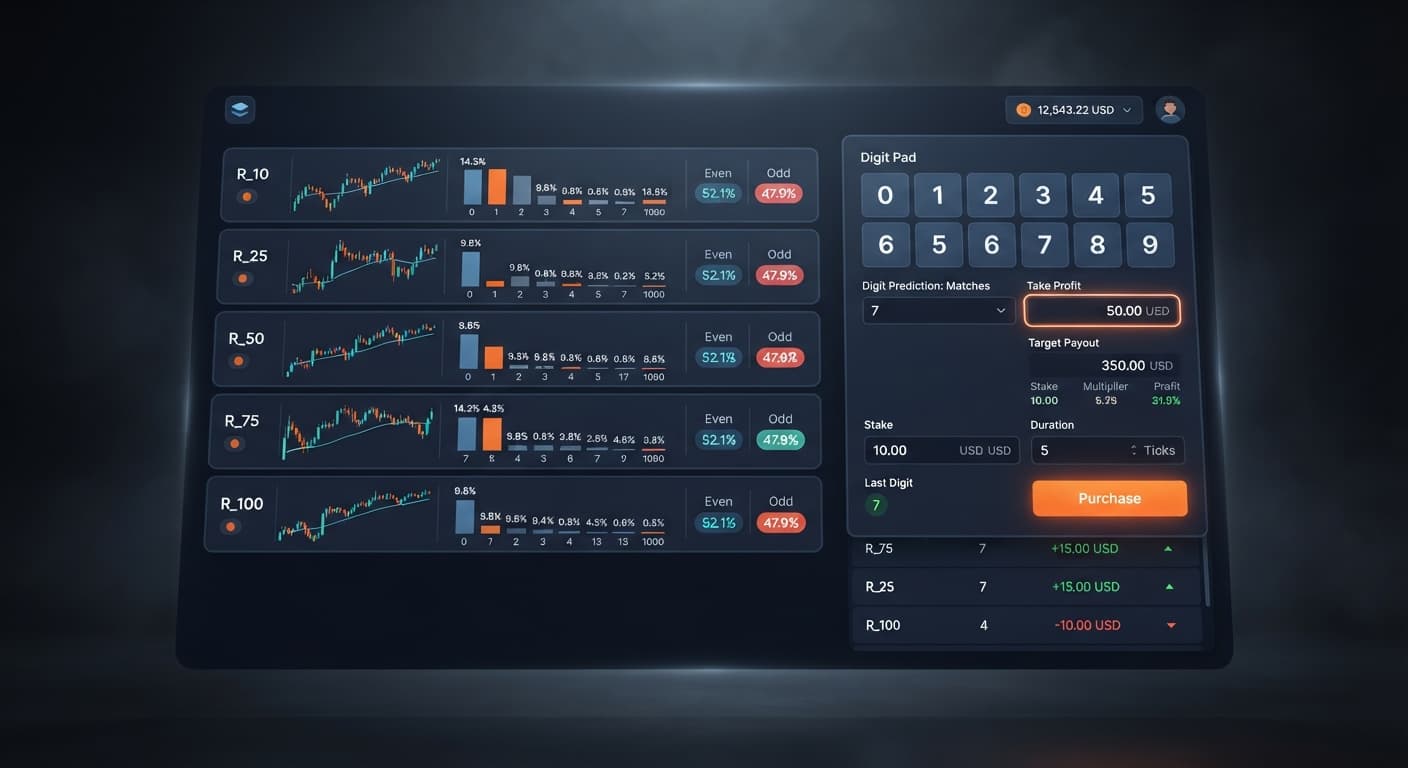
Configuring your digit pad take profit settings requires aligning your target profit threshold with contract math on Deriv, manual execution speeds, and proper stake sizing before opening any trades. On Digit Pad, managing your session profit goal means choosing your exact market selection, fixing your stake, selecting your digit target, and exiting the board the moment your target return is hit. Because the pad operates manually over live streams across R_10 to R_100, your take profit rule acts as a strict personal exit limit rather than an automated hard-stop trigger.
Manual binary bots on synthetic indices demand disciplined exit rules. When you trade digit contracts without a predefined target, emotional over-trading usually wipes out early profits. Setting a hard session limit—such as stopping after reaching a 5% to 10% gain on your account balance—keeps you from giving money back to the market during adverse tick runs.
Every synthetic tick on Deriv is an independent random draw. Past digit frequency doesn't change the probability of the next tick, so holding out for a cold digit to hit won't increase your win rate. Always test your targets on a Deriv demo account before trading with real capital.
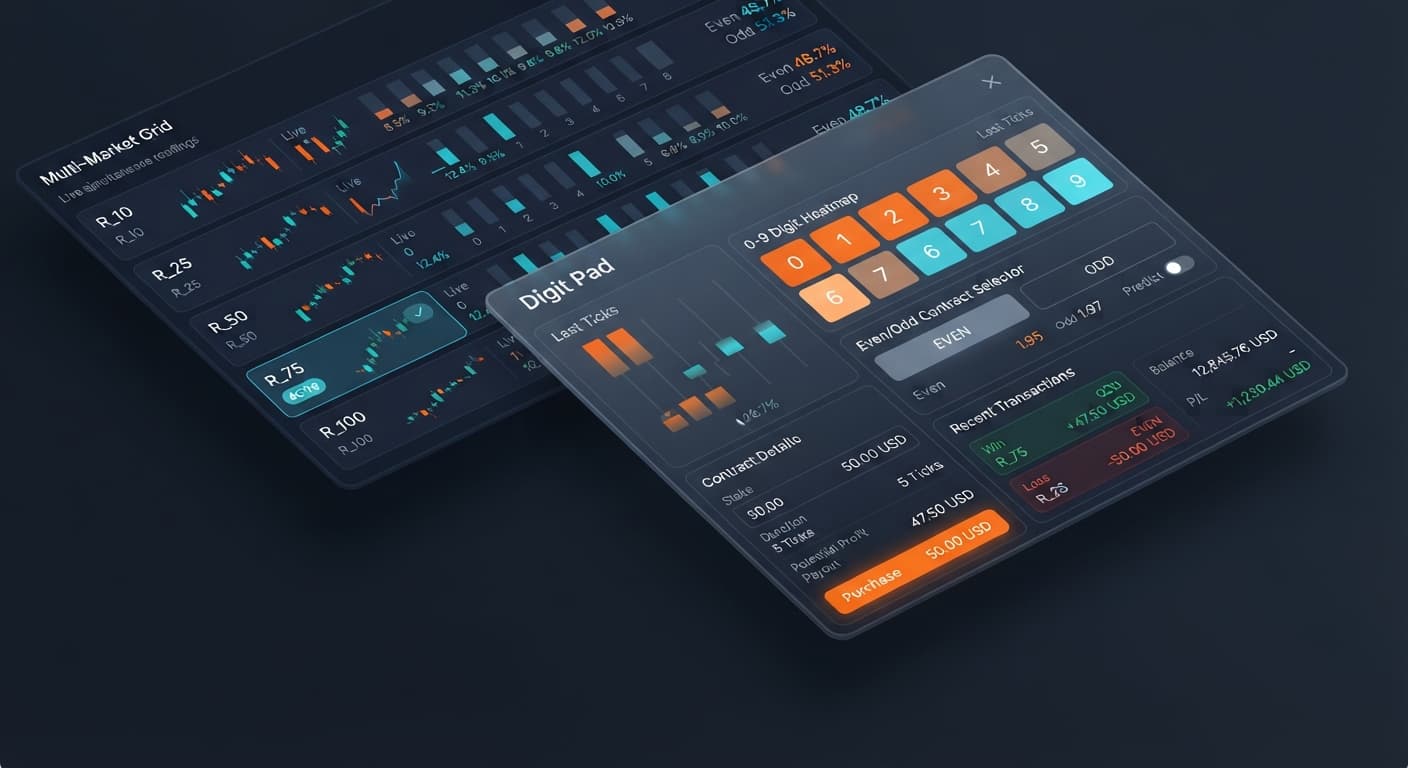
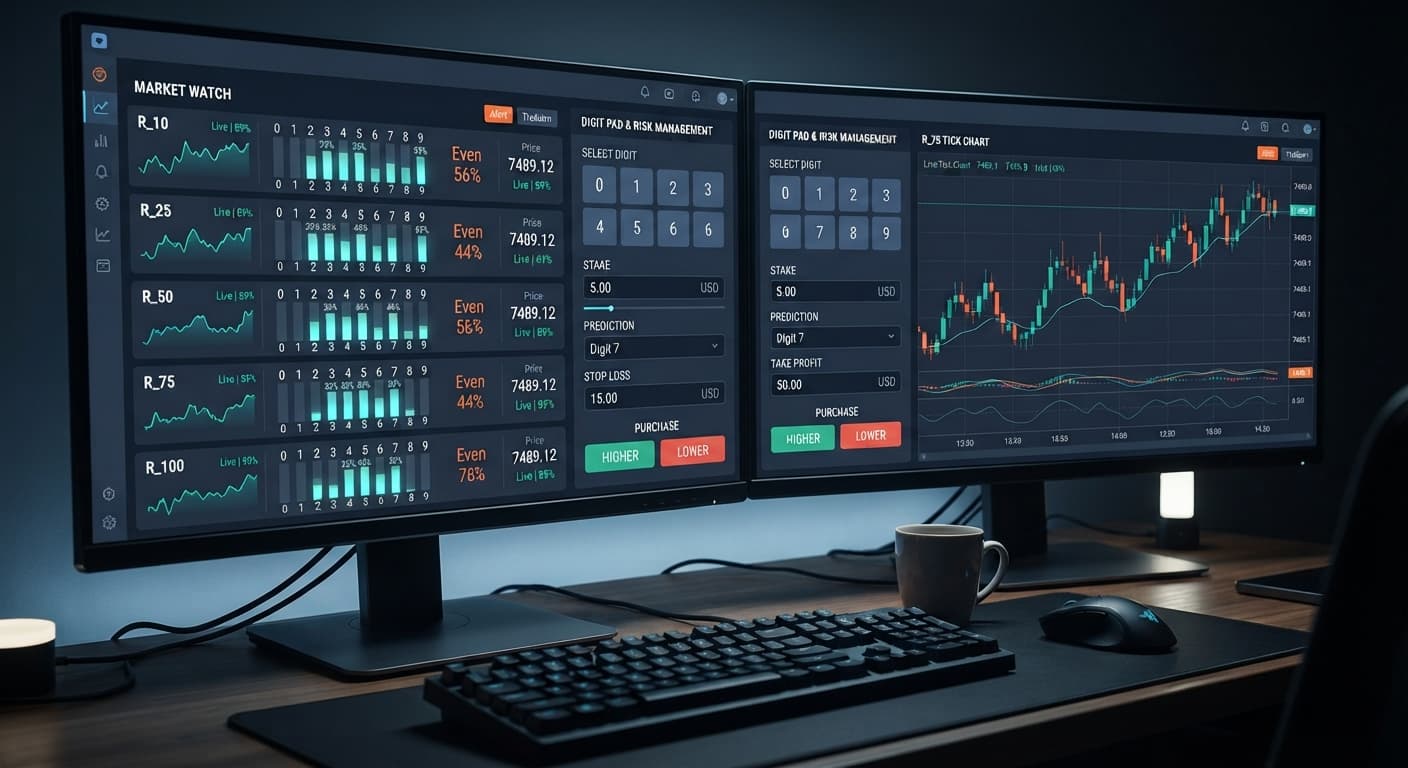
Digit Pad presents a unified board that streams data from multiple volatility markets simultaneously. Instead of flipping between tabs to check digit distribution, you see real-time signals for R_10, R_25, R_50, R_75, and R_100 side by side. The tool connects directly to Deriv over their official API, executing your orders immediately when you trigger a contract.
+-----------------------------------------------------------------------+
|                           DIGIT PAD DASHBOARD                         |
+-----------------------------------------------------------------------+
|  MARKET MATRIX:  [R_10]   [R_25]   [R_50]   [R_75]   [R_100]          |
|  LIVE SIGNALS:    Even 54%  Diff 91%  Odd 52%  Diff 88%  Even 56%     |
+-----------------------------------------------------------------------+
|  INPUT CONTROLS:                                                      |
|   - market selection : [ R_75       v ]                               |
|   - stake            : [ 2.00 USD   ]                               |
|   - digit target     : [ 7          v ]                               |
+-----------------------------------------------------------------------+
|  ACTION BUTTONS:       [ TRADE DIGITDIFF ]   [ TRADE EVEN/ODD ]       |
+-----------------------------------------------------------------------+
To configure your session setup, locate these exact controls on the dashboard:
Digit Differs contracts.Because Digit Pad is a manual trade pad rather than an automated hands-off bot, setting your take profit goal requires tracking your running net profit in the interface log. You don't set a machine algorithm to auto-disconnect; you pick your setups using the matrix, click to execute contracts, and stop placing orders the moment your net session profit matches your target figure.
Your take profit target relies heavily on which contract mode you select. Digit Pad supports two primary strategies using three official Deriv contract types: DIGITDIFF, DIGITEVEN, and DIGITODD.
Digit Differs trades pay out a low return (9.9% of stake) with a high statistical win probability (90% per tick) because you win whenever the last digit does not match your chosen digit target. Even/Odd trades pay out a roughly 95% to 96% return with a ~50% probability per tick, placing either a DIGITEVEN or DIGITODD contract depending on your signal selection.
| Strategy Mode | Deriv Contract Type | Win Probability | Return on Stake | Typical Take Profit Target (20-Trade Session) |
|---|---|---|---|---|
| Digit Differs | DIGITDIFF |
~90.0% | ~9.9% | +1.0x to +1.5x initial base stake |
| Even/Odd | DIGITEVEN |
~50.0% | ~95.0% | +2.0x to +4.0x initial base stake |
| Even/Odd | DIGITODD |
~50.0% | ~95.0% | +2.0x to +4.0x initial base stake |
When trading Digit Differs, your profit per trade is small. Accumulating a $10 profit using $10 stakes takes roughly 11 consecutive winning contracts. If a single loss occurs, it clears out about 10 winning trades. That mathematical reality means your digit pad take profit settings for Digit Differs should aim for short, focused sessions of 5 to 8 winning ticks rather than prolonged runs.
For Even/Odd strategies on deriv bots, individual payouts are larger, but consecutive losses happen far more frequently. Set a profit cap that reflects that volatility so you walk away while ahead.
Follow these steps to establish your trade parameters and manage your session limits on Digit Pad.
Open your session on a demo account. Calculate your session take profit goal before touching any execution controls. If your balance is $200 and your session goal is a 5% gain, your take profit mark is exactly $10 net profit. Set your session stop loss to $20 to protect your bankroll.
stakeNavigate to the stake field on the panel. Input your fixed trade size. For a $200 account balance running Digit Differs, set stake to 10.00. Never risk more than 5% of your total balance on a single trade.
market selectionLook at the multi-market digit matrix across R_10, R_25, R_50, R_75, and R_100. Identify the index displaying the clearest imbalance. Select that market inside the market selection dropdown menu.
digit target for Differs or Even/OddIf you're trading Digit Differs, select your target digit (0–9) using the digit target control. Choose the digit that currently shows the lowest frequency percentage on the matrix. If you're trading Even/Odd, pick the market showing the strongest directional bias on the board.
Click to place your contract. Monitor your trade output log after each tick resolves. Add up your net payouts as trades settle. The instant your cumulative gain reaches your $10 take profit goal, stop clicking. Close the trading interface for the session.
Understanding how time flows on Deriv synthetic indices is essential for manual trade speed. On standard Volatility 10, 25, 50, 75, and 100 indices, a new tick generates exactly once every 1 second (1,000 milliseconds).
Tick Timeline (R_100 - 1-Second Generation Rate)

Tick 0            Tick 1            Tick 2            Tick 3
  |-----------------|-----------------|-----------------|
  ^                 ^                                   ^
Click Trade     Deriv API                           Contract
Issued          Acknowledged                        Settles
(0 ms)          (~150 ms)                           (1-Tick Duration)
When you click a trade button on binary bots, your request travels to Deriv's API server, places the contract, and returns a confirmation. Here is how tick durations translate to actual wall-clock seconds across standard indices:
| Index Market | Tick Generation Rate | 1-Tick Contract Duration | 10-Tick Session Duration | 20-Tick Session Duration | 50-Tick Session Duration |
|---|---|---|---|---|---|
| R_10 | 1 tick / second | 1.0 second | 10 seconds | 20 seconds | 50 seconds |
| R_25 | 1 tick / second | 1.0 second | 10 seconds | 20 seconds | 50 seconds |
| R_50 | 1 tick / second | 1.0 second | 10 seconds | 20 seconds | 50 seconds |
| R_75 | 1 tick / second | 1.0 second | 10 seconds | 20 seconds | 50 seconds |
| R_100 | 1 tick / second | 1.0 second | 10 seconds | 20 seconds | 50 seconds |
Because single-tick contracts resolve in 1.0 second, network latency between your browser and Deriv determines your actual entry price point. A typical API round-trip transaction takes 100 to 250 milliseconds.
If you click to execute a trade based on a digit signal seen on tick 12, your order reaches the engine around tick 12.2. The contract then evaluates on the very next incoming tick (tick 13). Because synthetic price draws are independent, that 1-second window means price action moves regardless of your entry timing.
Managing your digit pad take profit settings with precise tick awareness keeps you focused. Taking 10 quick trades on R_100 takes less than 30 seconds of total market exposure. Keeping your exposure windows brief reduces your risk of encountering an unexpected losing streak.
Test these execution strategies on Digit Pad using a demo balance before trading real capital.
If you don't have one yet, create a free Deriv account to begin testing synthetic index strategies.
Trading involves risk. Past performance does not guarantee future results.
Related: Digit Pad Stop Loss Setup for Volatility Indices
Related: Digit Pad on Volatility 75: Setup & Execution Guide
Free multi-market digit trading tool for Deriv — trade Digit Differs and Even/Odd across all volatility indices simultaneously with real-time signals for R_10, R_25, R_50, R_75 and R_100.
Open Digit Pad →No, Digit Pad is a manual trade pad rather than an automated bot, so it won't auto-disconnect or stop for you. Your take profit rule acts as a strict personal exit limit where you have to manually stop placing orders once you reach your target.
You set your target by tracking your running net profit in the interface log while you trade. Once your net session profit matches your desired figure, you simply stop clicking to execute contracts.
You can trade across volatility markets R_10, R_25, R_50, R_75, and R_100. The dashboard streams live signals for all of these markets simultaneously so you don't have to flip between tabs.
Yes, you should always test your targets on a Deriv demo account before trading with real capital. This lets you see how the manual execution works without risking your own money.
Guides closest to this one.
Execute a strict digit pad stop loss setup by defining your maximum drawdown on paper before trading, since manual order pads lack automated stop scripts.
Connect your API token, select R_75, and run the digit pad on volatility 75 manually using live frequency matrices and instant order buttons on Deriv.
Use the 5-step digit pad on volatility 25 setup guide to configure Even/Odd trades, select R_25, input your stake, and monitor live tick stats.