
Deriv Basics
How to Check Digit Contracts on BinaryBot.live
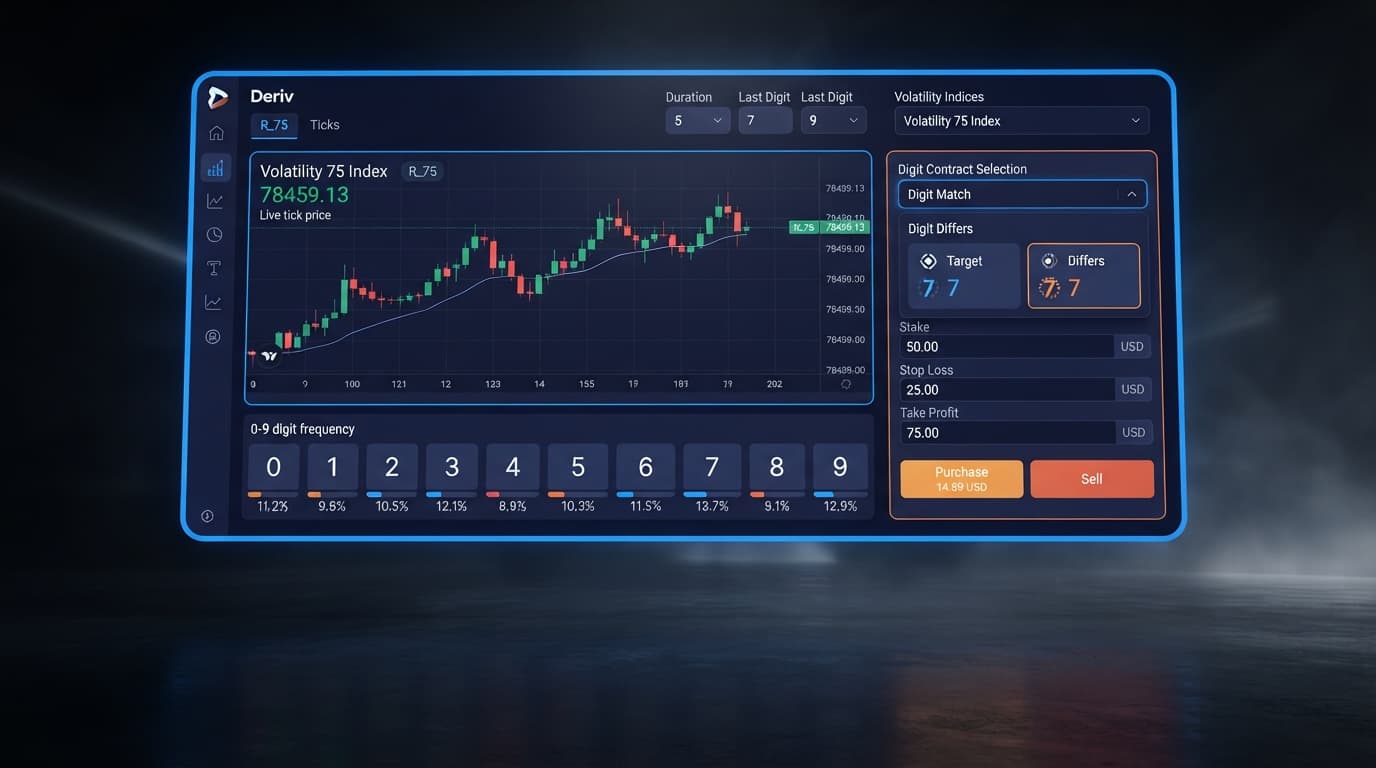
Deriv synthetic index digit contracts settle against the final decimal digit of a tick from 0 to 9, supporting Even, Odd, Over, Under, Match, and Diff types.
If you're looking at digit trading on Deriv for the first time, the terminology feels like a wall of code. You see contract types like DIGITEVEN or DIGITMATCH, and it isn't clear which ones you can actually run or how a browser tool connects to your account.
Checking contract availability doesn't require prior trading experience or risking a single cent. Web-based platforms run directly in your browser, connecting straight to Deriv over their official API using an access token you generate yourself. Here is how to verify which digit contracts are active, how the underlying probabilities work, and how to safely test them.
When you trade digit contracts on Deriv's synthetic market indices, you aren't buying assets like gold or currency. You're placing a contract on the final digit of a price quote (the tick). Every price tick ends in a single number from 0 through 9.
Six specific digit contract types exist within this ecosystem:
DIGITEVEN: Pays out if the last digit of the tick is 0, 2, 4, 6, or 8.DIGITODD: Pays out if the last digit of the tick is 1, 3, 5, 7, or 9.DIGITOVER: Pays out if the last digit is strictly higher than your target barrier.DIGITUNDER: Pays out if the last digit is strictly lower than your target barrier.DIGITMATCH: Pays out if the last digit matches your selected target digit exactly.DIGITDIFF: Pays out if the last digit is anything except your selected target digit.To execute trades or fetch real-time digit statistics through automated tools, your browser needs permission to talk to Deriv. You grant this permission using an API token—a unique string of letters and numbers generated inside your Deriv account settings.
When you use binary bots on BinaryBot.live, you paste this token into the browser interface. The tool connects directly to Deriv. No money ever passes into or out of BinaryBot.live, because the software doesn't have a central ledger or deposit wallet.
A common point of confusion for beginners is whether a third-party site holds custody of your trading funds. It doesn't.
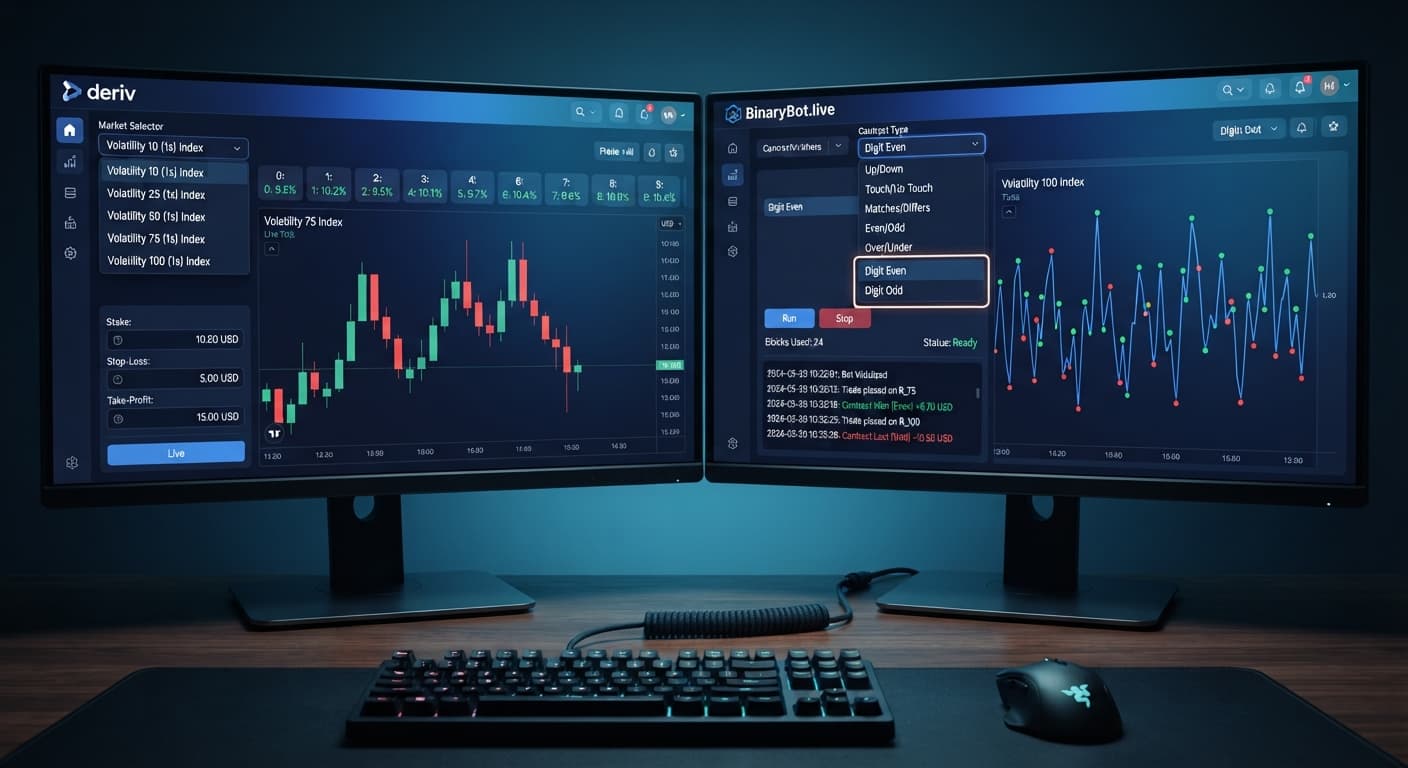
When you load a script from the free bot library, the execution happens locally in your web browser. The API token opens a secure channel to Deriv. The browser sends a message asking which contract types are open for a chosen synthetic index, such as Volatility 100 Index or Volatility 10 (1s) Index. Deriv returns a list of supported contract types, current payout rates, and active tick streams.
Because the verification happens over Deriv's official interface, contract availability depends entirely on Deriv's market rules. If DIGITEVEN is active on Volatility 75, your browser interface displays it immediately.
When generating your token inside Deriv, you control the permissions (called scopes). Automated tools require only two scopes:
Admin and Payment scopes are completely unnecessary and should never be enabled for automated trading scripts.
Every synthetic index tick generated by Deriv is independent. A 7 landing on one tick doesn't lower or raise the chances of a 7 landing on the next. The probability of any single digit from 0 to 9 appearing on a fair tick stream is exactly 1 in 10, or 10%.
Because the probability is fixed by the contract definition, you can calculate the exact break-even point for every available contract type. Brokers include a house margin inside the payout structure. If a contract has a 50% mathematical probability of winning, the payout won't double your money—it will pay slightly less than a 100% net return.
The break-even formula is simple:Required Win Rate = Stake / (Stake + Net Profit Payout)
Here is how the numbers stack up across a $1.00 reference stake across different digit contract types:
| Contract Type | Underlying Winning Digits | Mathematical Win Odds | Typical Net Payout on $1 Stake | Total Return on Win | Required Break-Even Win Rate |
|---|---|---|---|---|---|
DIGITEVEN |
0, 2, 4, 6, 8 (5 digits) | 50.00% | $0.95 | $1.95 | 51.28% |
DIGITODD |
1, 3, 5, 7, 9 (5 digits) | 50.00% | $0.95 | $1.95 | 51.28% |
DIGITOVER (Barrier 4) |
5, 6, 7, 8, 9 (5 digits) | 50.00% | $0.95 | $1.95 | 51.28% |
DIGITUNDER (Barrier 5) |
0, 1, 2, 3, 4 (5 digits) | 50.00% | $0.95 | $1.95 | 51.28% |
DIGITMATCH (Single Digit) |
1 specific digit (e.g., 7) | 10.00% | $8.00 | $9.00 | 11.11% |
DIGITDIFF (Single Digit) |
9 remaining digits | 90.00% | $0.09 | $1.09 | 91.82% |
Look closely at DIGITDIFF. It feels easy to win because 9 out of 10 digits guarantee a payout. However, a $1.00 stake yields only $0.09 in net profit. If you lose once, you lose $1.00. You need more than 11 consecutive wins just to recover from a single loss. To break even over time, you must hit a 91.82% win rate, even though the underlying odds are strictly 90.00%.
Understanding this arithmetic prevents beginners from misinterpreting a high win rate as an automatic profit strategy.
Before loading any configuration on a live account, run your tests using a virtual balance. Deriv provides demo accounts loaded with virtual money specifically for checking bot responses and verifying available contract types.
Log into your account on Deriv and open your security settings. Select API Token. Create a token label (for example, "BinaryBot-Test") and check the boxes for Read and Trade only. Uncheck all other options, click create, and copy the string to your clipboard.
Navigate to the site and launch a free tool like the LDP Analyzer Pro. You don't need an account or sign-up form on the site itself. The page loads directly inside your web browser.
Paste your API token into the token input box and click connect. Check the top bar of the application. It will display your account ID and current balance. If your account ID begins with "VRTC", you're on your virtual demo account. If it shows a real currency balance, stop and switch your active account inside Deriv to demo mode before proceeding.
Select a market from the drop-down menu, such as Volatility 100 Index. Look at the contract availability indicators on screen. The interface will populate with live tick feeds and light up the available digit execution buttons (DIGITEVEN, DIGITODD, DIGITOVER, DIGITUNDER, DIGITMATCH, DIGITDIFF).
Place a single trade on DIGITEVEN using a $1 virtual stake. Watch the execution log show the tick capture, contract purchase, and settlement.
When beginners encounter errors or unexpected balance drops while running deriv bots, the cause is almost always a configuration mistake rather than a network failure.
DIGITDIFF contracts with stake-multipliers after a loss. Because a single loss wipes out ten small wins, multiplying stakes rapidly consumes an entire balance.Try analyzing contract availability and digit distributions yourself on the LDP Analyzer dashboard using a virtual demo balance.
If you don't have an active account to generate a test token, create a free Deriv account to access the virtual testing platform.
Trading involves risk. Past performance does not guarantee future results.
Related: What Happens to Your Deriv API Token When You Close Tabs
Related: Which Deriv API Token Scopes to Select for Beginners
The groundwork every bot guide assumes you already have — creating a Deriv API token, choosing demo vs real, and connecting safely.
Start with a Free Bot →An API token is a unique string of letters and numbers you generate in your Deriv account settings to let browser tools talk to Deriv. You just paste this token into the browser interface, which opens a secure channel so the tool can pull live tick data and execute trades.
No, they don't hold your money because they lack a central ledger or deposit wallet. Execution happens locally in your web browser, and your funds stay securely on Deriv's official platform.
You only need to enable the Read and Trade scopes so the browser can pull live tick data and open or close contracts. Never enable Admin and Payment scopes for automated trading scripts.
The six types are DIGITEVEN, DIGITODD, DIGITOVER, DIGITUNDER, DIGITMATCH, and DIGITDIFF. They all pay out based on predictions of the final single-digit number (from 0 through 9) of a price tick.
Guides closest to this one.
Deriv synthetic index digit contracts settle against the final decimal digit of a tick from 0 to 9, supporting Even, Odd, Over, Under, Match, and Diff types.
Closing your browser tab halts script processing on Deriv immediately, but your active positions run to completion and your API token stays in local storage.
Select only Read and Trade API token scopes for automated Deriv strategies. Never select Payments or Admin scopes to protect your account funds.