Deriv Basics
Beginner's Guide to Free Deriv Bots: No Coding Needed
Learn how to find and run free deriv bots on BinaryBot.live with zero coding or downloads required. Start your beginner journey today!
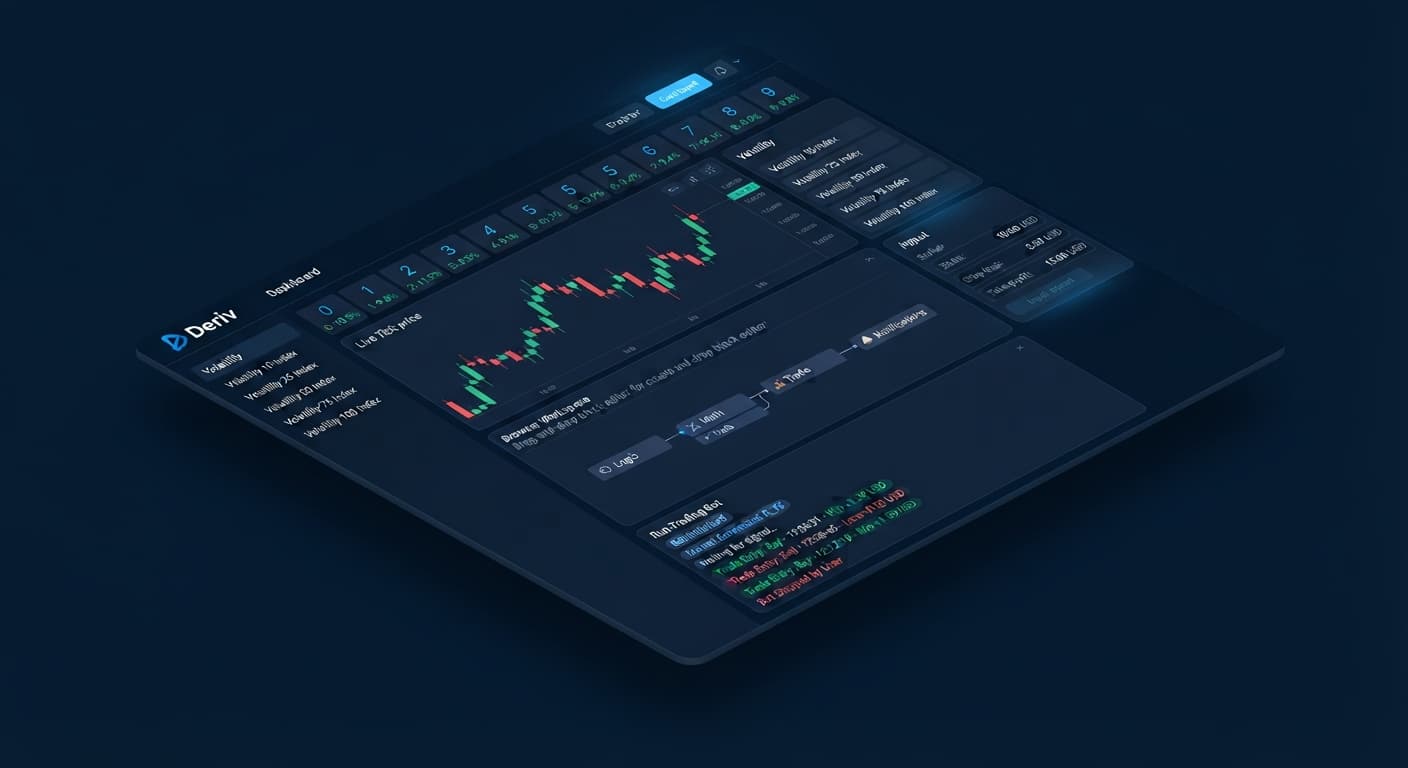
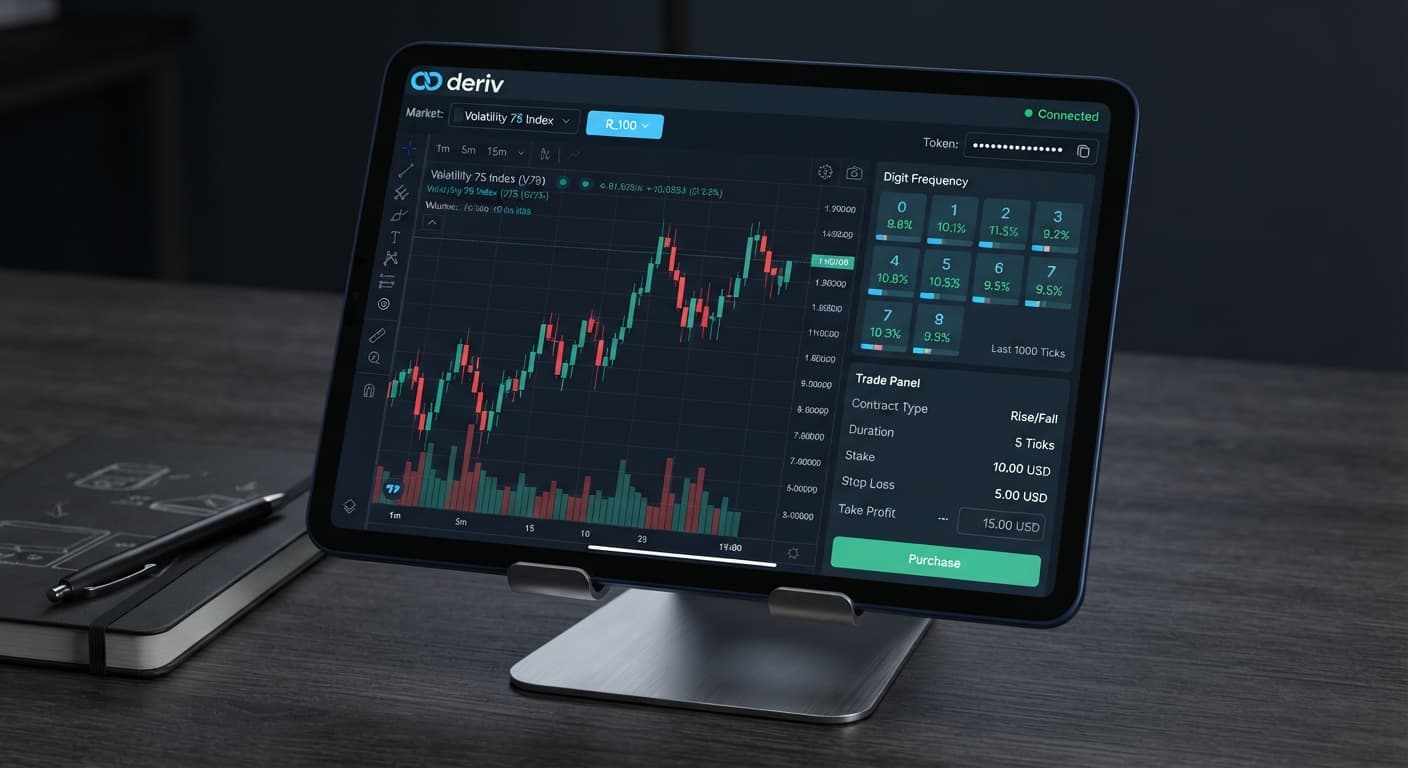
If you're looking for a free deriv bot download, stop searching for ZIP files or XML scripts to put on your computer. You don't need to download local files to automate trades on Deriv. Modern automated trading runs directly inside your web browser using secure API tokens, letting you connect directly to Deriv without installing third-party software.
Downloading executable software or third-party bot scripts carries real security risks. Malware disguised as trading software can steal login credentials or intercept trading traffic. Web-browser automation fixes this issue completely. By running browser-based tools, every order stays on your own account, and no third party handles your capital.
Automated trading gets confusing fast if you don't know the vocabulary. Here's what those interface terms mean before you push any buttons.
Digit contracts evaluate the final digit of a price payout over a set number of ticks. Mainstream contract types include:
Market Price: 1245.83 -> Last Digit = 3
DIGITEVEN: Lose (3 is odd)
DIGITODD: Win (3 is odd)
DIGITUNDER 5: Win (3 is less than 5)
DIGITOVER 5: Lose (3 is not greater than 5)
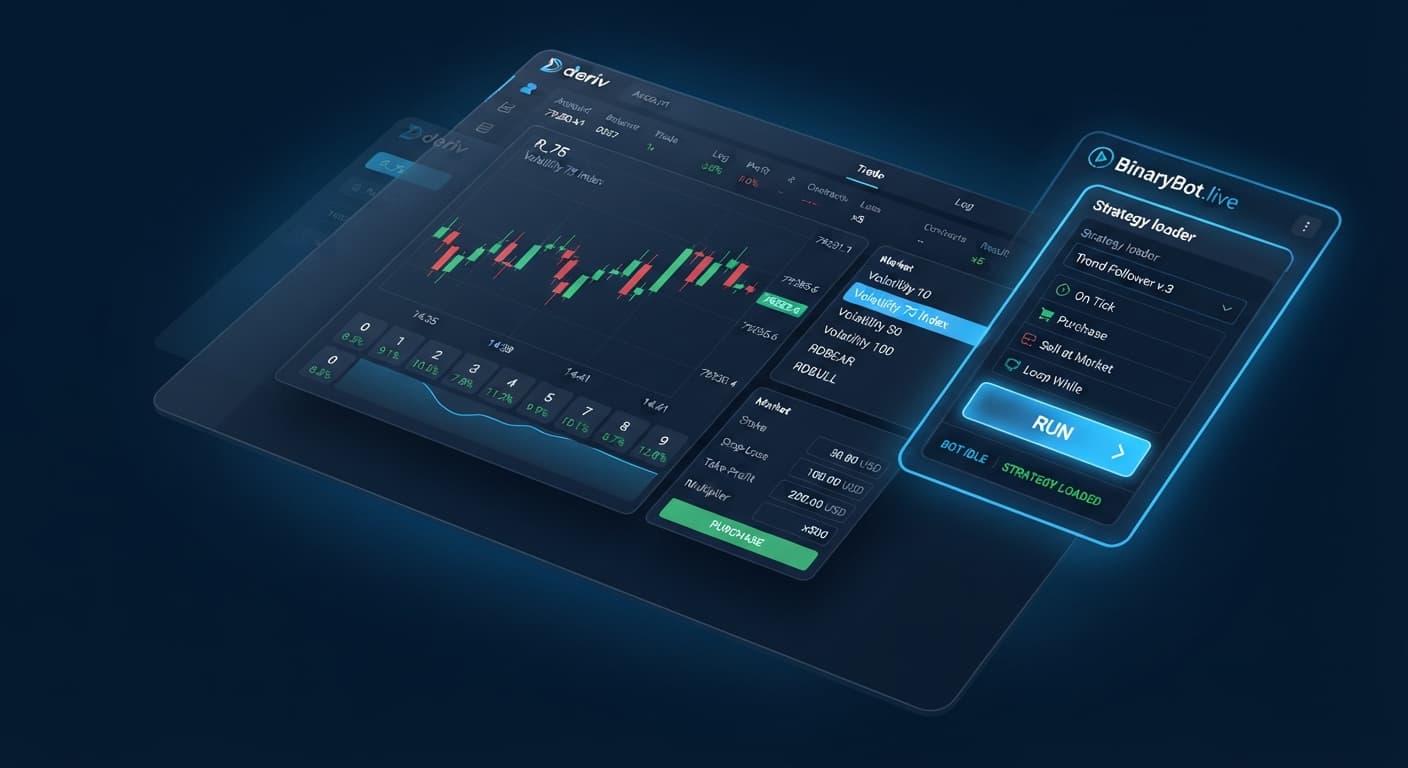
Old-school automated trading required downloading executable software or custom files to run inside desktop platforms. That workflow is outdated. When you use web-based tools like the free bot library on BinaryBot.live, your browser connects directly to Deriv over their official API.
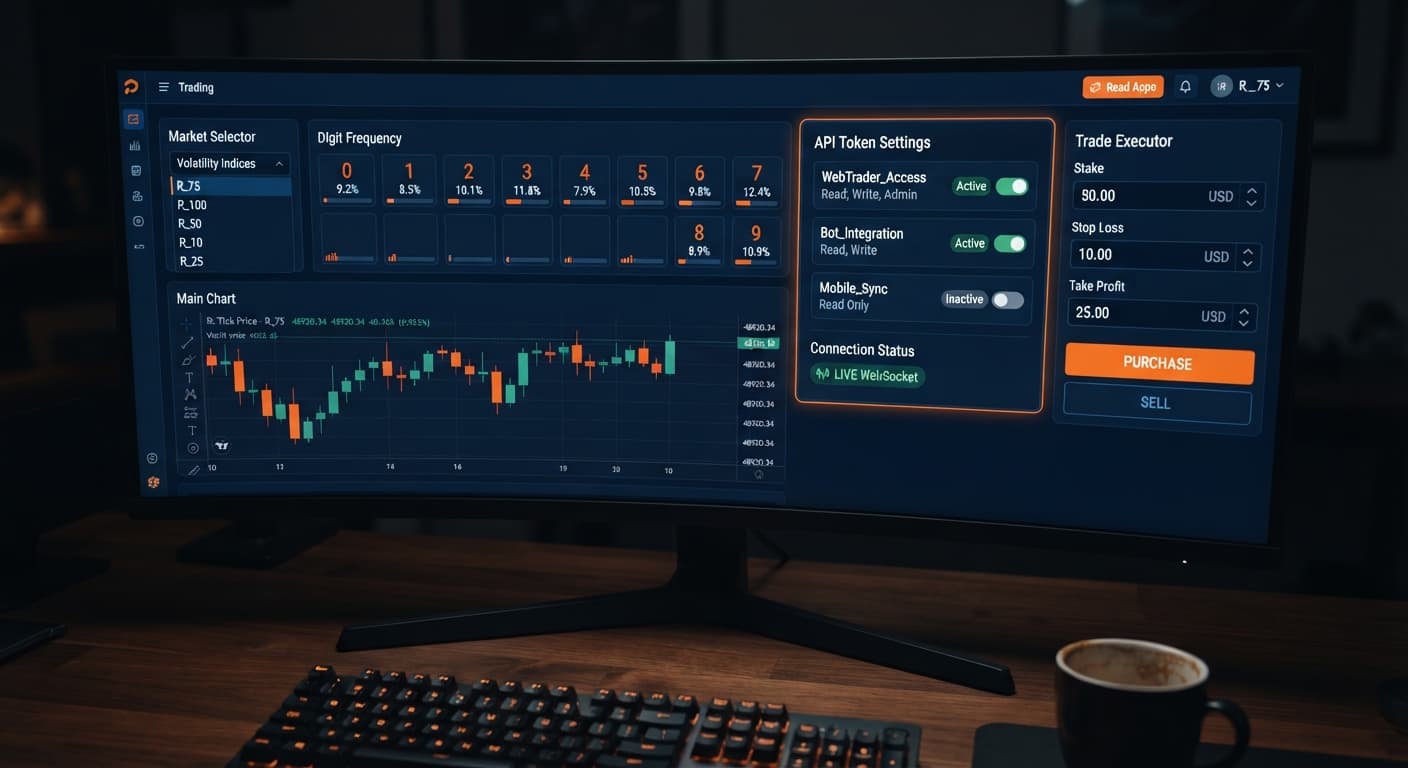
Your account credentials never leave Deriv. You issue an API token from your account dashboard, paste it into the browser interface, and the web tool sends order instructions straight to Deriv's trade server. No middleman sits between your browser and the broker. No local software updates break your setup, and no malicious executables end up on your hard drive.
Browser automation also gives you access to real-time tools without complex installation steps. If you want to analyze recent digit distribution before running automated contracts, you can open the LDP Analyzer dashboard directly in another tab, monitor tick history, and apply those observations to your session instantly.
When running web-based deriv bots, monitoring your screen state tells you exactly how your connection and contracts are performing. You don't need to guess if an order executed—the browser dashboard updates status logs in real time.
| Interface Component | Normal Operating State | Error or Stalled State | Corrective Action |
|---|---|---|---|
| API Connection Status | Green indicator reading "Connected" | Red indicator reading "Disconnected" or yellow reading "Connecting" | Refresh token or check local internet connection |
| Token Scope Status | Shows active account balance and account ID | "Invalid Token" or "Permission Denied" text in event log | Generate a new token with read and trade scopes checked |
| Trade Log Window | Displays contract ID, entry digit, and result within 1-2 seconds | Blank window or repeating "Request Timeout" warnings | Pause execution, clear browser cache, and re-authenticate |
| Active Market Feed | Live tick stream updating every second | Ticks stop updating for more than 3 seconds | Switch market selection or re-establish API connection |
If a connection stalls mid-session, the interface status indicator changes immediately. A healthy connection prints contract purchases to the trade log inside two seconds. If the log stops showing incoming tick updates, your local network dropped packets. You don't need to guess whether trades are firing; the log visually confirms every buy order issued over your token.
Follow these five steps to launch a session on virtual funds without downloading any local files.
Log into your account on Deriv, go to Account Settings, and find the API Token section. Create a new token named "Web Trading Bot". Check the boxes for read and trade scopes only. Do not select admin or payment scopes—browser-based automated tools never require those permissions. Copy the generated token string to your clipboard.
Open your web browser and launch Sniper Bot V3 or another option from the dashboard. Locate the API token input box on the control panel. Paste your token string into the field and click connect. Check the top bar: your demo account balance and virtual account number should appear immediately alongside a green connection status.
Select your target asset from the dropdown list, such as Volatility 75 Index. Choose your preferred contract strategy, such as DIGITEVEN or DIGITUNDER. Set your contract duration to 1 tick. If using DIGITUNDER, pick your barrier threshold—setting a barrier of 7 gives you an 80% theoretical probability on each tick, as digits 0 through 6 win.
Input your trading rules into the parameter fields. Set your target payout profit and maximum allowable loss threshold for the session. For a demo account balance of $10,000, setting a stop loss limit of $100 and a profit target of $20 keeps your testing disciplined. Double-check that your base stake amount is set to a low testing level, like $1.00.
Click the green Start button on the interface. Watch the execution log as the tool analyzes incoming ticks and submits purchase requests. Confirm that the trade log records each contract entry digit, contract ID, and payout result. Let the session run on your virtual balance until it reaches your target parameter or stop limit.
Most mistakes traders make with binary bots aren't caused by market bad luck—they come from misconfigured software settings. Here are the four most common mistakes and the exact adjustments needed to fix them.
Browser-based web apps eliminate the risk of unsafe software installs while giving you complete control over your trade execution. Skip the dangerous executable searches, manage your risk parameters strictly, and run your testing on virtual funds first.
Try it yourself on the free browser-based trading tools using a demo balance first.
If you don't have a virtual testing environment yet, create a free Deriv account to start safely.
Trading involves risk. Past performance does not guarantee future results.
Related: Beginner's Guide to Free Deriv Bots: No Coding Needed
Related: Why Is My Deriv Bot Not Placing Trades? Beginner Fix
The groundwork every bot guide assumes you already have — creating a Deriv API token, choosing demo vs real, and connecting safely.
Start with a Free Bot →You don't need to download local files, ZIPs, or XML scripts to your computer. Modern automated trading runs directly inside your web browser using secure API tokens without installing third-party software.
It's a unique alphanumeric string generated inside your Deriv account settings that acts as an access key. You paste this token into a browser interface so the web tool can read your live price feed and place contracts directly on Deriv's trade server.
Downloading executable software or third-party bot scripts carries real security risks like malware that can steal login credentials. Running browser-based tools avoids these dangers because no third party handles your capital and your credentials never leave Deriv.
It's the single final number at the right end of a market price string. For example, if a price reads 842.37, the last digit is 7, which is used to evaluate digit contracts over a set number of ticks.
Guides closest to this one.
Learn how to find and run free deriv bots on BinaryBot.live with zero coding or downloads required. Start your beginner journey today!
Troubleshoot why is my deriv bot not placing trades on BinaryBot.live. Fix balance, token, and logic errors safely. Start debugging today.
Discover how do deriv bots work under the hood. Learn about API tokens, WebSockets, and browser execution for free deriv bot strategies. Try it now!