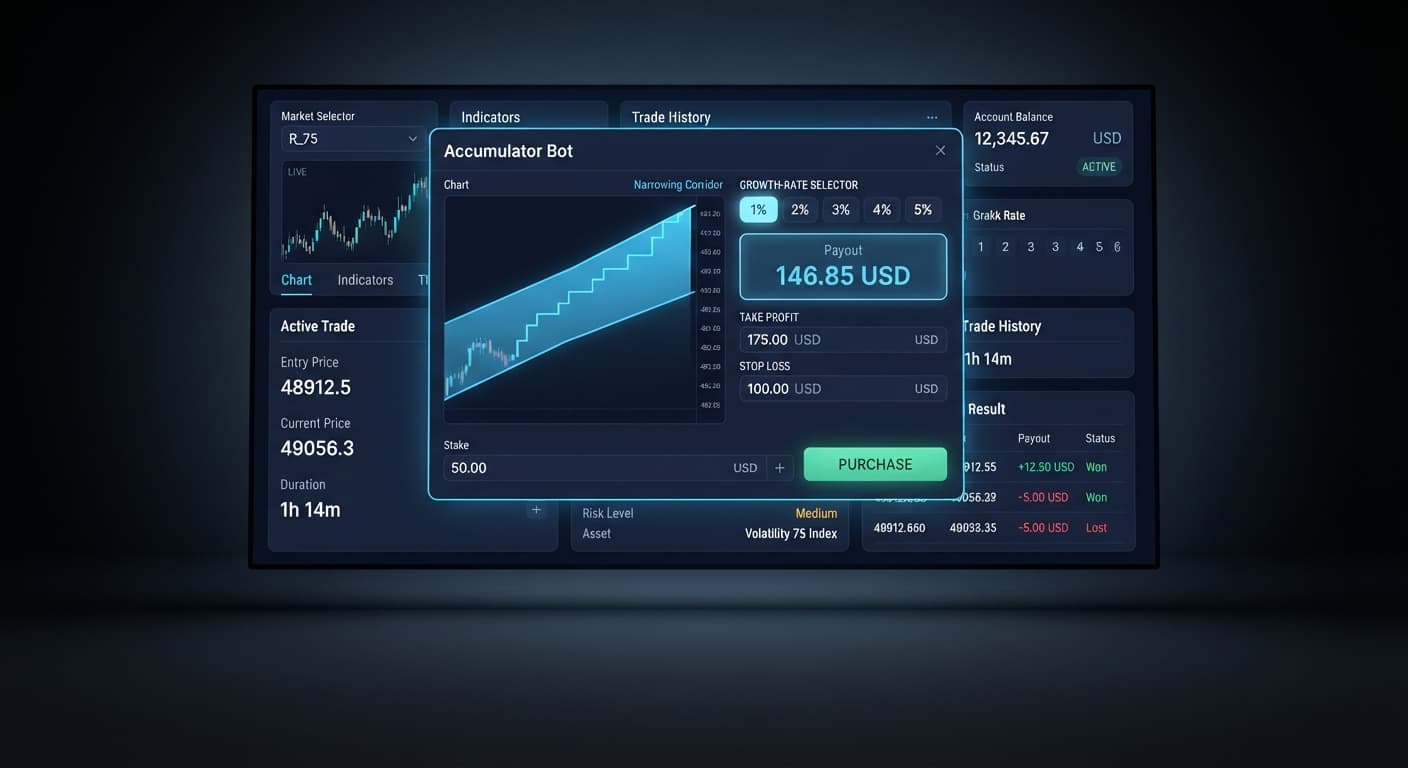
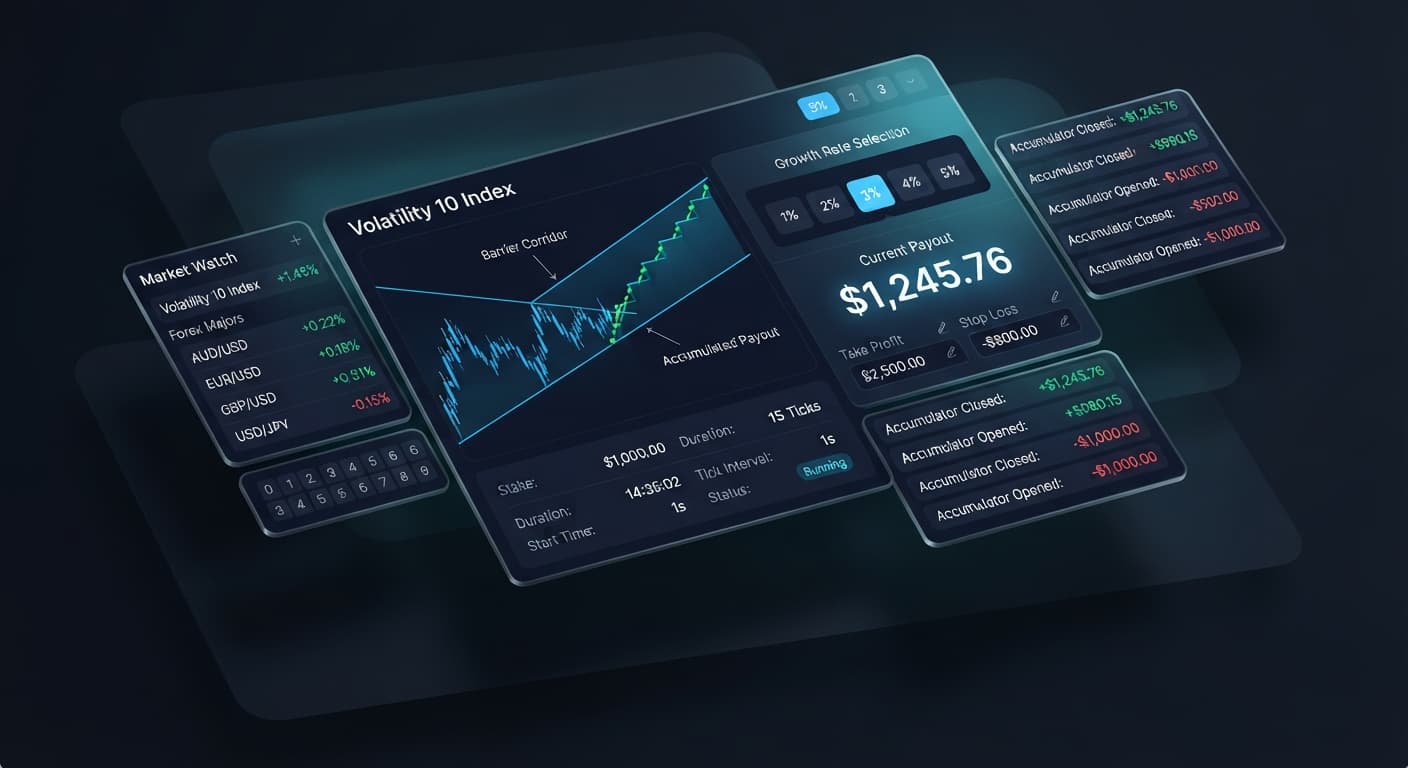
Auto Trading Bots
Accumulator Bot on Volatility 10 for Binary Bots
Learn how to configure the accumulator bot on volatility 10 index with binary bots. Master deriv automation and execute free deriv bot strategies today.
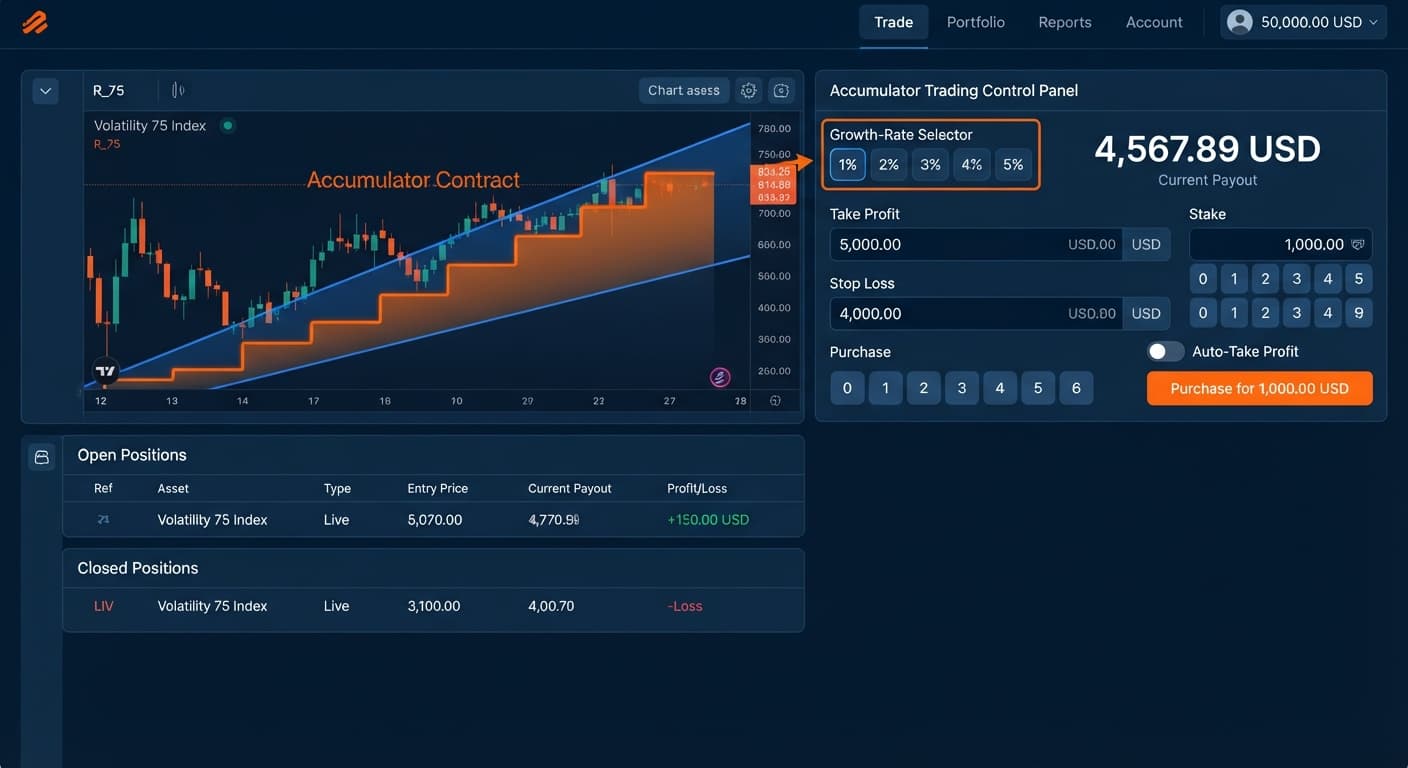
You set up your automated trading bot, pick a 5% Growth Rate, and hit start. The trade opens. Tick one passes. Tick two ticks down slightly. Knockout. Payout lost.
You try again. The exact same thing happens three ticks later. Out of ten runs, eight fail almost instantly before your target profit triggers.
Your account balance drops rapidly while you watch the logs. It feels like the execution is failing or the connection dropped, but the logs show the ACCU contract opened and closed in under four seconds. The platform executed the order correctly. The issue is mathematical.
The primary reason your accumulator trades keep failing early is choosing a 5% Growth Rate without adjusting for range barrier tightness.
On Deriv Accumulator contracts, your payout grows by a set percentage on every tick that stays within a specific price channel. To offer a high growth rate like 5%, the system draws an extremely narrow upper and lower barrier around the current price. On Volatility indices, normal tick fluctuations pass outside this small range easily. A single standard price jump triggers a knockout, ending the trade and losing your stake.
Drop your Growth Rate setting down to 1% or 2%. Lower growth rates expand the barrier range, giving price room to move without causing an instant knockout.
| Growth Rate | Barrier Width | Compounding Speed | Average Survival Window |
|---|---|---|---|
| 1% | Wide | Slow | High (10 to 30+ ticks) |
| 2% | Moderate | Moderate | Moderate (5 to 15 ticks) |
| 3% | Narrow | Fast | Low (3 to 8 ticks) |
| 4% | Very Narrow | Very Fast | Very Low (2 to 5 ticks) |
| 5% | Tightest | Fastest | Extreme Risk (1 to 3 ticks) |
When you run a free deriv bot on a 1% or 2% rate, your trade absorbs normal market noise. This gives your strategy time to reach its take profit level.
Accumulator range barriers react directly to market movement. If you trade Volatility 100 Index or Volatility 75 Index during active price expansion, tick steps widen. Even a 2% Growth Rate struggles when tick steps jump across the barrier bounds.
Fix this by switching your market selection. Test your strategy on lower-volatility markets like Volatility 10 Index or Volatility 25 Index first. Smaller price steps mean fewer sudden barrier breaches.
Expecting an accumulator contract to survive 20 or 30 consecutive ticks at high compounding rates is a fast way to lose money. Compounding multipliers look great in projections, but synthetic index ticks move randomly. The longer a contract stays open, the higher the probability that a single tick breaks the range.
Fix this by capping your target profit. Set your take profit to exit after 3 to 6 ticks on a 2% growth rate, or 5 to 10 ticks on a 1% rate. Lock in small, consistent payouts instead of holding until a knockout resets your balance.
Accumulator knockouts result in a total loss of the initial stake for that individual trade. Some traders use martingale stake progression to recover from knockouts quickly. Doubling your stake after consecutive failed trades drains a account faster than you expect.
Look at how fast the numbers grow with a $1 starting stake:
That is $31 gone in five short trades. A streak of five consecutive knockouts happens regularly on a 5% setting. Avoid aggressive martingale logic on ACCU contracts. Keep your base stake flat or set strict caps inside your risk settings.
Starting an automated accumulator without configuring explicit session limits leads to uncontrolled losses. If you press start before filling in your target profit and stop loss fields, the bot relies on default behaviors or runs until manual intervention.
Fill out every risk control field before turning the bot on:
stop loss dollar amount (for example, $10 on a $100 bankroll).take profit dollar target.target profit parameters carefully.Traders often look at recent tick charts or digit trends and assume a stable price period guarantees safety for the next trade.
Synthetic indices use continuous random number generation. Each tick is an independent event. Past stability does not widen your barrier or make the next tick less likely to break out. Treat every tick as an independent draw with identical odds.
Switch to a Deriv demo account and launch the automated accumulator mode with updated settings. Here is what you should observe when your setup is configured correctly:
Growth Rate.take profit and a firm stop loss.Your trades should survive normal tick fluctuations routinely. Instead of knocking out on tick two, trades will compound smoothly over multiple ticks and trigger your take profit automatically. Once you see a stable equity curve over 20 to 30 demo runs, your settings are adjusted properly for real market noise.
Try these settings yourself on the free Accumulator Bot dashboard using a virtual demo balance. If you need a trading balance to practice with, create a free Deriv account to get started immediately. Trading involves risk. Past performance does not guarantee future results.
Related: Step-by-Step Guide: Reading Live Ticks with LDP Analyzer
Related: Configuring Sniper Bot V3 Virtual Trades: Beginner Guide
Related: Step-by-Step Guide to Configuring AutoPilot for Deriv
Related: Configuring DualShot Risk Levels on BinaryBot.live
Related: Trading Volatility 75 on Digit Match and Differ Bots
Related: Digit Differs vs Digit Match on deriv bots
Related: Step-by-Step Guide: How to Use Accumulator Bot for Deriv Bots
Free automated accumulator trading bot for Deriv with take profit, target profit and stop loss controls, plus real-time chart analysis for volatility indices.
Open Accumulator Bot →Your Accumulator Bot is likely failing because you chose a 5% growth rate, which creates an extremely narrow price barrier. Normal tick fluctuations easily cross this tight range and trigger an instant knockout, often in under four seconds.
You should drop your growth rate setting down to 1% or 2% to give the price room to move. Lower growth rates expand the barrier range, helping your Accumulator Bot absorb normal market noise and survive longer.
Switch your market selection to lower-volatility options like the Volatility 10 Index or Volatility 25 Index. Smaller price steps on these markets result in fewer sudden barrier breaches compared to trading high-volatility indices during fast price swings.
Cap your target profit by setting your Accumulator Bot to exit after 3 to 6 ticks on a 2% growth rate, or 5 to 10 ticks on a 1% rate. Holding a contract open longer increases the probability that a single tick will break the range and cause a knockout.
Guides closest to this one.
Learn how to configure the accumulator bot on volatility 10 index with binary bots. Master deriv automation and execute free deriv bot strategies today.
Master your accumulator bot stop loss setup on Deriv volatility indices. Learn step-by-step configuration to manage risk. Try our free platform today.
Discover the accumulator bot best market conditions for Deriv bots. Learn how matching volatility indices to growth rates refines your strategy today.